USER MANUAL For MULTISCAN P2
Chapter 3 - 10
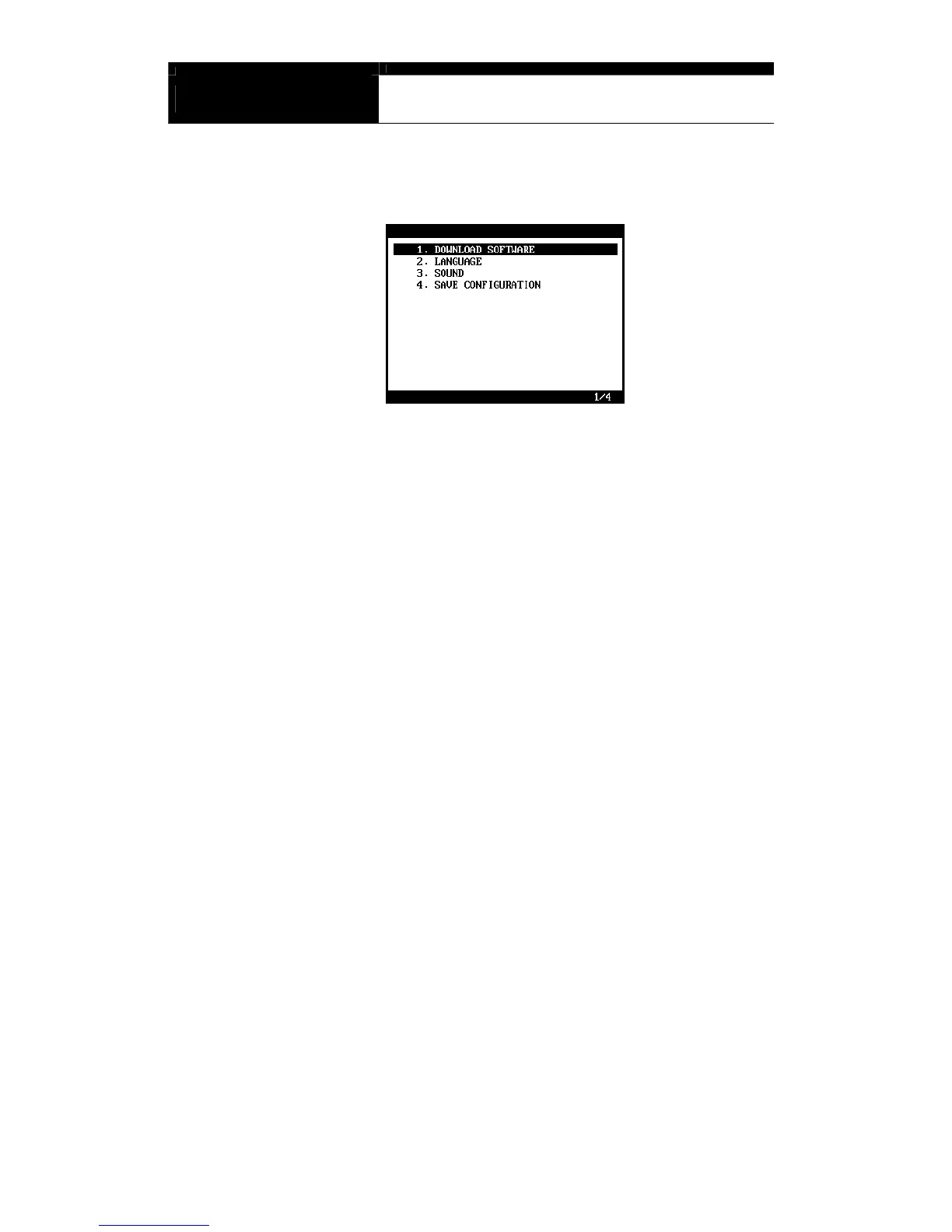
B. Special functions
1. Download software
- You can download the software updates from your PC when you
select [1. DOWNLOAD SOFTWARE].
- Instructions will be given separately whenever an update is available.
Contact your local distributor for the availability of update frequently
and keep posted of such events.
2. Language
- You can select provided language. English and Spanish languages
are available for menu selection.
3. Sound
- You can toggle ON and OFF the key sound.
4. Save Configuration
- If you have made any change in this [Special Function] menu, you
have to save the configuration to make such changes effective.
- Press the [4] key to save the changes in configuration



 To Next Page