USER MANUAL For MULTISCAN P2
Chapter 4 - 26
4. DTC
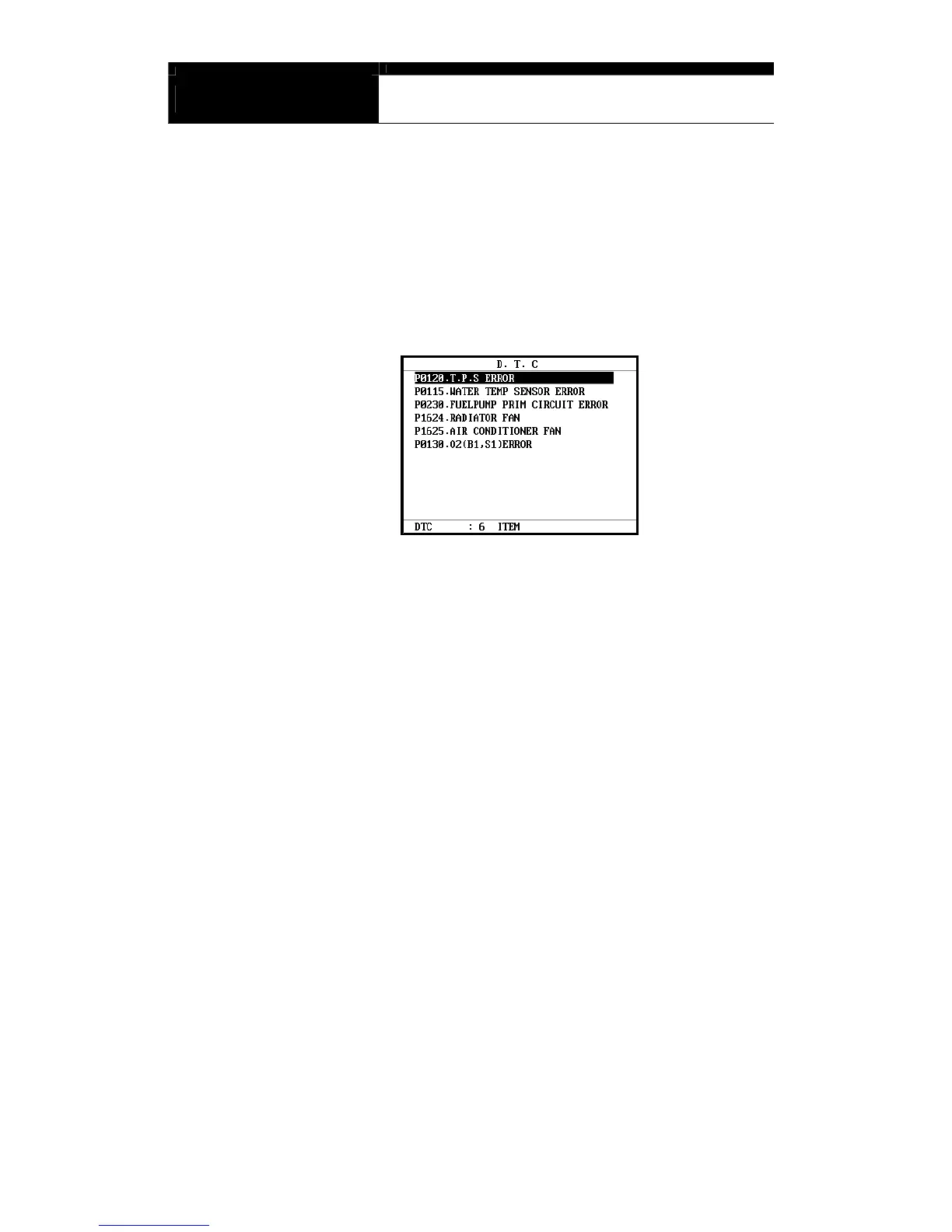
a You can check the DTC(s) found during recording Black Box Data.
b Make sure that the Black Box data replay is stopped. If it is being
replayed or paused, press the [NO] key to stop replaying completely.
c Press the [2] key then the list of DTC(s) will appear as below:
d Because Black Box Data is not live or active, you cannot erase DTC(s).


 To Next Page