Chapter 6
Hanatech Co., Ltd.
Chapter 6 - 3
B. Cabling
1. Scanner – Gas analyser interface
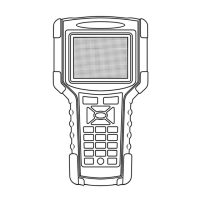
a Connect the 9-pin male connector of the gas analyser interface cable to
MULTISCAN P2 RS232 adapter.
b Connect the 9-pin female connector to the gas analyser.
2. Adding PC to the network
a Using HOST-PRO real-time PC interface, you can connect MULTISCAN
P2 with your PC maintaining the interface between the scanner and the
gas analyser.
b Connect the 15-pin female connector of the split cable to HOST-PRO
USB module 15-pin male connector.
c Connect the USB cable to the PC


 To Next Page