Getting started
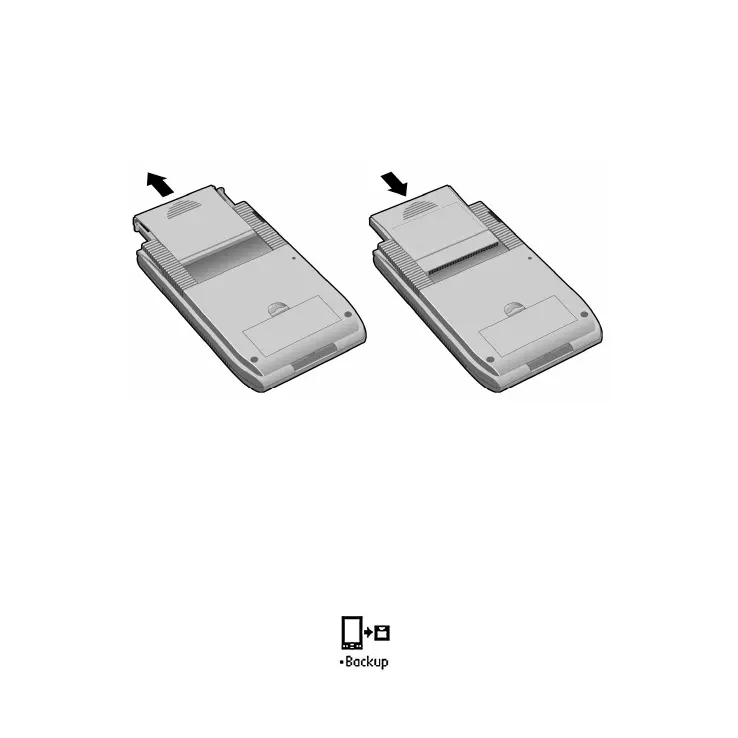
The Backup Module provides one-touch backup and restore for Handspring
handheld computers. To install, remove the slot protector and insert the
module in the expansion slot until the connectors are secure.
The Backup Module includes complete backup and restore software that lets
you make secure copies of your valuable handheld data with the touch of one
button. Restoring your data is just as easy.
When you insert the module the Backup application will launch automatically.
If you switch to another application, the Backup application will appear in the
Launcher with a bullet point next to its name.
Backup application icon



 To Next Page