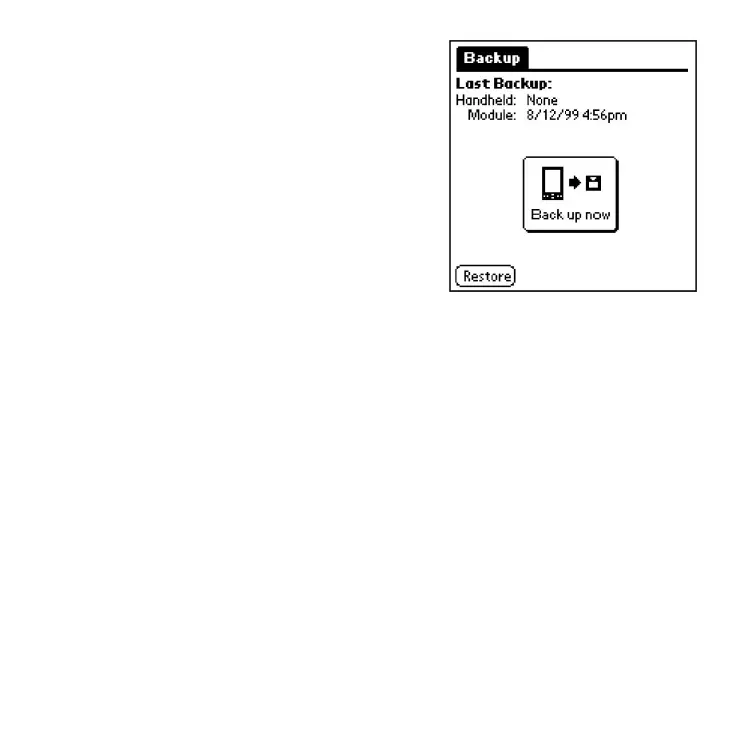
Backup application
1. Shows the date of the last handheld back-
up as well as the date of the data on the
module. These dates may not match if
the handheld has suffered a battery failure
or the module has been used with a dif-
ferent handheld.
2. Tap here to back up your handheld
3. Tap here to restore your handheld data
from the backup on the module
Tapping the Back Up Now button initiates a backup of all data on the hand-
held. The software displays a progress bar as it copies data to the module.
Tapping the Restore button overwrites the handheld with the data on the
Backup Module, returning the handheld to the state it was in a the time of
the last backup.
Important: Wait until the backup or restore has completed before you
remove the Backup Module from the handheld. Removing it while the back-
up or restore is running can result in damage to your data.



 To Next Page