Need help?
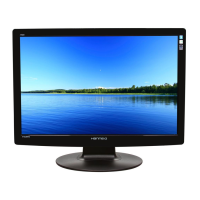
Do you have a question about the Hanns.G HH281 and is the answer not in the manual?
Critical warnings to prevent fire, shock, and property damage.
Instructions for correctly connecting the monitor to a power source.
Detailed instructions for connecting VGA, HDMI, and audio cables.
Overview of power connection, signal connection, and power-on sequence.
Adjusting display brightness, contrast, and specific contrast enhancement.
Troubleshooting steps for power, picture, sound, and connectivity issues.
 General
| Screen Size | 28 inches |
|---|---|
| Resolution | 1920 x 1200 |
| Aspect Ratio | 16:10 |
| Panel Type | TN |
| Refresh Rate | 60 Hz |
| Response Time | 5 ms |
| Contrast Ratio | 1000:1 |
| Viewing Angle | 160° horizontal, 160° vertical |
| Connectivity | VGA |
| Power Consumption | 65 W |

 To Next Page