Need help?
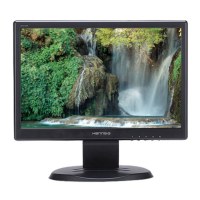
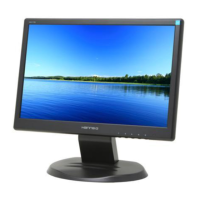
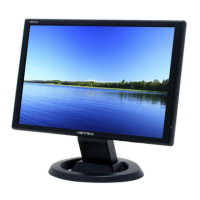
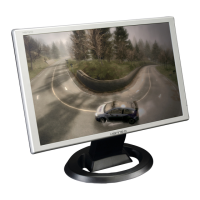
Do you have a question about the Hanns.G HW191 and is the answer not in the manual?
Important warnings regarding electrical safety, hazards, and product usage.
Guidelines for safe placement, ventilation, power handling, and usage.
Guide to connecting VGA, DVI-D, and Audio cables to the PC.
Basic operation steps and overview of the control panel buttons.
Detailed explanation of each button's function and usage notes.
Adjusting brightness, contrast, input source, and auto search.
Answers common questions regarding power, display, and connectivity issues.
Troubleshooting steps for 'Cable Not Connected' and 'Input Not Support' errors.
 General
| Screen Size | 19 inches |
|---|---|
| Resolution | 1440 x 900 |
| Panel Type | TN |
| Aspect Ratio | 16:10 |
| Brightness | 300 cd/m² |
| Contrast Ratio | 1000:1 |
| Response Time | 5 ms |
| Connectivity | VGA, DVI |
| Power Consumption | 45 W |
| Viewing Angle | 160° horizontal, 160° vertical |

 To Next Page