DG3 Controller – Installation and Operation
Manual
540846-3 page 39 of 64 25/09/2015
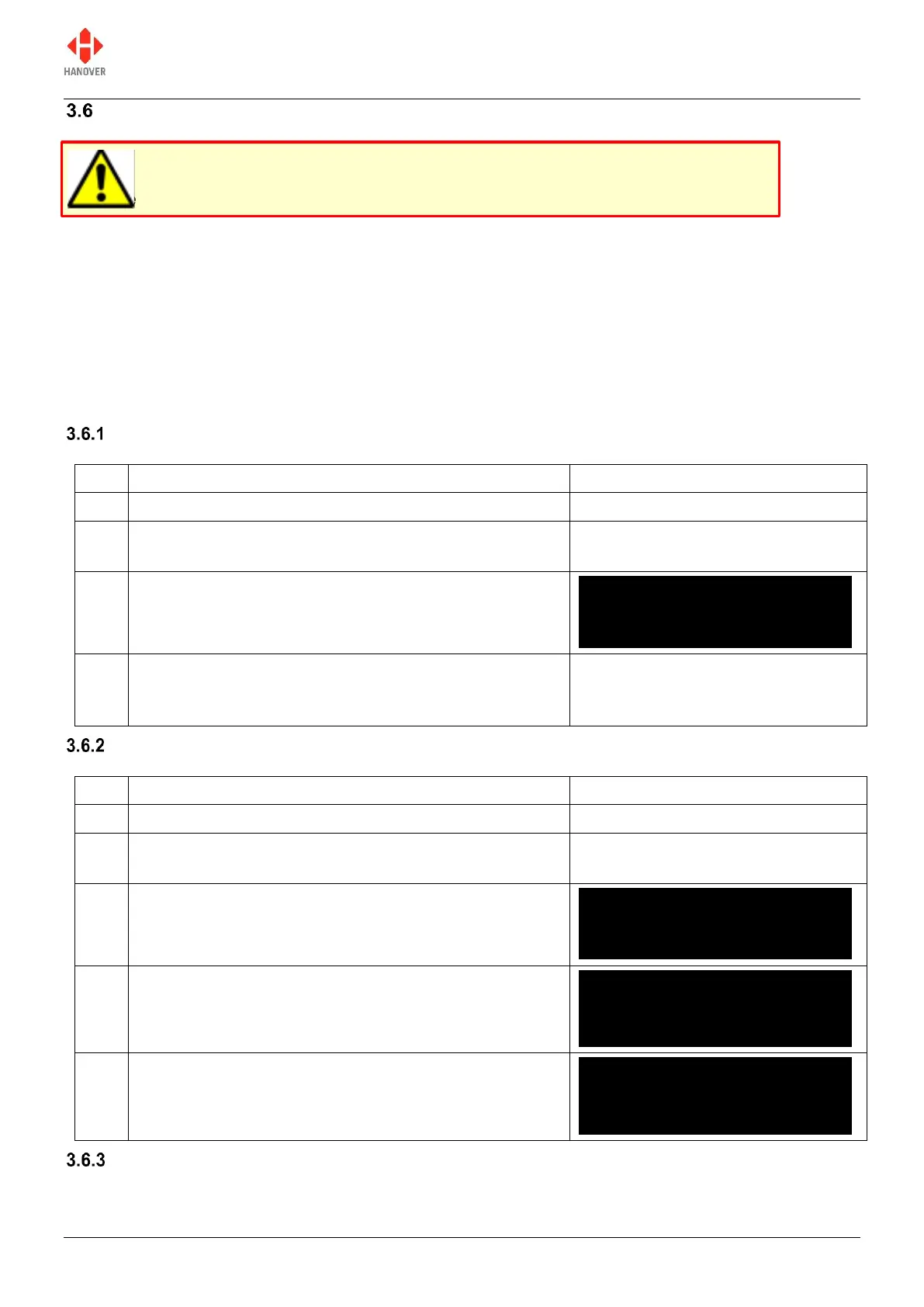
Reset options
There are 3 types of reset options available for DG3: factory lock code reset, full factory reset and cold
start reset as described below.
Factory lock code reset: for resetting the lock code to the default factory value (0101).
Full factory reset: for resetting all the configuration settings to their default values and erasing the
database.
Cold start reset: useful in situations where you want to perform either a lock code reset or factory
reset but it is not practical to cycle the power.
Factory lock code reset
Switch off power to the DG3
Press both the left and up arrow keys together before
power is applied
Continue holding through the boot up sequence until the
following screen is displayed
The lock code will now be reset to the default factory
value (0101) although there is no display on the screen
to confirm this
Full factory reset
Switch off power to the DG3
Press both the F/E and up arrow keys together before
power is applied
Continue holding through the boot up sequence until the
following screen is displayed
All parameters within the DG3 will be reset to their default
factory values confirmed by the following screen
This will reset all the configuration settings behind the
lock code to their default values and erase the database
as shown by the following screen
Cold start reset
DERIC-G3 V1.12
abcdeNCP012U//
DERIC-G3 V1.12
abcdeNCP012U//
DERIC-G3 V1.12
abcdeNCP012U//
Factory settings loaded
Be careful when using these functions. Incorrect or improper use will erase the currently stored
database and / or may reset all configuration and system parameters rendering your DG3
unusable within the vehicle.



 To Next Page
 Loading...