9
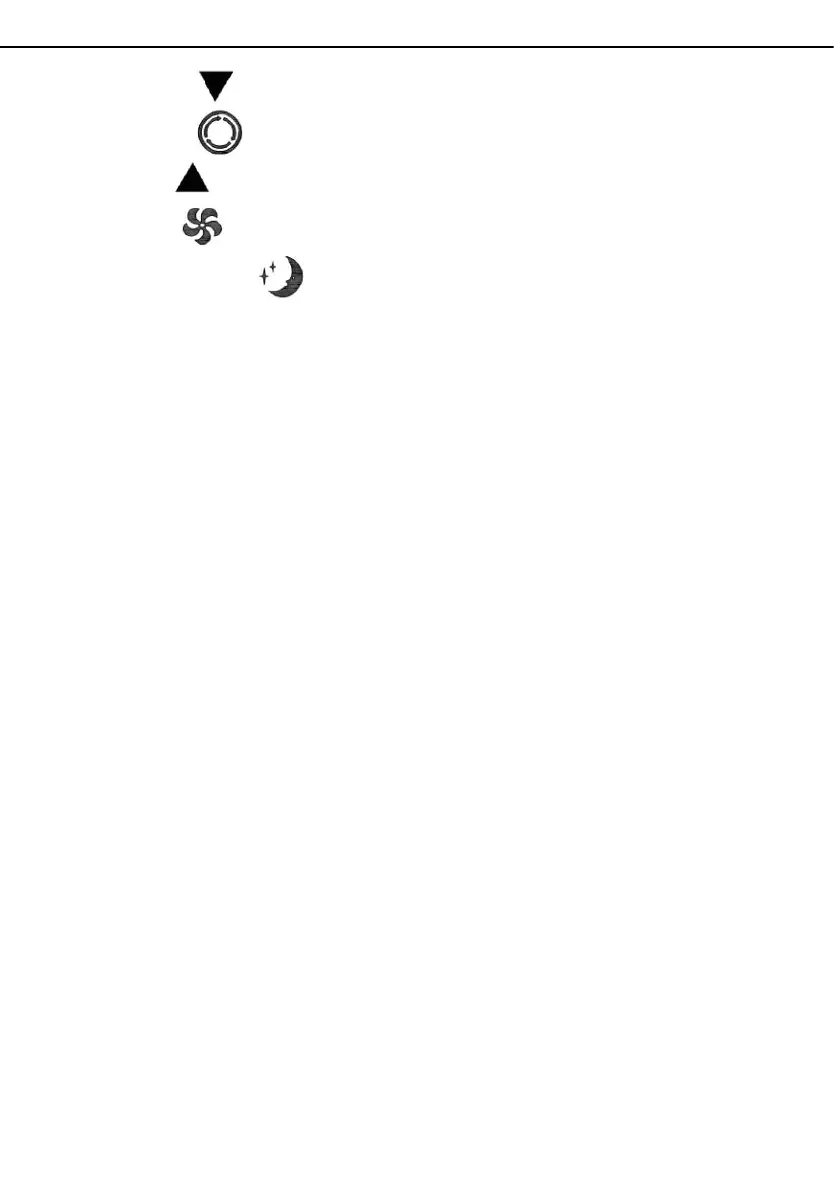
3. Down: press the key to reduce temperature and timing set value.
4. Mode: press the key to switch between cooling, fan, dehumidifying mode.
5. Up: press the key to increase temperature and timing set value.
6. Fan: press the key to select high, low wind speed.
7. Sleep Mode: Press the key to turn on the sleep mode.
3.1、Frost Protection Function:
In cooling, dehumidifying or economic power saving mode, if the
temperature of the exhaust pipe is too low, the machine will automatically
enter protection status; if the temperature of the exhaust pipe rises to a
certain temperature, it can automatically revert to normal operation.
3.2、Overflow Protection Function:
When water in the water pan exceeds the warning level, the machine will
automatically sound an alarm, and the "FULL" indicator light will flash. At
this point, you need to move the drainage pipe connecting the machine or
the water outlet to sewer or other drainage area to empty the water (details
see
Drainage Instruction
s at the end of this chapter). After the water is
emptied, the machine will automatically return to the original state.
3.3 Automatic Defrosting (cooling models have this function): The machine has
automatic defrosting function.Defrosting can be achieved through four - way valve
reversing.
3.4、Protection Function of the Compressor
To increase the service life of the compressor, it has a 3-minute delay
booting protection function after the compressor is turned off.
EN



 To Next Page