Video Wall Controller Series Manual
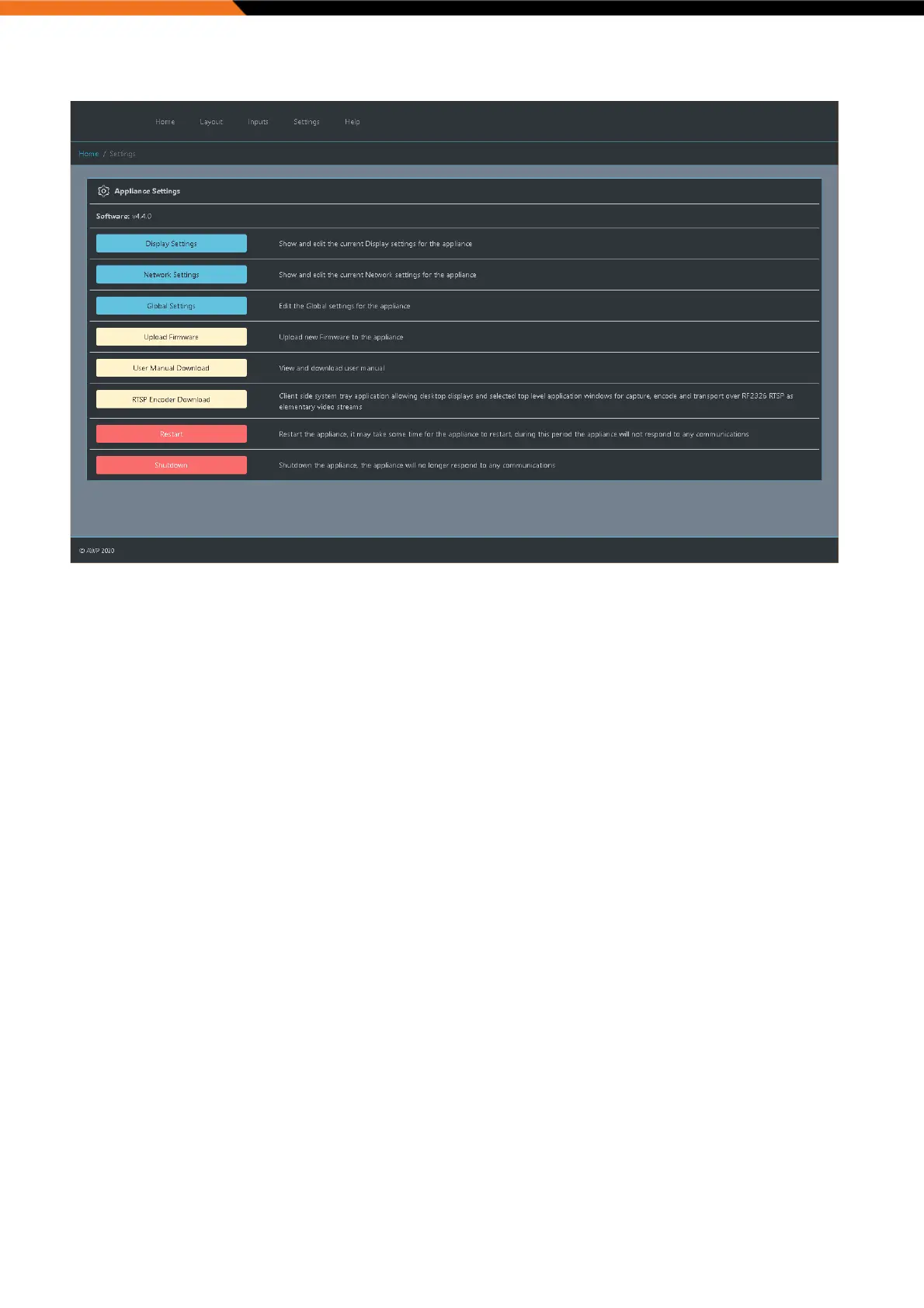
Display Settings:
The remote display settings page allows the user to arrange the display layout on the video wall appliance.
The “Display Arrangement” drop-down contains the current available arrangements based on the connected and
discovered outputs in addition to what resolutions the displays attached support.
Once the desired layout/mode has been selected the display grid arrangement will update to show the current monitor
arrangement.
Pressing “Identify” will display the output ID(s) on the monitor(s). Use the grid to drag displays to the desired desktop
position without physically unplugging and plugging video cables.


 To Next Page