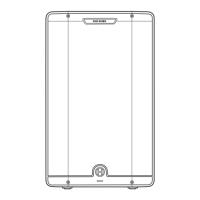
Owner’s Manual
www.harbingerproaudio.com
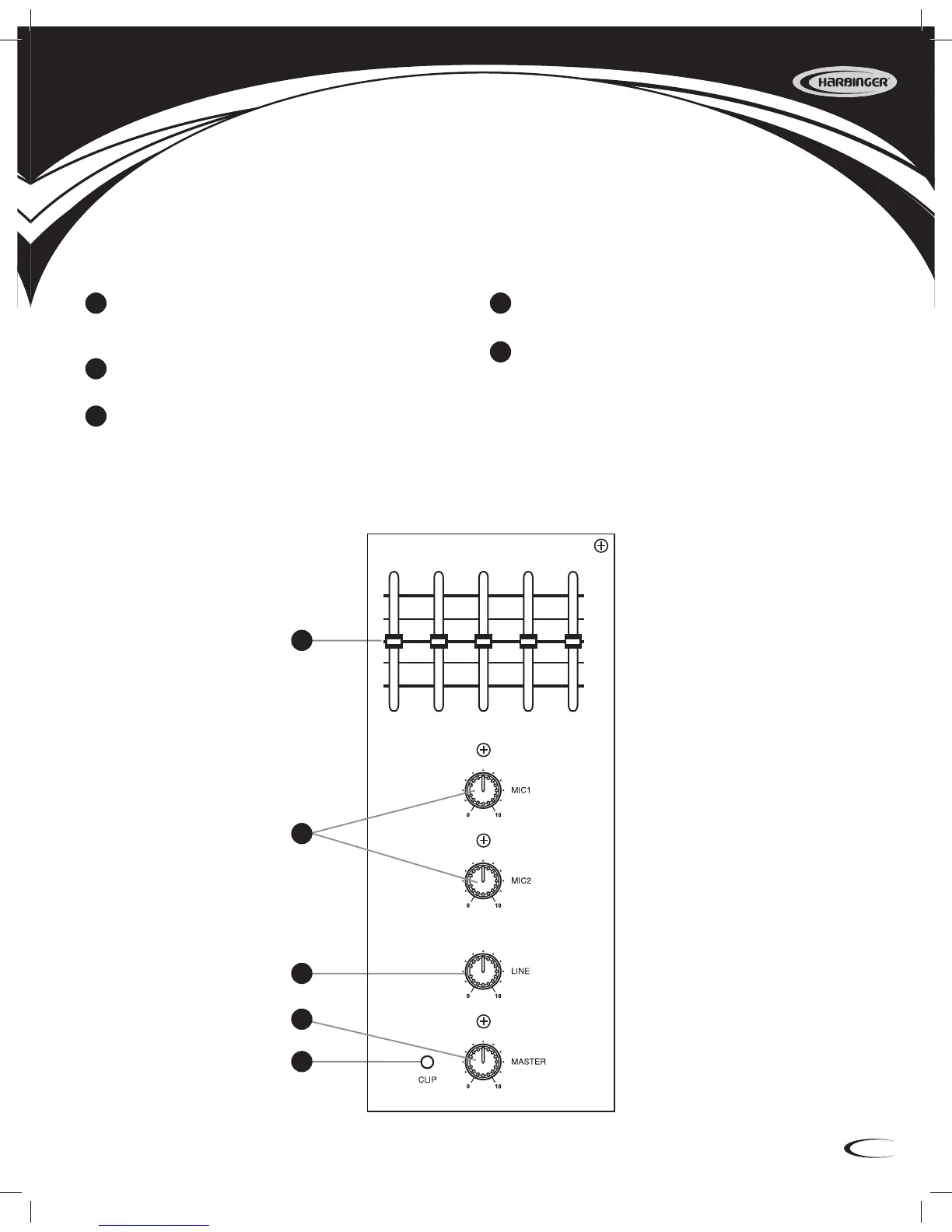
Side Panel
1. 5-Band Graphic Equalizer
Use this to adjust the overall equalization to prevent feed-
back and enhance the tone of your music.
2. MIC
Controls the MIC input levels.
3. LINE
Controls the LINE input level from an MP3 player,
mixer, etc.
4. MASTER
Adjusts the nal volume level.
5. CLIP Indicator
This LED will illuminate if output signal exceeds the
output capacity of the amplier. Reduce the input signal,
(Mic 1, Mic 2 or Line) when it becomes lit.
4
GRAPHIC EQUALIZER
250HZ 500HZ 2KHZ 6KHZ 12KHZ
+12
+6
0dB
–6
–12
1
2
3
4
5
1
2
3
4
5
9552 Harbinger APS12 APS15 Consolidated Manual.indd 5 3/29/11 11:32 AM


 To Next Page