Harbor Communicaons (Revision 4/20/2018) Page 3 of 6
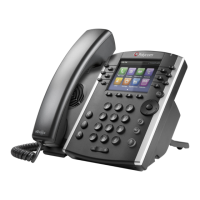
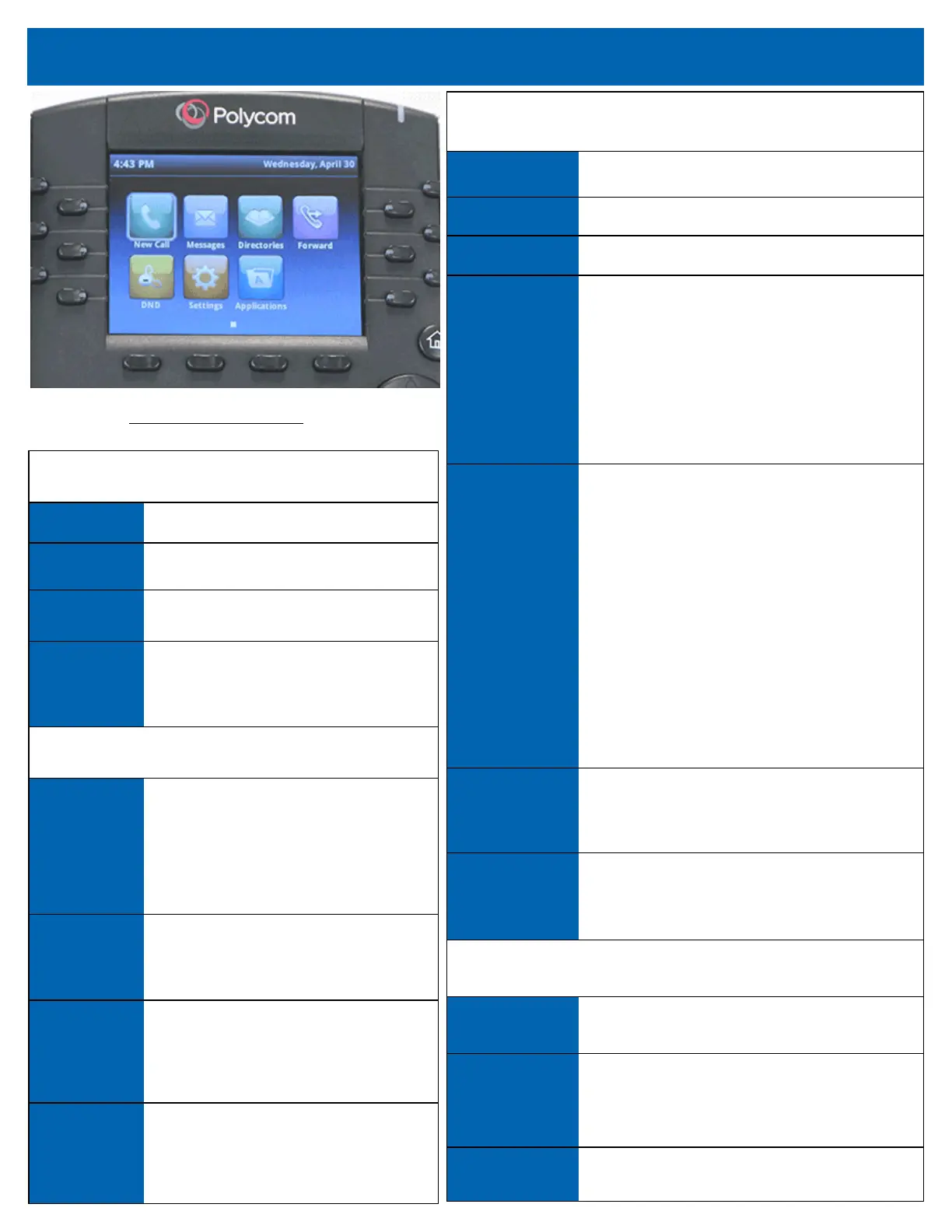
Figure 2 VVX 410 Buon Illustraon
While on a Call
Sokey Funcon
Hold Places the call on hold.
End Call Ends the call.
Conf
Links two or more calls. To conference a call:
1. Dial the rst party.
2. Press the Confrnc sokey.
3. Listen for dial tone.
4. Dial the second party.
5. Press the Confrnc sokey again.
If you hang up, the conference call disconnects.
Transfer
Places the call on hold while you dial the number to
which you want to send the call.
1. While on an acve call, press the Transfer
sokey and dial the receiver’s phone number.
2. When the receiver answers the phone,
introduce the call by leng them know who is
calling.
3. Press Transfer key and hang up.
If the caller doesn’t want to accept the call, you may
use the arrow keys to navigate to the old call and
press the Resume sokey.
BlindTrans
See Transfer sokey funcon for steps. Blind Trans
means you do not introduce the call before hanging
up.
PrivHold
For lines with Shared Call Appearance, PrivHold
holds the call privately for this extension only.
Alternate Sokeys While on a Call or on Hook
Resume Rejoins the call on hold.
Answer
Answers currently ringing call. Appears both while
on hook and while on a call. Pressing while on a call
puts rst call on hold immediately.
Ignore Sends caller directly to voicemail.
Advanced Funcons — Sokeys
While on Hook
Sokey Funcon
Redial Calls last number dialed.
Directory Accesses your personal or group directory.
Forward
Forwards all incoming calls to another
number that you dene. (Will only forward
calls to your direct dial number.)
(Oponal Feature*) While on Hook
Intercom
Allows speakerphone to be used as an
intercom. Pressing this buon and dialing
the extension will cause the caller’s voice to
broadcast over the receiving phones
speaker.
DND
Do Not Disturb. Prevents incoming calls from
ringing to your phone. Calls forward to
voicemail or to next rollover automacally.
VM
Access can be given to alternate voicemail
boxes. Typically, this buon is added to give
access to the Main number’s voicemail box.
Park
Park allows you to set a call on hold and pick
the call up on any other phone that has the
same park buon.


 To Next Page
 Loading...