Page 11For technical questions, please call 1-888-866-5797.Item 63759
SAFETYOPERATIONMAINTENANCE SETUP
Maintenance and Servicing
Procedures not specifically explained in this manual
must be performed only by a qualified technician.
Cleaning, Maintenance, and Lubrication
1. Wipe unit with a dry, lint-free cloth.
Do not use solvents or abrasives.
2. Remove battery if not in
use for long periods.
3. Store unit in a dry location.
4. Other than the battery, there
are no replaceable parts on this
unit. Repairs should be done
by a qualified technician.
Battery Replacement
If the sign appears on the Display,
the battery should be replaced.
1. Remove the Test Leads
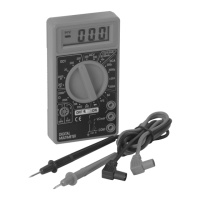
from the multimeter.
2. Turn the unit over.
3. Remove screws.
4. Remove back cover carefully.
5. Remove and replace with
the same (9V battery).
6. Replace cover and replace screws.
Record Product’s Serial Number Here:
Note: If product has no serial number, record month and year of purchase instead.
Note: Replacement parts may be available for this item.
Visit harborfreight.com/parts for a list of in stock parts. Reference UPC 193175346919.


 To Next Page