10
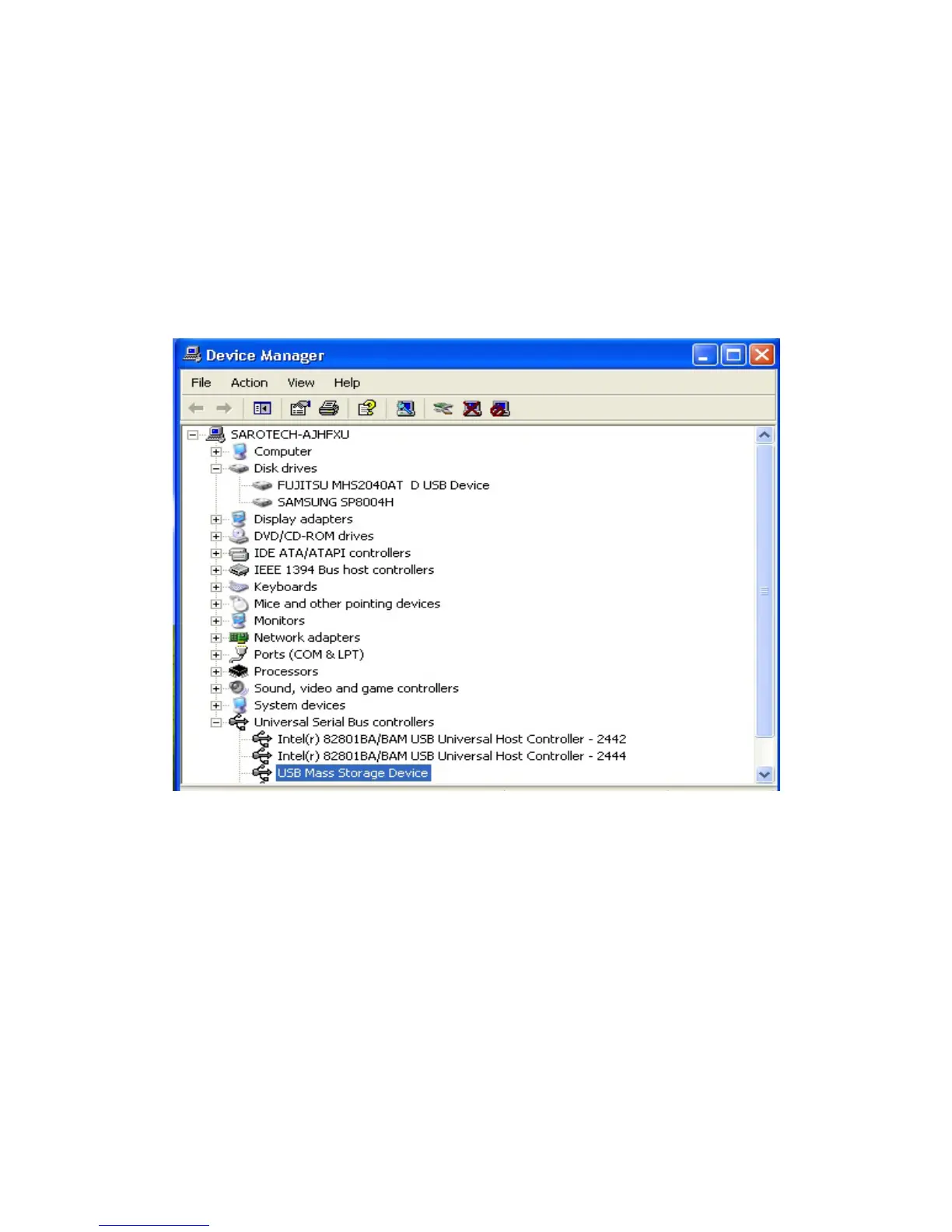
2) Windows 2000/XP
Control panel -> System -> Hardware -> Device manager -> Universal series Bus
Controller
7. How to stop using the FHD-354UFb
(This is for USB interface only.)
To disconnect the FHD-354Ufb from the system, please do as following instruction.
1) Windows 98
① Execute the “Remove.exe” file in “Hi-Speed USB-to-IDE Win98 Driver” in
Program Files in C: drive.



 To Next Page