3
4. Driver Installation
4-1 Installation of USB 2.0 driver
※ Caution
Using below 6GB hard disk can make some troubles like loss of data.
We recommend you to use 6GB hard disk or greater
1. **) Caution
Using below 2GB hard disk can make some troubles like loss of data,
we recommend you to use 2GB hard disk or greater.
1. Driver Installation for Windows 98
1) Insert the offered CD into the CD-ROM drive in computer before you
connect the product.
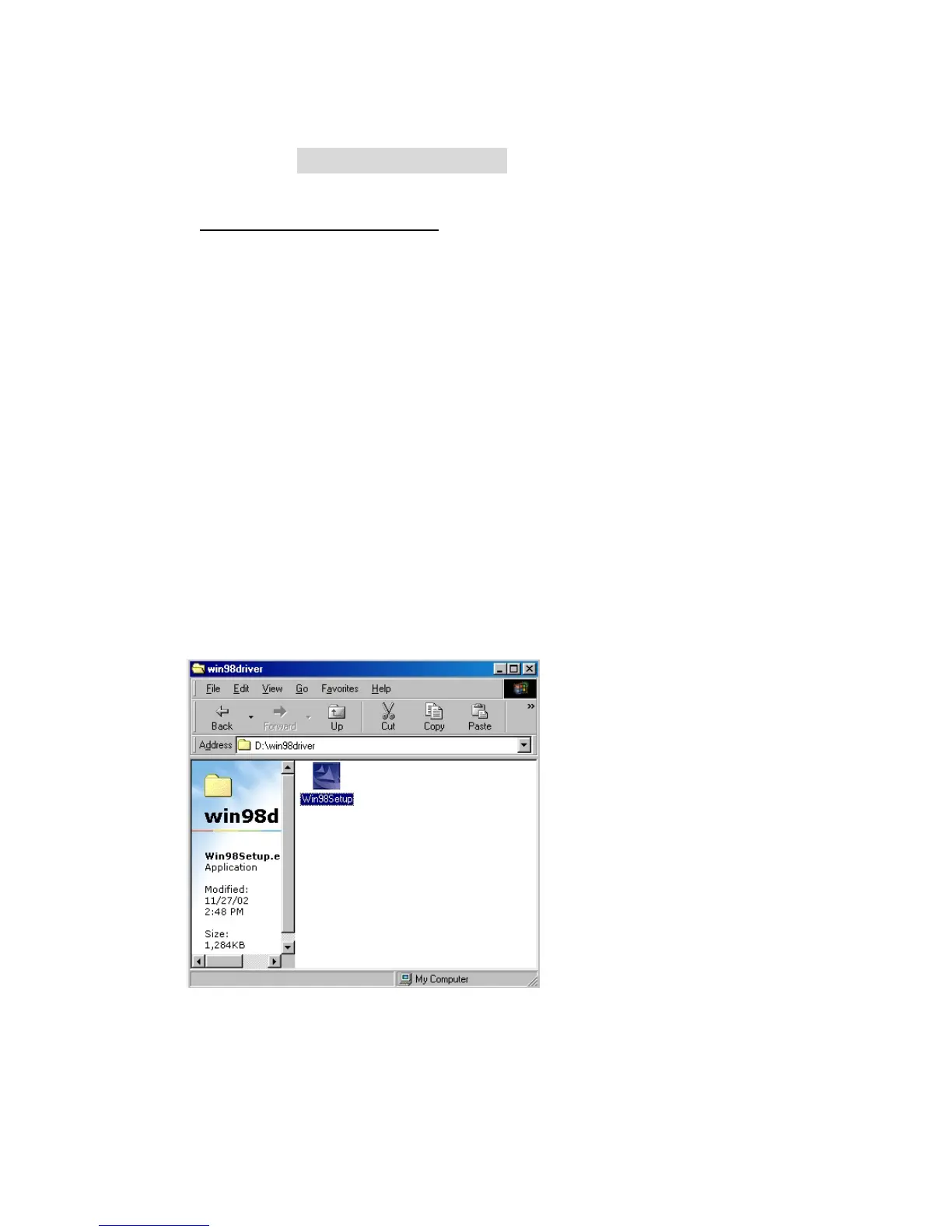
2) Carry out "Win98Setup.exe" which is in USB folder under Windows folder
in CD-ROM
3) Completing "InstallShield Wizard", click "Next"



 To Next Page