5
**) caution
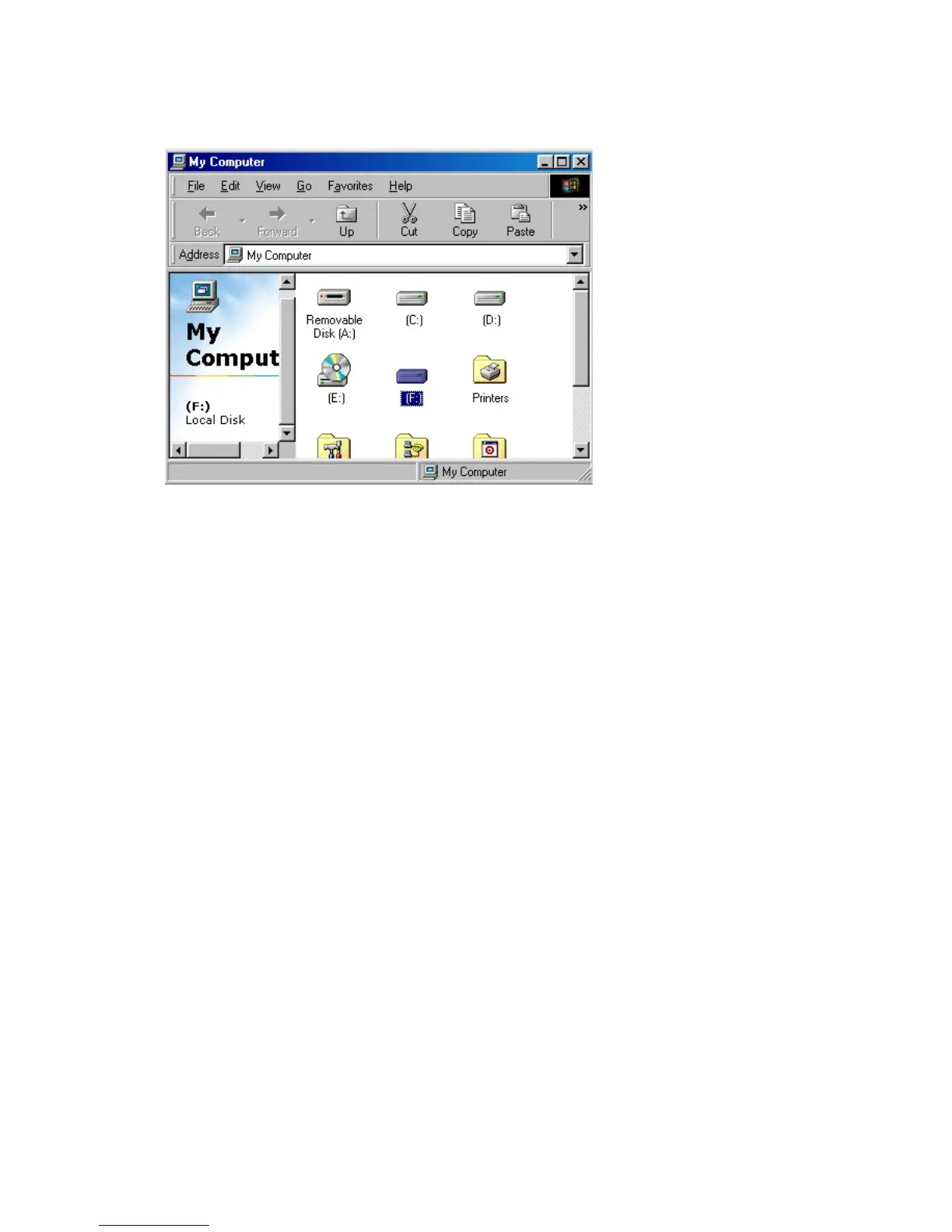
The new hard disk which doesn't have FDISK and FORMAT,
can not be recognized in "my computer"
If you want to FDISK and FORMAT, you have to follow the way
in "NO. 6 the way of PARTITION and FORMAT"
2. Windows ME
1) You should connect the AC cord to the FHD-354 and turn the power(switch) on after
the computer boot-up.
2) You should connect the FHD-354 to USB port on the system.
3) Finding out the new hardware "USB Mass Storage Device", the driver will be installed
automatically.
4) The drive icon will be installed in "my computer"



 To Next Page