14
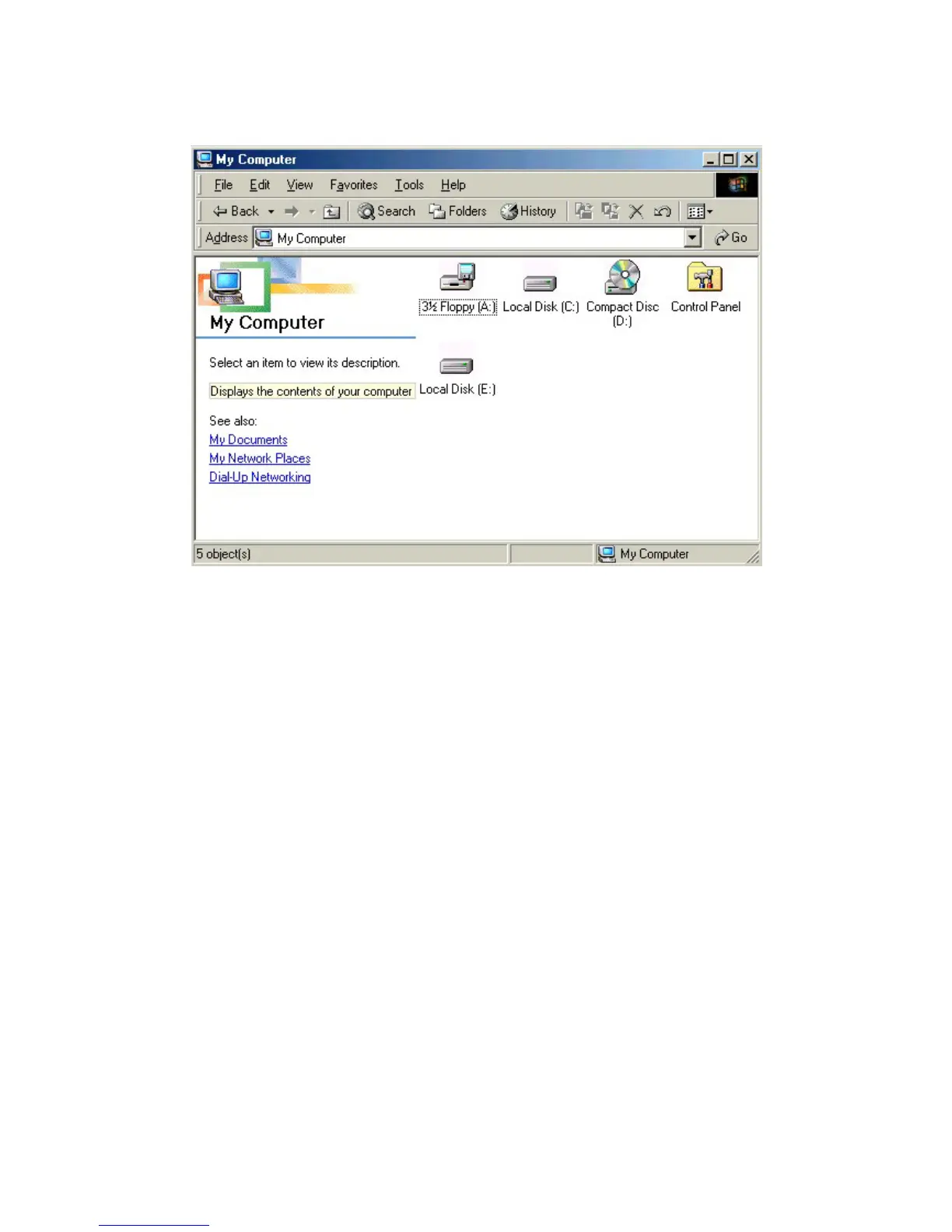
※ Caution : The new hard disk which doesn't have FDISK and FORMAT,
can not be recognized in "my computer"
If you want to FDISK and FORMAT, you have to follow the way
in "NO. 6 the way of PARTITION and FORMAT"
Then the drive will be installed in "my computer"
■ Checking the installation : After finishing the installation Control panel
-> System --> Hardware -> Device manager -> Disk drive -->
Sarotech Co.,Ltd. FLEX HDD IEEE 1394 SBP2 Device



 To Next Page