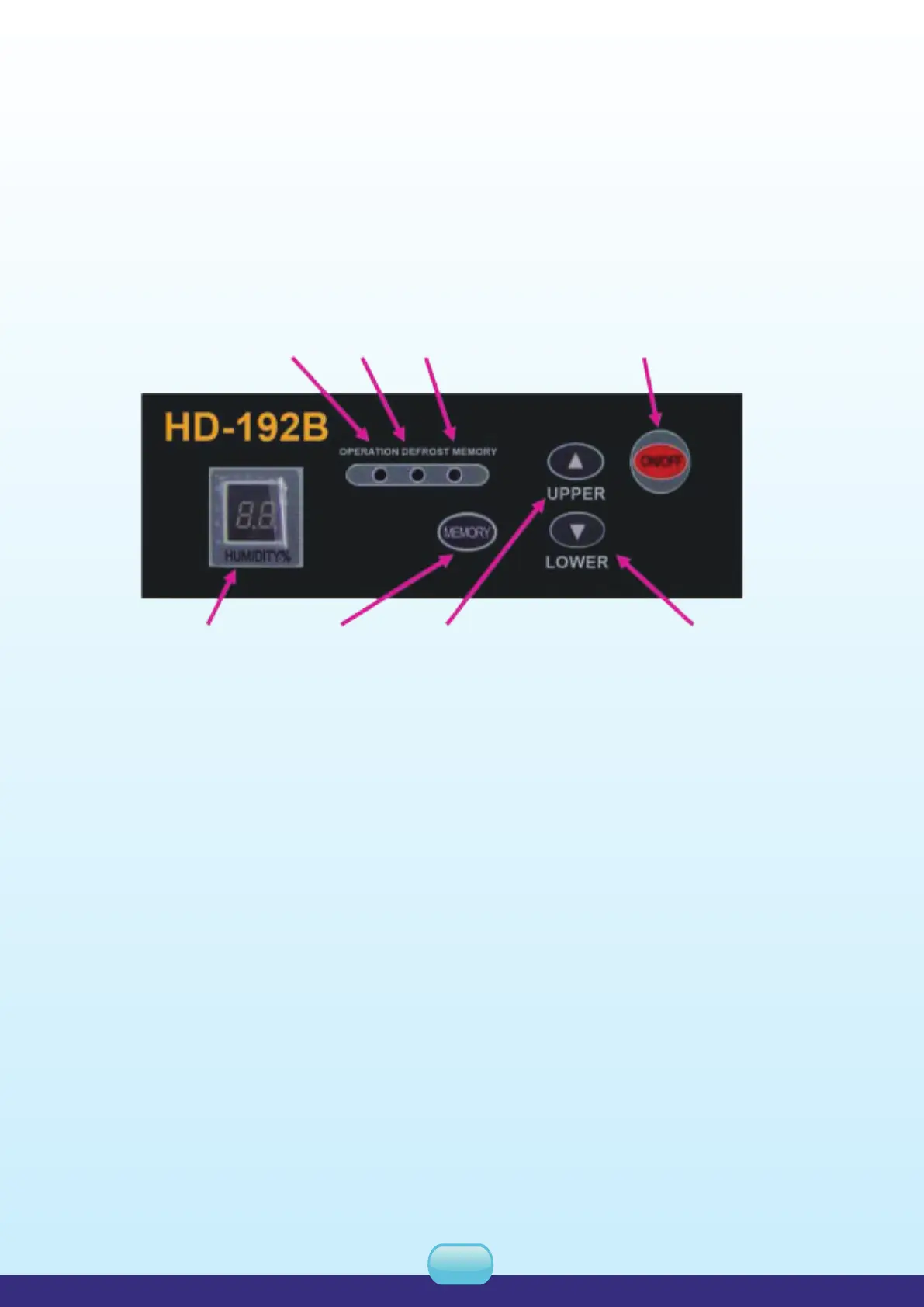
Instruction of keys
1.ON/OFF: Press ON/OFF, the unit runs in a circulation "ON-OFF-ON”.
2.Humidity up and down: Press "humidity up and down" for once, the set humidity increase or
decrease for 1%. Press the key for 1.5 seconds and the setting value increase or decrease by
1% continuously with the speed 5 points per second.
3.Memory Key: Press the memory key and the memory indicator light on to start the function of
memory when power cuts off. Press the memory key again; the memory indicator dies to shut
off the function of memory when power cut off.
Start on
1. Plug on, the unit gives off "di".
2. Press ON/OFF", the running indicator lights on, and the humidity display window lights on to
display the previous set humidity. The initial humidity setting is 60% and 3 seconds later the
humidity display window light on to display current humidity.
Indicator: Opertion
RH display Memory Sctting (Humidity Up) Sct (Humidity Down)
Defrost Memory Main ON/OFF button
HARISON INDUSTRIAL DEHUMIDIFIER USER'S MANUAL - Model HD-Series
08
3.3. Power source
(1) The power should be supplied with special wire.
( 2 ) Provide automatic air-break switch.
(3) There should be reliable electrical grounding.
3.4. Installation
(1) Professional personnel should perform maintenance this unit.
( 2 ) Parking inclination of the unit should not exceed 10
o
.
4. OPERATION
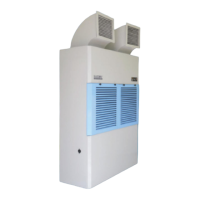
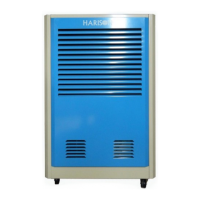
Control panel (same for three models)


 To Next Page