EasyManua.ls Logo

Harman Kardon AVR 2550 - User Manual

Harman Kardon AVR 2550
36 pages
Print Icon
To Next Page IconTo Next Page
Loading...
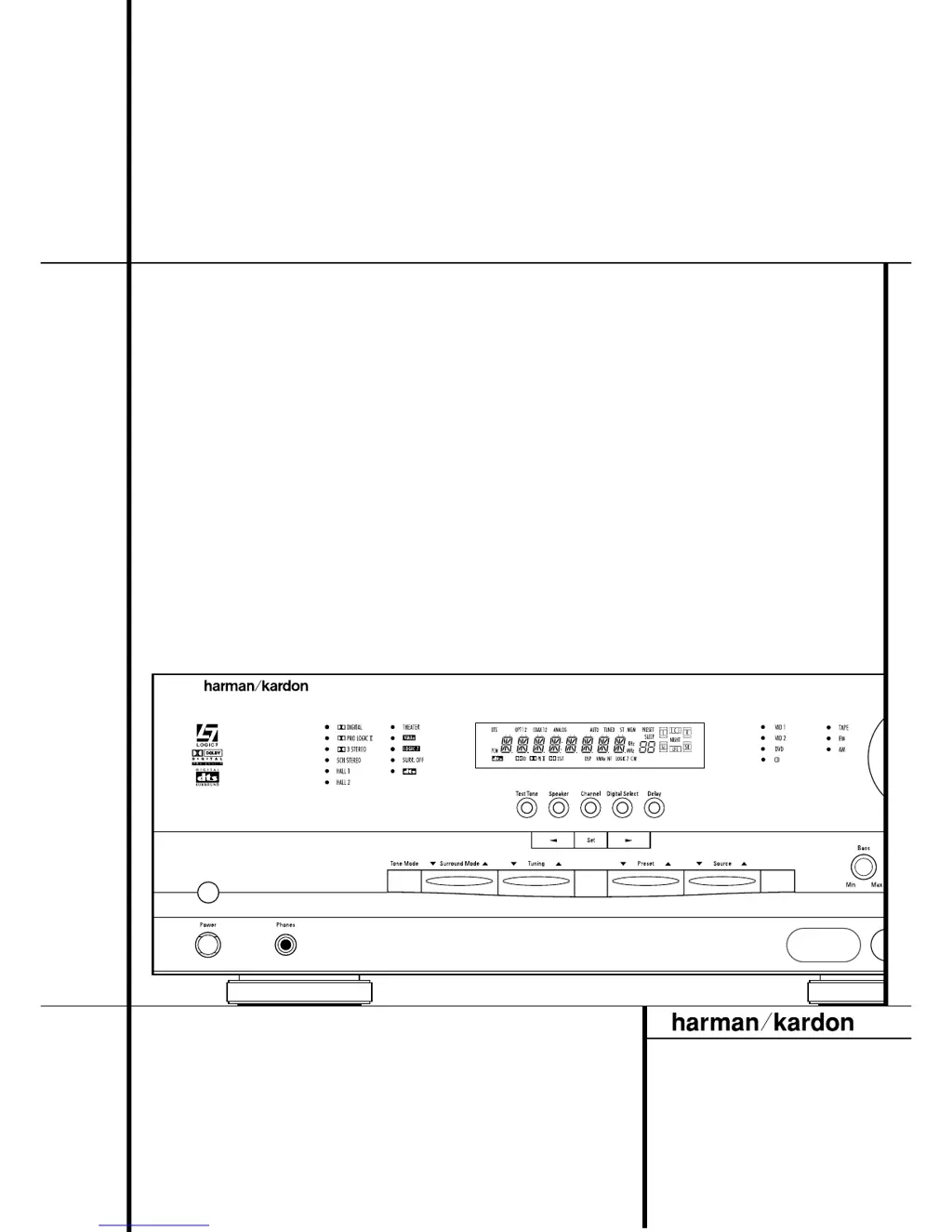
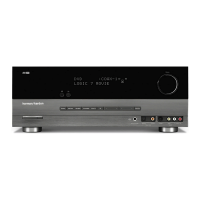
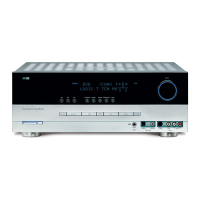
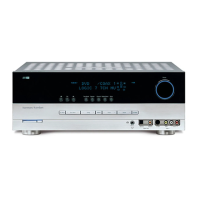
AVR 2550 Audio/ Video Receiver
OWNER’S MANUAL
AVR 2550
AM/FM
RDS
Power for the Digital Revolution
®

Other manuals for Harman Kardon AVR 2550

Questions and Answers

  • M
    Michelle MaldonadoAug 12, 2025
    Why is the front panel display not lighting up on my Harman Kardon Receiver?
    • E
      Emily CastroAug 13, 2025
      If your Harman Kardon Receiver is on, but the front-panel display doesn't light up, the display brightness might be turned off. Adjust the display settings to 'VFD FULL' by following the instructions in the Display Brightness section on page 30.
  • C
    Christopher RothAug 16, 2025
    What to do if my Harman Kardon Receiver doesn't turn on when I push the power switch?
    • J
      johncooperAug 17, 2025
      If your Harman Kardon Receiver does not function when the power switch is pushed, ensure that the AC power cord is properly plugged into a live outlet. Also, check to see whether the outlet is switch-controlled.
  • E
    ecooperAug 20, 2025
    What to do if my Harman Kardon AVR 2550 Receiver display lights up, but there's no sound or picture?
    • B
      Bradley WoodAug 20, 2025
      If your Harman Kardon Receiver displays lights but produces no sound or picture, ensure all input and speaker connections are secure. Also, check if the mute function is enabled and, if so, disable it by pressing the Mute button. Finally, verify that the volume control is turned up to an audible level.
  • S
    Shawn WashingtonAug 23, 2025
    Why is my Harman Kardon AVR 2550 Receiver not responding to the remote control?
    • A
      Ashley NortonAug 25, 2025
      If your Harman Kardon Receiver does not respond to remote commands, first, replace the remote batteries. If that doesn't work, ensure the AVR selector is pressed. Finally, make sure that nothing is blocking the path between the remote and the front-panel sensor on the receiver.
  • A
    Andrew ParkerAug 27, 2025
    How to stop intermittent buzzing in Harman Kardon AVR 2550 tuner?
    • S
      Scott ClarkeAug 27, 2025
      If you're experiencing intermittent buzzing in the tuner of your Harman Kardon Receiver, try moving the unit or antenna away from potential sources of interference such as computers, fluorescent lights, motors, or other electrical appliances.
  • B
    Brandon NorrisAug 31, 2025
    What to do if there is no sound from Harman Kardon AVR 2550 and the power switch light is red?
    • T
      Tina TaylorSep 1, 2025
      If your Harman Kardon Receiver has no sound from any speaker and the light around the power switch is red, it is possible that the amplifier is in protection mode. Check the speaker wire connections for shorts at both the receiver and speaker ends. If the issue persists, contact your local Harman Kardon service center, which you can locate by visiting our Web site at www.harmankardon.com.
  • W
    wilkersonmeghanSep 4, 2025
    Why is there no sound from surround or center speakers on my Harman Kardon Receiver?
    • A
      Ashley GreenSep 4, 2025
      If your Harman Kardon Receiver isn't producing sound from the surround or center speakers, check that you've selected a surround mode other than Stereo or Dolby 3 Stereo. Also, if your input source is monaural, there won't be any surround information. Verify the speaker mode configuration and remember that the surround decoder may not create center- or rear-channel information from nonencoded programs.
  • A
    Aaron KelleySep 8, 2025
    What to do if letters flash on the display and digital audio stops on Harman Kardon Receiver?
    • J
      james45Sep 8, 2025
      If letters flash in the channel indicator display and digital audio stops on your Harman Kardon Receiver, try resuming play for the DVD. Also, check that Digital Input is selected.

Summary

Typographical Conventions

Introduction to the AVR 2550

AVR 2550 Description and Features

Details the versatile capabilities and advanced features of the AVR 2550 receiver.

AVR 2550 Safety Information

Important Safety Information

Key safety guidelines including line voltage, cord handling, and cabinet opening.

Front Panel Controls Overview

Front Panel Control Descriptions

Detailed explanations for each numbered control on the front panel.

AVR 2550 Information Display

Front Panel Indicator Explanations

Detailed meanings for all lettered indicators on the information display.

Rear Panel Connections Guide

Rear Panel Connection Descriptions

Explains the purpose and connection for each numbered terminal on the rear panel.

AVR 2550 Remote Control Functions

Remote Control Button Operations

Detailed explanations for each numbered button on the remote control.

AVR 2550 Installation and Connections

Audio Equipment Connections

Steps for connecting various audio sources and recorders to the AVR 2550.

Video Equipment Connections

Steps for connecting video sources like VCRs, DVD players, and monitors.

SCART A;V Connections

Specific guidance for connecting equipment using SCART A/V interfaces.

AVR 2550 System Configuration

Input and Speaker Configuration

How to configure digital inputs and speaker settings for each source.

Surround and Delay Settings

Adjusting surround modes and speaker delay times for desired audio experience.

Night Mode and Output Level Adjustment

Customizing night mode compression and calibrating speaker output levels.

Operating the AVR 2550

Basic Operation and Source Selection

How to turn the unit on/off, use the sleep timer, and select audio/video sources.

Surround Mode Selection and Digital Audio

Guide to selecting surround modes and understanding digital audio playback.

Tuner Operation and RDS

How to operate the AM/FM tuner, store presets, and use RDS features.

AVR 2550 Remote Programming

Macro Programming and Punch-Through

Setting up macros and punch-through functions for remote convenience.

Resetting Remote Memory

How to restore the remote control to its factory default settings.

AVR 2550 Remote Function List

AVR 2550 Troubleshooting Guide

Processor Reset Procedure

Steps to reset the AVR 2550's memory and microprocessor to factory defaults.

AVR 2550 Technical Specifications

Harman Kardon AVR 2550 Specifications

Audio Specifications IconAudio Specifications
continuous average power (stereo mode)50 watts per channel into 8 ohms @ 20Hz – 20kHz, <0.07% THD, both channels driven
continuous average power (five-channel surround mode)40 watts per channel into 8 ohms @ 20Hz – 20kHz, <0.07% THD, all channels driven
high instantaneous current capability (HCC)±25 amps
Tuner Specifications IconTuner Specifications
usable sensitivityIHF 1.3µV/13.2dBf
THD at 1kHz with 100% modulation (mono)0.15%
THD at 1kHz with 100% modulation (stereo)0.3%
Weight and Dimensions IconWeight and Dimensions
dimensions (H x W x D)165mm x 440mm x 365mm
weight10.8 kg

Related product manuals