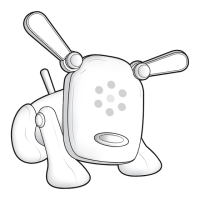
Start playing music on your musical device (CD player, stereo,
portable personal music player, computer, video game system
etc.). Its ears will perk up to show you that it’s listening and its
head and ears will periodically dance to the music. Observe the
color of the lights to determine what personality it’s showing you
and the ashing LED light patterns and animations to determine
what mood it’s in. (Personalities and Moods are covered on
pages 10-13.)
How to “Feed” I-DOG
How to Play with I-DOG
NOTE: I-DOG does not need to be hooked up to a
musical device in order to function.
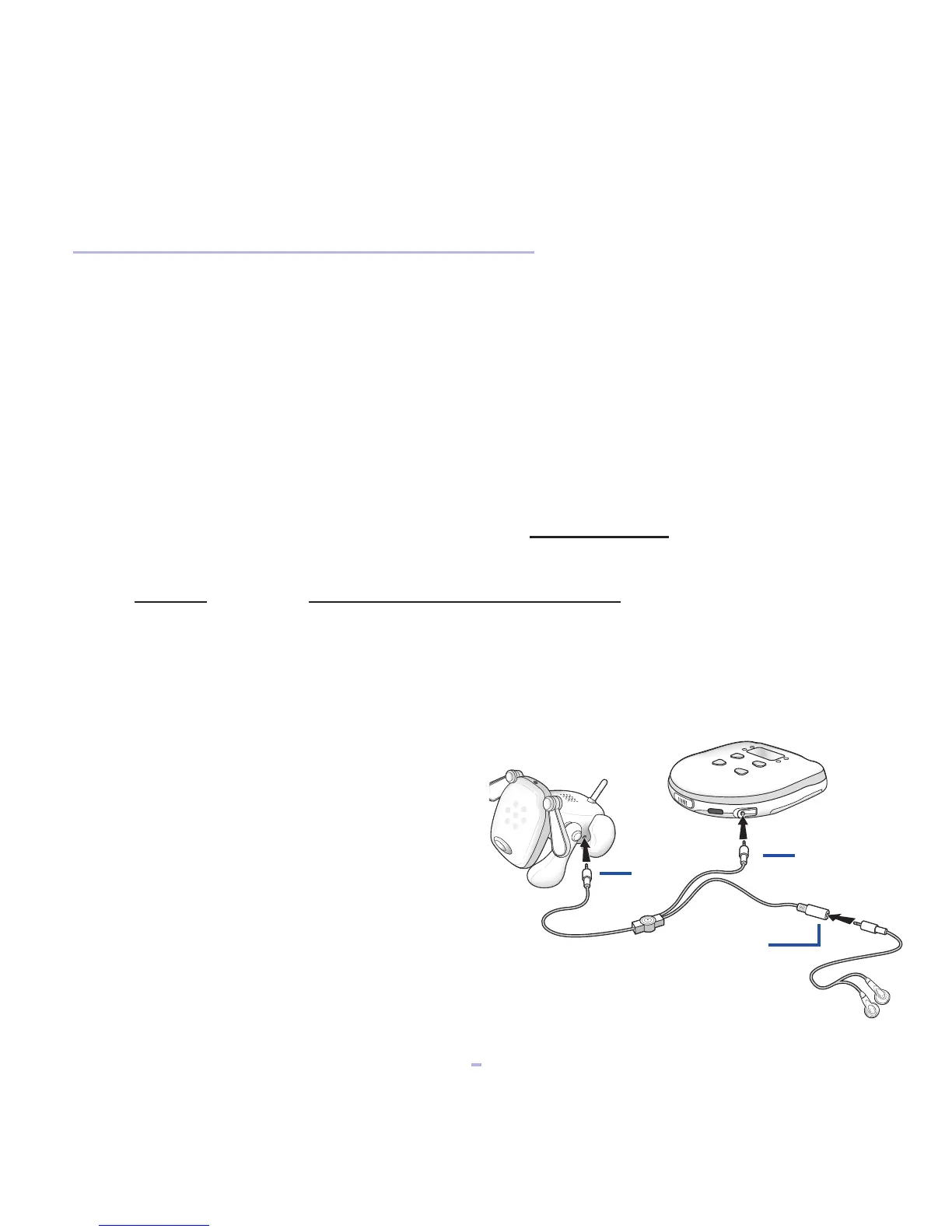
Hooking Up I-DOG to a Musical Device
A
B
C
1. Plug end A of the Connector Cord
into the side of I-DOG.
2. Plug end B of the Connector
Cord into the Headphone Jack
of a musical device (CD player,
stereo, portable personal music
player, computer, video game
system, etc.).
3. Plug your headphones (not included)
into end C of the Connector Cord to
listen to your music.
1






 To Next Page