EasyManua.ls Logo

Hasselblad Xpan - Manual Exposure; Exposure Compensation

Hasselblad Xpan
48 pages
Print Icon
To Next Page IconTo Next Page
To Previous Page IconTo Previous Page
Loading...
Manual
-o$uiffi
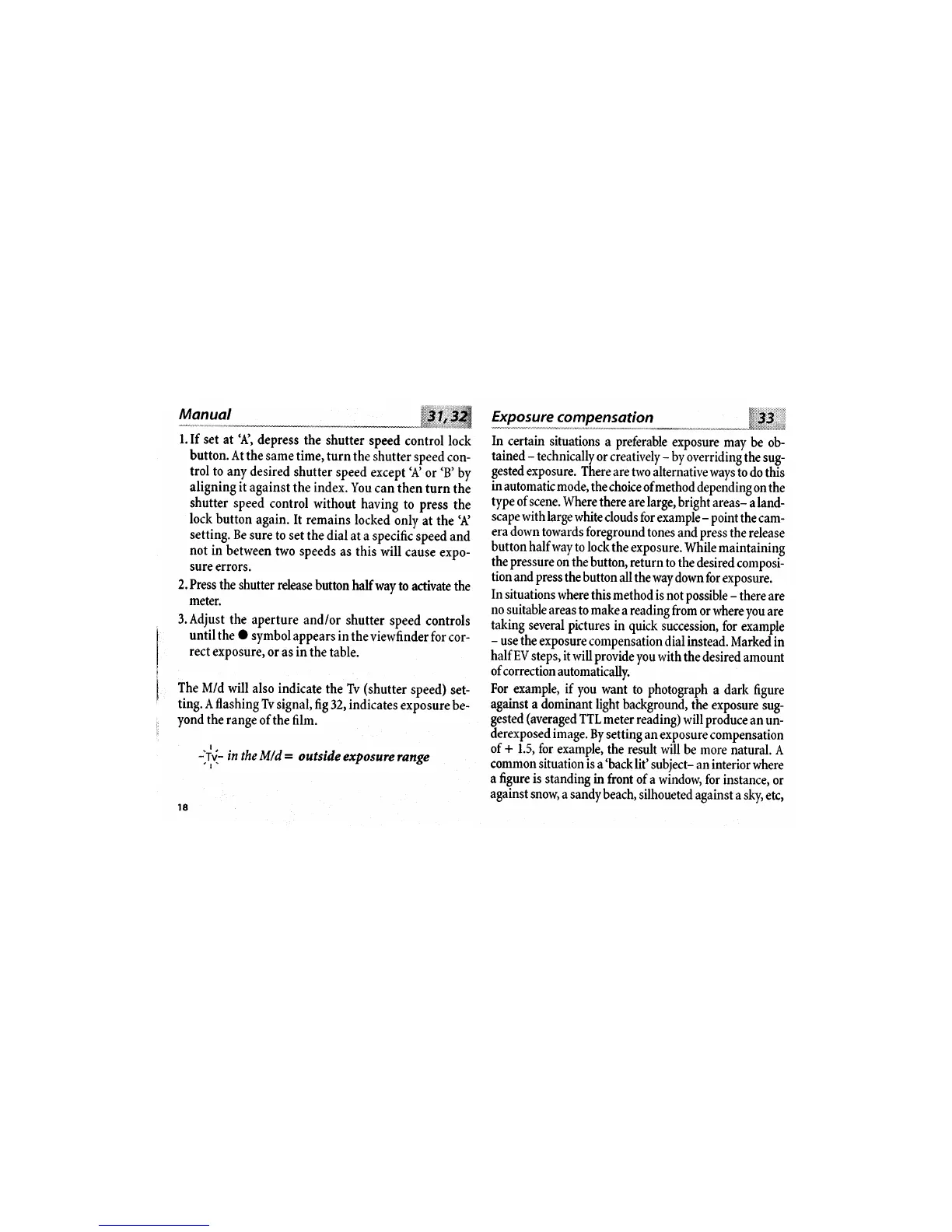
l.If set
at'A',
depress
the
shutter
speed
control lock
button. At
the same
time,
turn
the shutter
speed
con-
trol to any
desired
shutter
speed
except
'.{
or
'B'
by
aligning
it against
the index. You
can then
turn
the
shutter
speed
control
without
having
to press
the
lock button
again. It remains
locked
only
at the
'.{
setting. Be
sure
to set
the dial
at a specific
speed and
not in
between
two speeds
as this
will
cause expo-
sure
errors.
2. Press
the
shutter release
button
half
way
to activate
the
meter.
3.Adjust
the aperture
and/or
shutter
speed controls
until the
O
symbol
appears in
the viewfinder
for
cor-
rect
exposure,
or
as
in
the table.
The M/d
will
also indicate
the
Tv
(shutter
speed)
set-
ting. A
flashing Tv
signal,
fi,g32,indicates
exposure
be-
yond
the
range
of the film.
:ji,-
in
the M/d
=
outside
exposure
range
't"
5-Ip--?*'-rl*1s9rffi
:glj-o.n--"*----"-""$pi,,i
In
certain
situations
a
preferable
exposure
may
be ob-
tained
-
technically
or
creatively
-
by overridingthe
sug-
gested
exposure.
There
are two alternative
ways
io
do this
in
automatic
mode,
the
choice ofmethod
depending
on the
type of scene.
Where
there
are
large,
bright areas-
aland-
scape
withlarge
white
clouds for
example
-
pointthe
cam-
era down
towards foreground
tones
and press
the release
button half
way to lock
the exposure.
While maintaining
the pressure
on the
button, return
to the
desired
composi-
tionand press
the button
all thewaydown
for
exposure.
In
situations
where
this method
is not possible
-
there are
no
suitable
areas
to
make
a reading
from
or where
you are
taking
several pictures
in quick
succession,
for
example
-
use the
exposure
compensation
dial instead.
Markedin
half EV
steps,
it
will provide
you
with
the desired
amount
of correction
automatically.
For
example, if
you
want to photograph
a dark figure
against
a dominant
light
background,
the
exposure sug-
gested
(averaged
TTL
meter reading)
will
produce
an
un-
derexposed
image.
By
setting an
exposure compensation
of
+
1.5, for
example,
the
result
will be more
natural.
A
common situation
is
a
'back
lit'
subiect- an interior
where
a
figure
is
standing in
front
of a window,
for instance,
or
against snow,
a sandybeach,
silhoueted
against a
sky, etc,

Other manuals for Hasselblad Xpan

Related product manuals