• 11 •
NOTES:
• When water is supplied from the tank, the Normal and Heavy/Baby Care programs rinse one fewer time, with
the same total wash time.
• For washing tableware using water from the water tank, add water with a temperature below 104 °F (40 °C).
For washing fruits and vegetables, add room temperature water. The default cleaning time is 19 minutes for the
Fruit cycle. You can stop the wash cycle any time during the wash to prevent the fruits from becoming
over-washed or damaged.
• The Dry mode can be used with any wash cycle other than Fruit.
Dry Mode
What is Dry Mode?
The Dry mode can be used to keep your dishes clean and dry for long periods. Hot air drying and automatic
ventilation can also prevent bacteria and odors, allowing you to keep your tableware sanitary while storing
them.
How Does it Work?
When this mode is activated, it will provide an extra 60 minutes of hot air drying to the dishes. In the next 3
days, a 15-minute automatic ventilation will start every 75 minutes.
Working Modes
The Dry mode can be used together with any wash cycle other than Fruit and can also be turned on separately.
① To combine with a wash cycle: After choosing the wash cycle of Normal, Speed, Soft, Baby Care/Heavy, add
an extra air-drying time by pressing the Dry button. To cancel, simply press the Dry button again if the drying
process does not start.
② To use separately: Simply press the Mode button to select the Dry mode. Then, press the Start/Pause button
to start.
NOTE: The Dry mode cannot be paused or canceled during operation of air-drying and intermittent circulation.
If you want to cancel the Dry mode, press and hold the Power button for 3 seconds to turn off the dishwasher.
How the Working Status Panel Displays the Air-Dry Function
Starting a Wash Cycle
1. Load the dishwasher. See “Loading the Dishwasher Basket” for instructions.
2. Add detergent. See “Detergent Use” for instructions.
3. Connect the water inlet hose to the faucet. Ensure that the faucet is turned on to full pressure. Alternatively,
add water to the water tank manually. See “Adding Water to Dishwasher” for instructions.
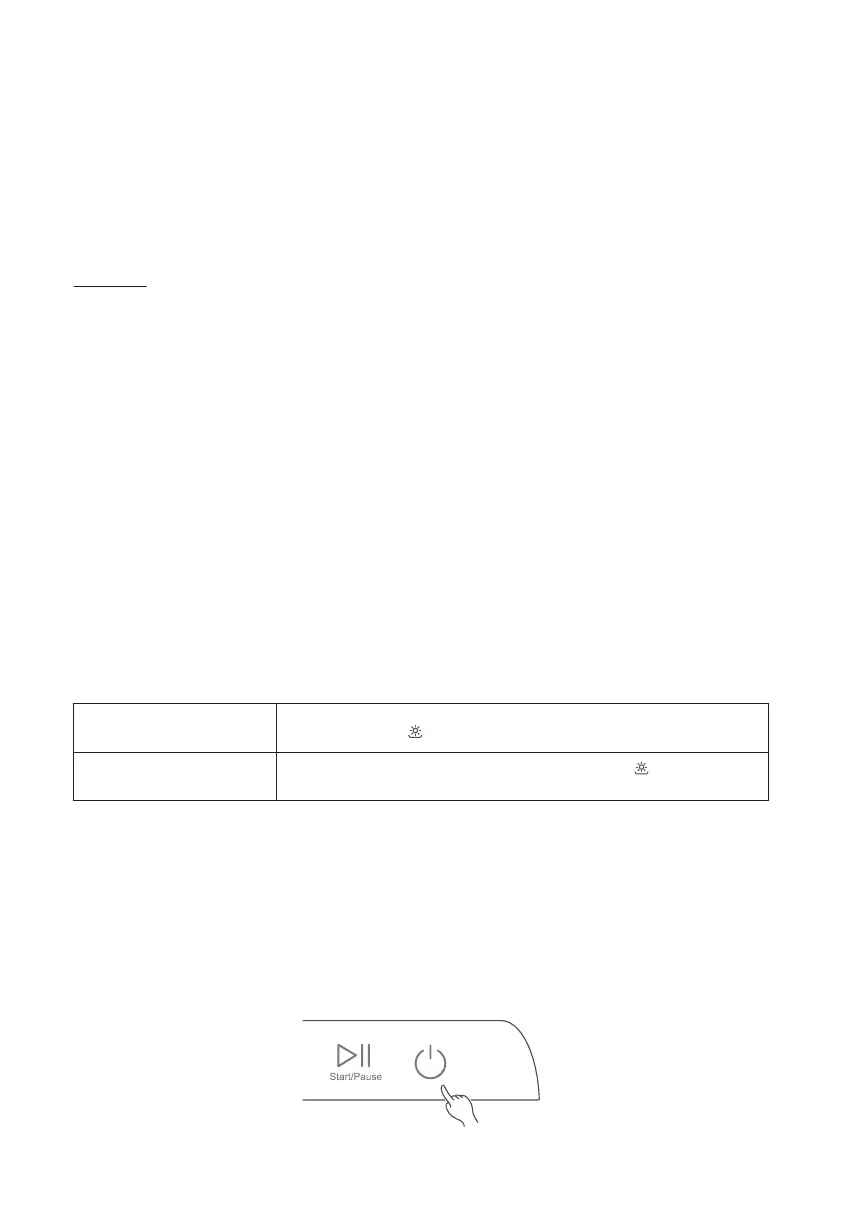
4. Insert the power plug into a power outlet. The Power button should light up and pulse.
5. Press and hold the Power button for 3 seconds to turn on the appliance. The Power button, Start/Pause
button, and Mode button will light up.
Air Dry after any wash cycle
(except Fruit)
Power button, Start/Pause button, and Mode button will stay illuminated with
remaining time and on the working status panel.
Air Dry in separate Dry mode
Dry button and Power button will stay illuminated with “b” and on the
working status panel.


 To Next Page
 Loading...