360
o
Surrounding camera
About the system
360
o
Surrounding camera captures the vehicle surroundings through four cameras and transmits the
image signal to the screen, ensuring safety by making control of the vehicle easy, thus preventing
collisions.
How to use
B4C5DCCA8D8A
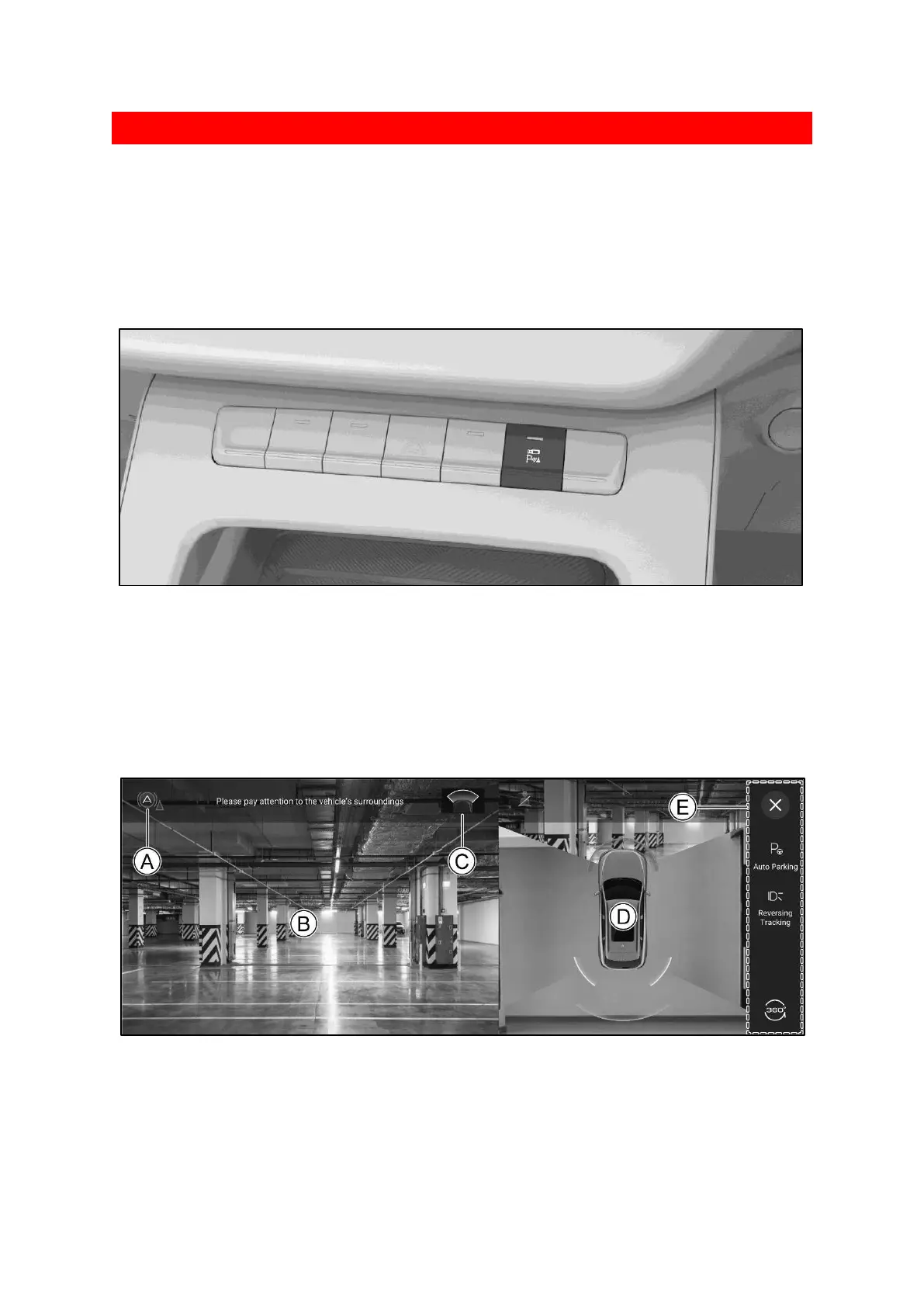
After the power switch is in the ON position or the vehicle is started, press the button to turn on
or off the AVM.
When in R gear, the AVM is turned on automatically.
When in P gear, the AVM is turned off automatically.
When the speed of the vehicle exceeds a set value, the AVM is turned off automatically.
Camera interface
3D9083E2560E
Ⓐ Low speed emergency braking function indicator.
Green: it indicates that the low speed emergency braking function is normally activated.
Red: it indicates that an obstacle is detected and automatic emergency braking is performed.
Yellow: it indicates abnormal function.



 To Next Page