20
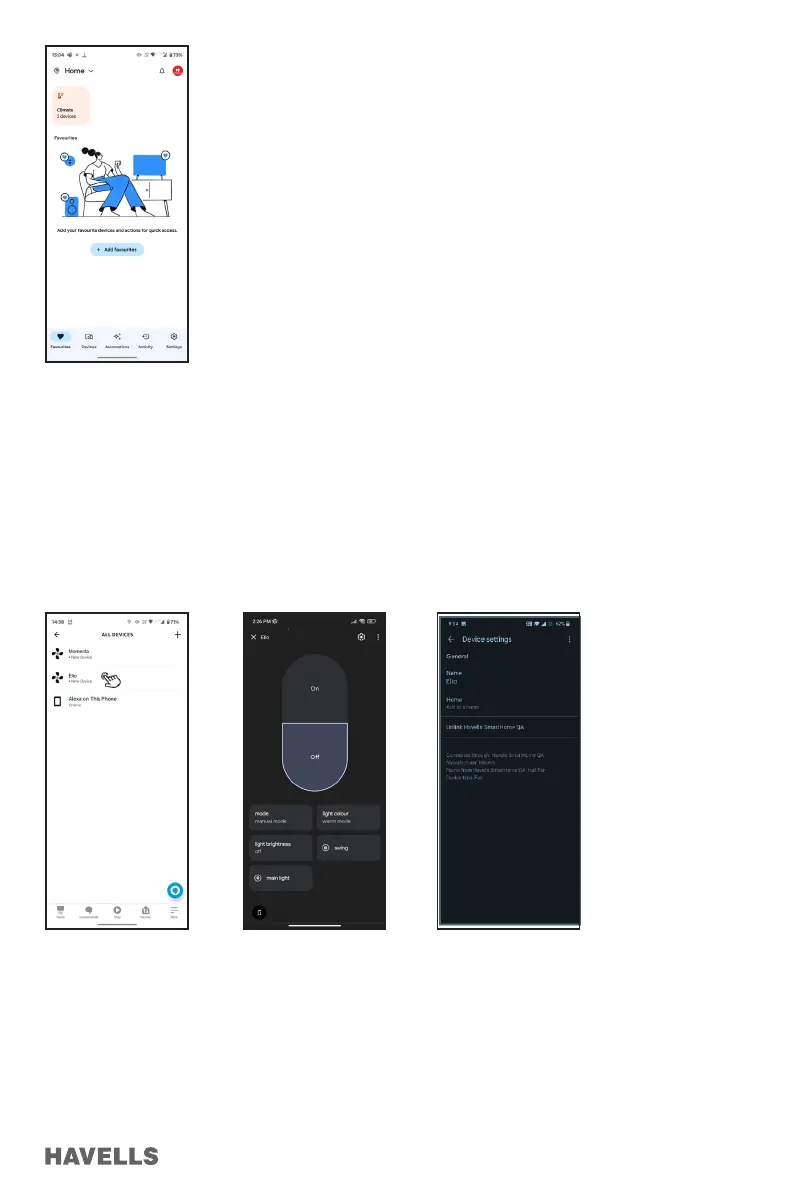
Figure 88
Figure 89 Figure 90 Figure 91
ELIO Fan Control using Google Home App
1. On the home page, connected devices are shown. “Click” on the connected device. (e.g. “ELIO Fan”),
linked ELIO Fan will be displayed with the current status (OFF/ON/other)
2. Tap on “OFF” to turn ON ELIO Fan. (Figure 90)
3. Tap on “ON” to turn OFF ELIO Fan.
4. You can change name of device or unlink the account by clicking on the “setting” icon on top right corner.
(Figure 91)


 To Next Page