2 7
• NEVER STOW OR MOUNT THE RUGGED KEYBOARD DIRECTLY IN A
VEHICLE AIRBAG DEPLOYMENT ZONE.
• DO NOT USE RUGGED KEYBOARD WHILE DRIVING.
• RECOMMENDED TO SET THE CONNECTED COMPUTER’S POWER OPTIONS
TO “NEVER” SLEEP.
• RECOMMENDED TO SET THE CONNECTED COMPUTER’S BIOS TO “ENABLE USB
WAKE SUPPORT”.
- Push ‘F2’ key during the computer’s boot sequence
- Select SETTINGS
- Select POWER MANAGEMENT
- Select USB WAKE SUPPORT
- Check the box for ENABLE USB WAKE SUPPORT
- Left Click: APPLY
- Left Click: EXIT
• READ ALL INSTRUCTIONS THOROUGHLY BEFORE BEGINNING INSTALLATION.
KB-101
Before Beginning
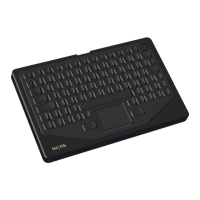
Havis is pleased to provide this Owner’s Manual to aid in the proper
installation and use of the KB-101 Rugged USB Backlit Keyboard.
For questions regarding the set-up of your KB-101 RUGGED USB Keyboard, please
contact Havis at 1-800-524-9900 or visit www.havis.com for additional product
support and information.
This Owner’s Manual applies to the following Part Numbers:
Related Products
Havis offers a wide variety of accessory products specically for use
with the KB-101 Rugged USB Keyboard. For more information or to
order, please visit www.havis.com.
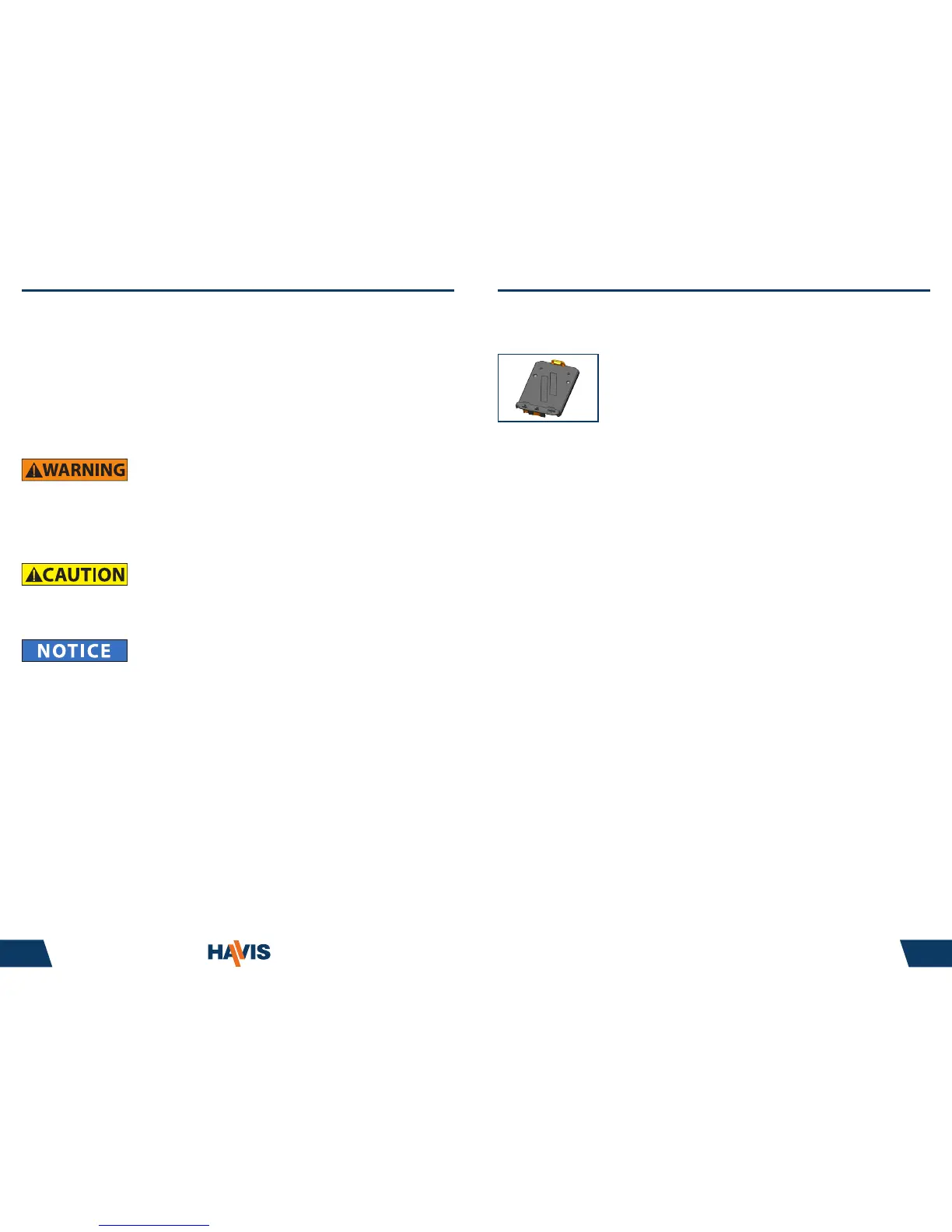
C-KBM-201
Keyboard Mount
Quickly dock and undock your Havis Rugged Keyboard with
this equally rugged mount. No tools or hardware required.



 To Next Page