Need help?
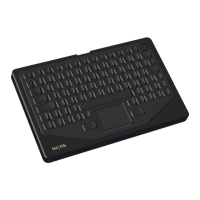
Do you have a question about the Havis KB-103 and is the answer not in the manual?
Learn how to turn the keyboard on and off using the power button and observe indicator lights.
Connect the keyboard via Bluetooth or switch between Bluetooth and USB modes using the power cable.
Enable or disable the 10-key number pad and enter 'Clean Mode' for safe keyboard cleaning.
 General
| Type | Keyboard |
|---|---|
| Connection | Wired |
| Backlit | No |
| Device Type | Keyboard |
| Connectivity | USB |
| Pointing Device | No |
| Waterproof | Yes |
| Dustproof | Yes |
| Compatibility | Windows, Linux |
| Interface | USB |

 To Next Page