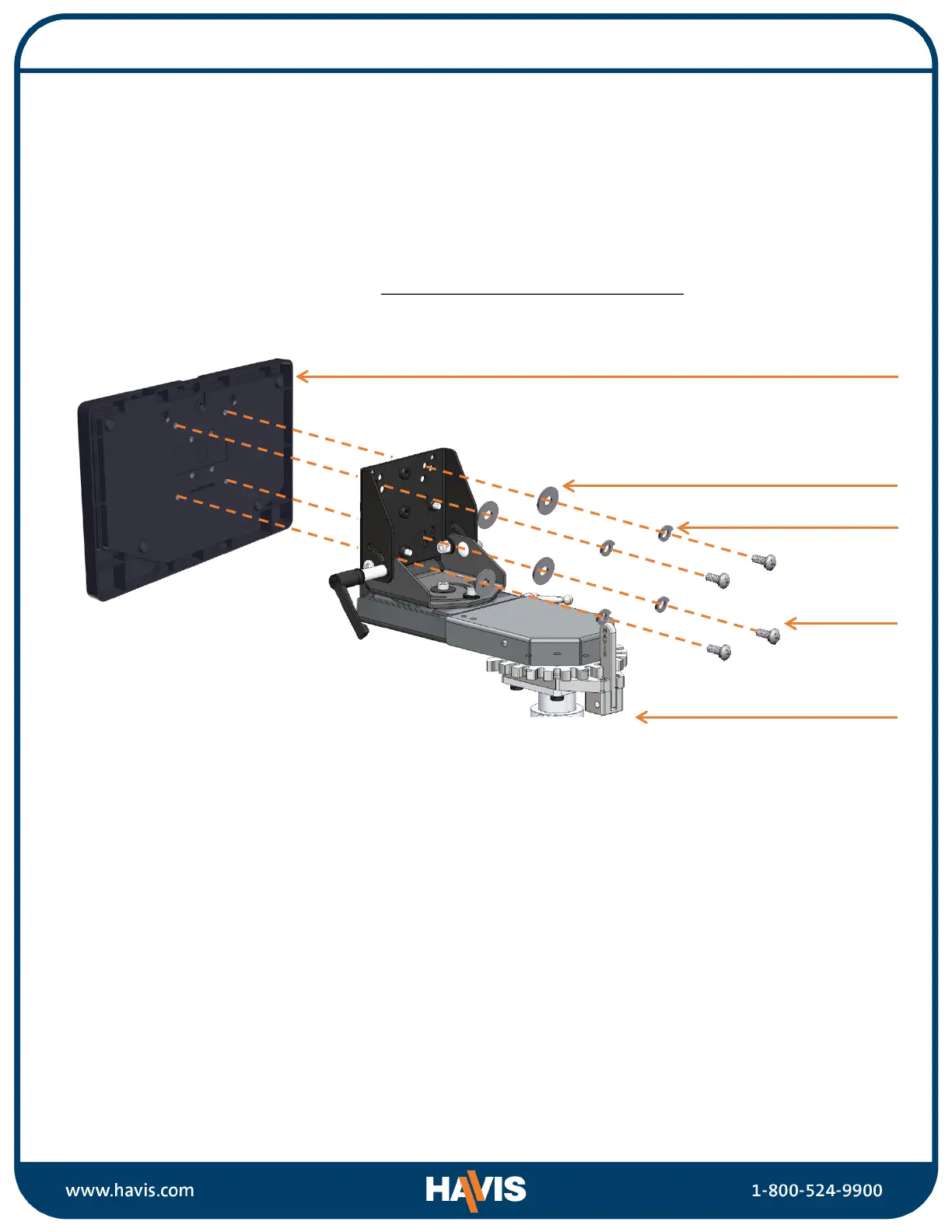
1) Remove Rugged Keyboard from the packaging. Havis recommends using our Keyboard Mount
(Part # C-KBM-201 – sold separately). These two products are designed to interlock together
and give the user docking, adjustment, and quick release abilities. However, the Rugged
Keyboard can be mounted to any appropriate surface that has VESA 75 or AMPS mounting
hole pattern.
2) If not using the Havis Keyboard Mount, determine if your mounting location is equipped with
VESA 75 or AMPS mounting hole pattern. Install the Rugged Keyboard to your mounting
device using the supplied hardware.
Torque screws to 20 in-lbs (2.3Nm) ± 10%
3) Insert the USB connector into a compatible USB port on the computer or docking station in
your vehicle.
4) Turn the computer on. Computer will detect and install drivers once the keyboard initiates.
Drivers are standard plug and play.
Installation and Operation
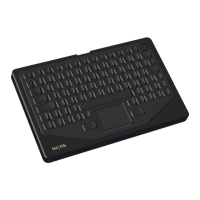
KB-103 Keyboard
Mounting Device
(Sold separately)
Screws
Washers
Lock Washers


 To Next Page