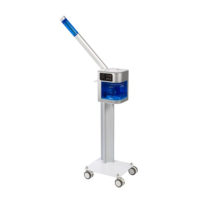
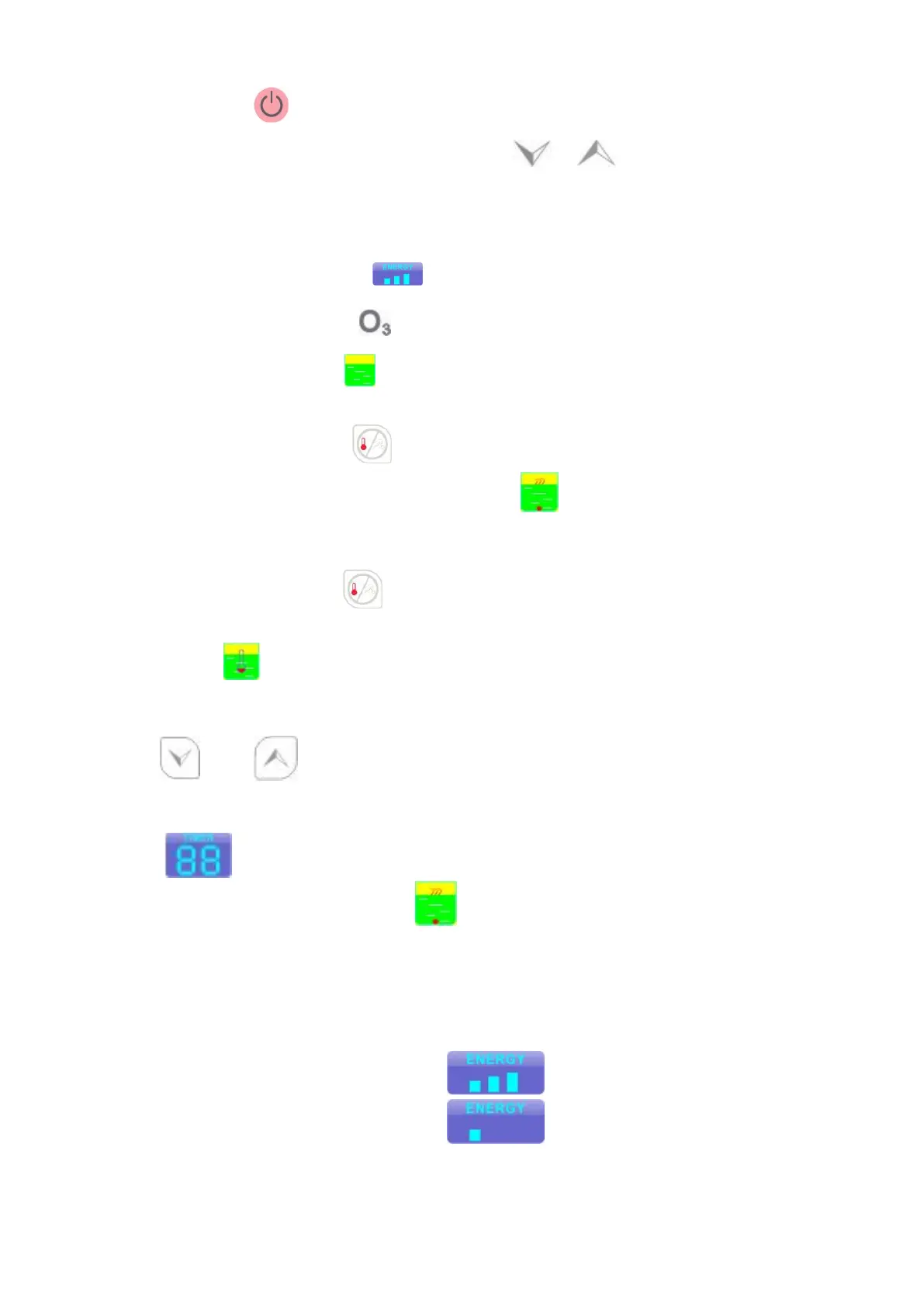
2.Press the button to turn on the host machine, the screen show the welcome menu,
enter the language selection screen, then press or button to choose the
language.
The host machine will enter the standby mode
Default time display window show “15”minutes
Energy display window show maximum level
“Ozone “display area show “ ”symbol dark grey
The symbol of Water cup “ ”is fixed
3、Hot vapor function:
Press WARMING/VAPOR to turn on the hot vapor function, the display screen
show the hot vapor working status” ”, the hot machine enter the hot
vapor working status; in about 6 minutes, the steamer will come out
Temperature reservation function
Press WARMING/VAPOR to turn on the temperature reservation function, the
display screen show the temperature reservation function working status”
”, the hot machine enter the temperature reservation function working
status
4.Time adjustment
Press or to adjust the time.
When hot vapor turn on, the time adjustment range is 1-30 minutes, the default time is 15
minutes( )
When temperature reservation function turn on , the time adjustment range is 1-90
minutes, the default time is 15 minutes
5.Energy adjustment
choose the energy adjustment button to adjust the energy. There are three
choice for vapor volume, such as high ,medium and low
When the energy indication on the energy is highest
When the energy indication off the energy is lowest
Please choose the highest energy before the vapor come out ,then adjustment the energy to
suitable level.


 To Next Page
 Loading...