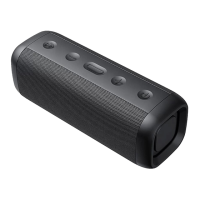
Press the MFB button once to end the current
End the call
Long press the MFB button for 2s to reject when
there comes a call.
Refuse incoming calls
Dual press the MFB button to redial the last
calling number.
Last number redial
Long press the MFB button for 2 seconds to cut
off the Bluetooth connection.
Bluetooth disconnection
Short press M to select mode. (Bluetooth/Micro
SD card/AUX in)
Mode switching
1. Long press the M button for 2 seconds to cut
off the speakers TWS connection.
2. Long press the M button for 5 seconds to
erase the pairing record. (The speaker will
automatically
Long press the M


 To Next Page