4
BATTERY INSTALLATION
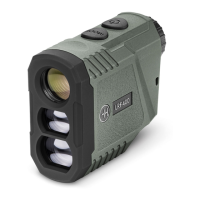
The LRF requires a 3V CR2 battery.
Unscrew the battery cover. Insert the battery negative end rst and then screw the battery
cover back in place.
Turn the LRF on by pressing the POWER button, the screen display will turn on if the battery is
inserted correctly and has sufcient power.
DISPLAY ICONS
1. Aim point with horizontal and vertical guides.
2. Measuring units (M = meters, Y = yards)
3. Distance readout
4. Targeting modes
5. Signal strength readout
6. Laser emission signal
7. Low battery indicator
6
1
2
3
4
5
7


 To Next Page