5
OPERATION
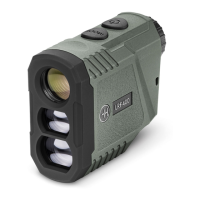
1. Quick press the POWER button.
2. Adjust the diopter setting to get a sharp on-screen display for your eyesight.
3. When turned on, the range nder will start in the same mode it was in when last used.
4. To cycle through the modes simply press the MODE button until you come to the
setting you desire.
5. Quick press the POWER button to range nd the target you are aiming at.
6. The laser range nder will automatically turn off when not used for 15 seconds.
STANDARD MODE
Standard mode measures the straight line distance to the target you are aiming at. It is measured
to the nearest yard/meter.
When there is nothing displayed in the targeting modes area of the display (to the left of the
distance), you are in Standard mode.
If you hold the POWER button while in Standard mode the range nder will continuously scan
so you can move around and get constant updates of the distance.


 To Next Page