06 07
Recharging the battery
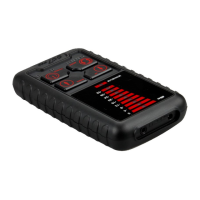
HS-007 Pro kit comes with a rechargeable battery.
To prolong the battery lifespan, please make a full recharge for the
battery for the first time.
It takes around 2 hours to finish the recharging. In case of long time
not used, HS-007 Pro need to be recharged.
Take use of AC adapter to recharge for the inside battery.
1. Put USB connector to AC adapter.
2. Plug the AC adapter into the power outlet.
3. Plug DC connector into HS-007 Pro power connector.
Computer USB Connector can also be used to recharge
HS-007 Pro.
Recharging : Red lights is on. Full charged : Blue light is on.
HS-007 Pro Accessory
HS-007 Pro kit accessoried with one headset and power adapter.
Headset
HS-007 Pro is accessoried with a high quality volume adjustable
headset.
Power adapter
HS-007 Pro also comes with a 5V/1A power adapter.


 To Next Page