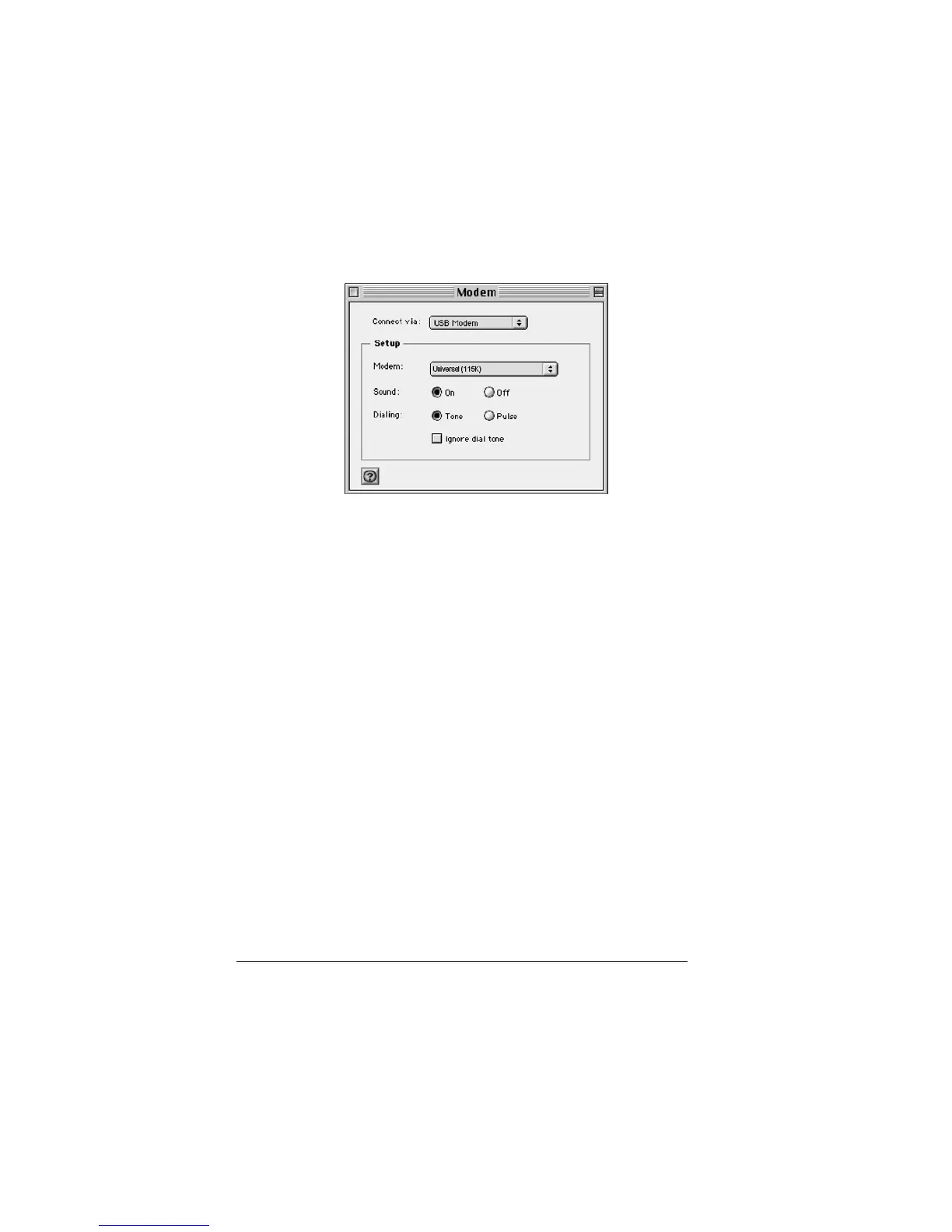
3 In the Setup area, select Universal (115K) from the Modem menu.
4 Close the Modem dialog.
5 When the Save changes to the current configuration? message
appears, click Save.
Configure TCP/IP
1 From the Apple menu select Control Panels > TCP/IP.
2 On the TCP/IP dialog, select PPP from the Connect via menu.
3 In the Setup area, verify that Using PPP Server (the default setting)
appears in the Configure: field.
4 Close the TCP/IP dialog.
5 When the Save changes to current configuration? message appears,
click Save.
22



 To Next Page