Page 17 of 34
Power Supply Installation
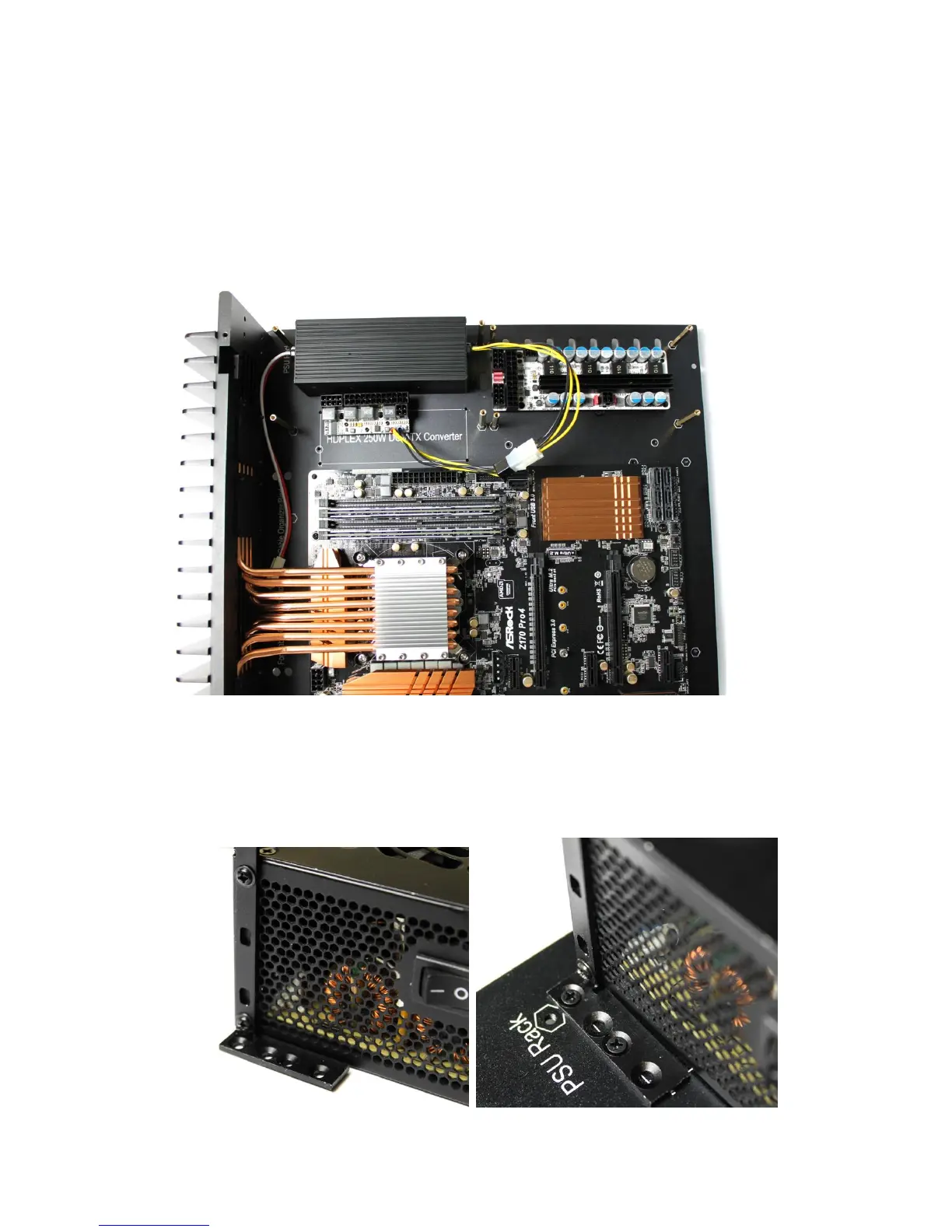
Install the 160W AC-DC, and 250W HiFi DC-ATX on opposite sides if using an
ATX/microATX motherboard, with AC-DC unit being on the left, and the DC-ATX
board on the right. Install both to the left side if using an ITX motherboard.
Install both the 160W AC-DC, and 160W DC-ATX on the left side for
ATX/microATX/ITX motherboard.
Install ATX/SFX/Flex PSU using the universal rack on the left side. Attach the
universal rack to the power supply using two M3*5 Round Head Screws A. We
recommend this to be the last step in a full H5 build. You can install the AC
extension cord, and fully secure the ATX/SFX/Flex PSU to the base plate after
the system has tested OK.



 To Next Page