Page 24 of 34
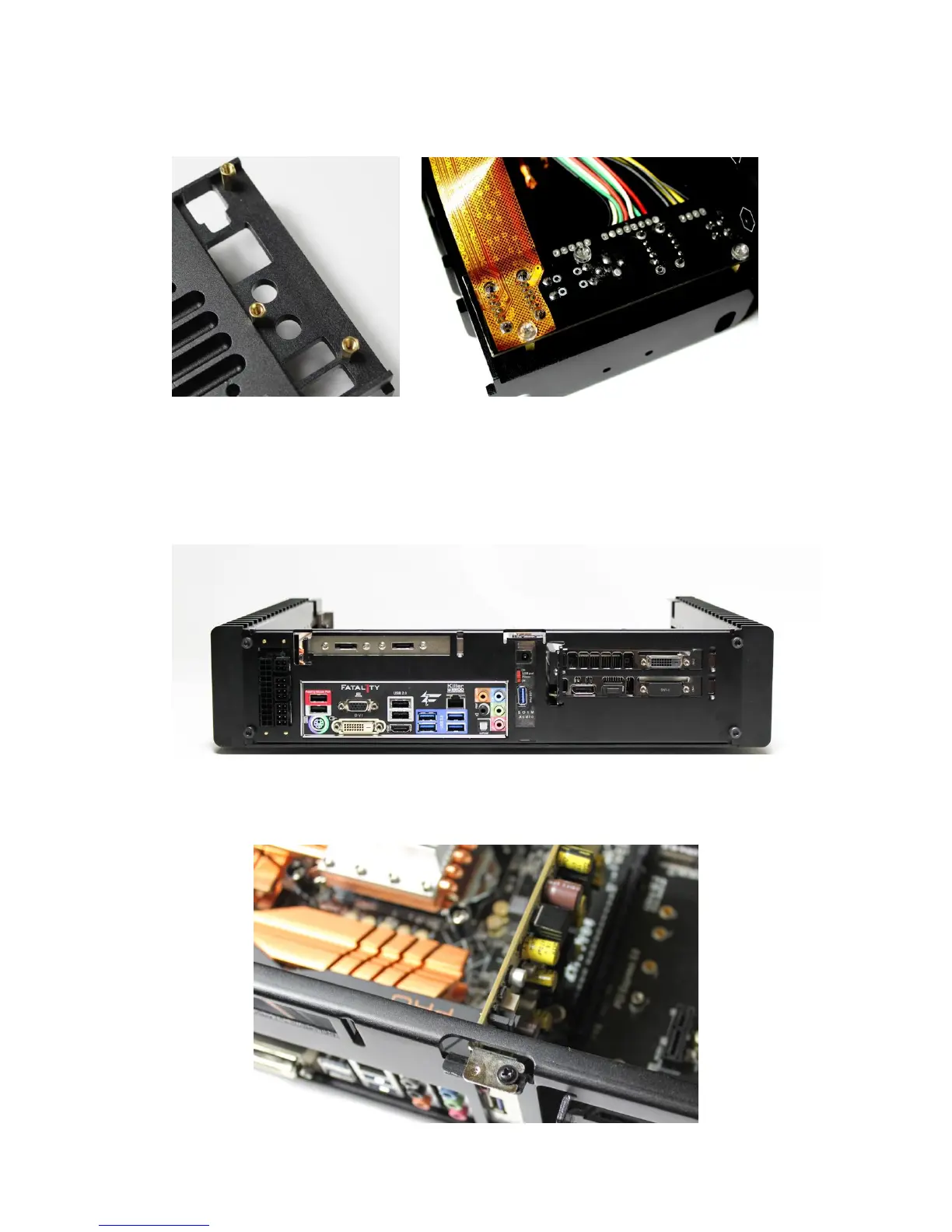
Install three 10mm copper posts E to the right side panel. Install the side I/O
PCB to the copper posts using three nylon screws E.
Install the left side panel to the H5 base plate using two M4*8 Flat Head HEX
Screws C.
Attached the motherboard I/O shield plate to the H5 back plate and install the
back plate to the chassis using four M5*8 CUP Head HEX Screw B.
Lock the half height card, using one M3*5 Round Head Screw with Cushion A to
the 3/4 M3 thread hole.



 To Next Page