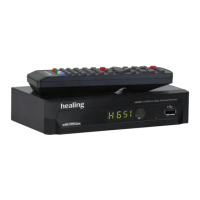
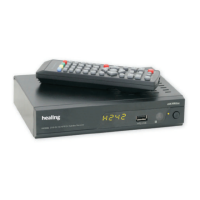
healing HHT896 HD Digital Terrestrial Receiver Operating Manual
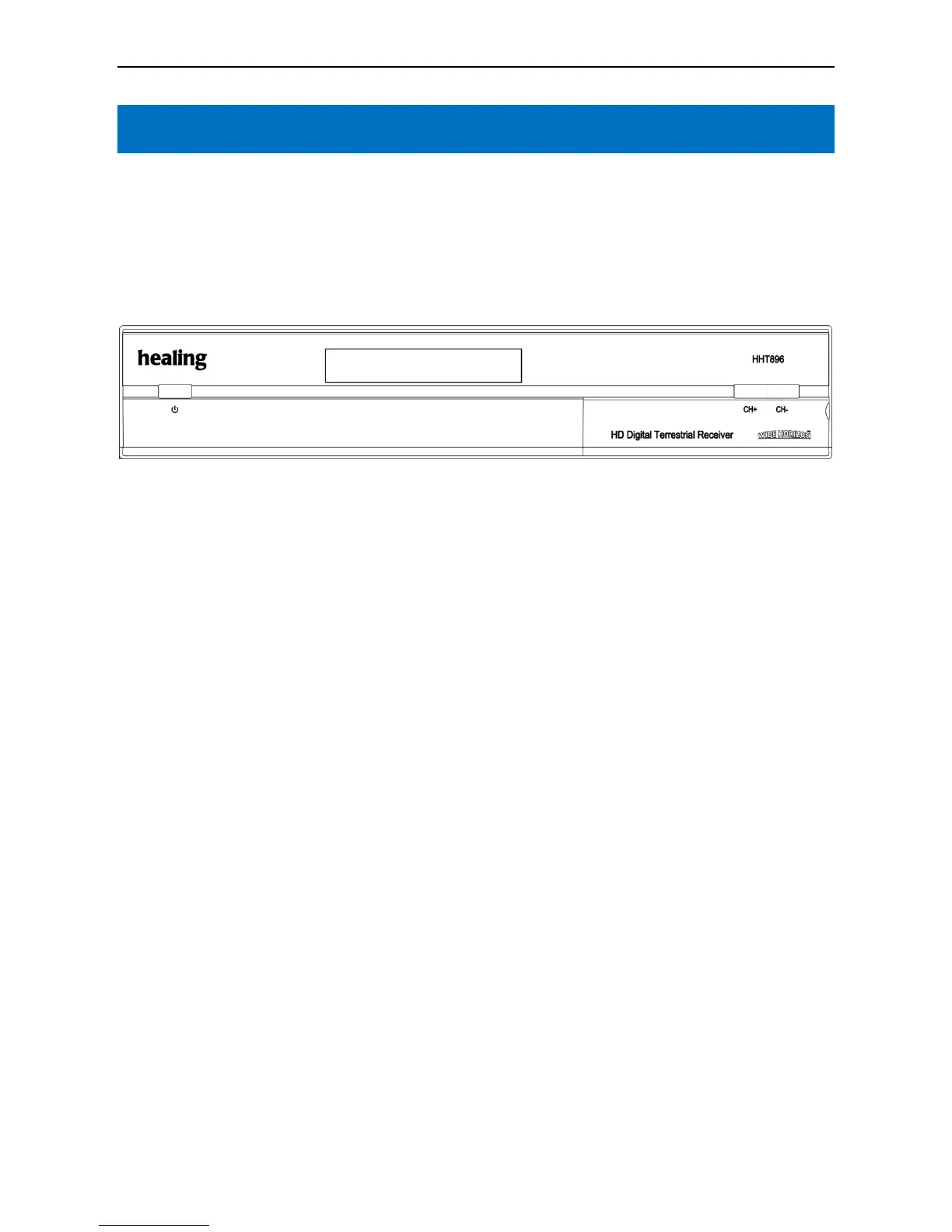
FRONT PANEL
a. STANDBY key - Switches between Operational and Standby modes
b. LED display - Shows channel selected, Load status etc.
c. Power LED, green - Indicates power supply active
d. Signal Lock LED, Orange
- No Light = No Signal = No Pictures or Sound.
e. Remote Control sensor
f. CH+ key. Use to select a higher channel number
g. CH- key. Use to select a lower channel number
h. OK. Operation confirmation; Channel List
i. MENU. Press key to enter Main Menu
6



 To Next Page