EasyManua.ls Logo

Health O Meter 2842KL - User Manual

Health O Meter 2842KL
15 pages
Print Icon
To Next Page IconTo Next Page
Loading...
1
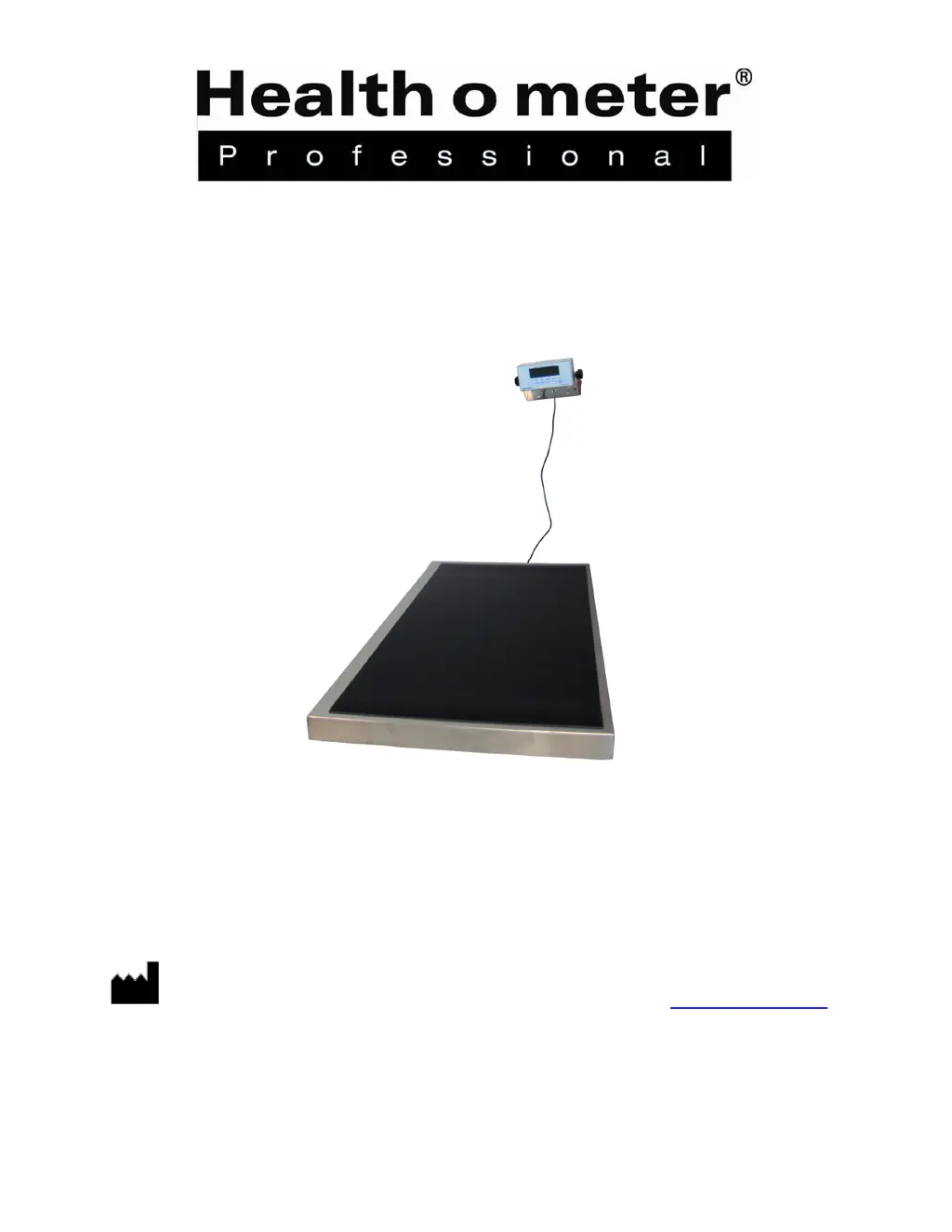
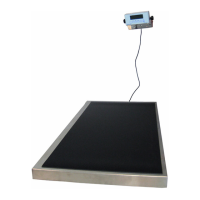
Large Platform Digital Scale
Model 2842KL
USER INSTRUCTIONS
PELSTAR, LLC
9500 West 55
th
St. McCook, IL 60525-7110 USA www.homscales.com
© Pelstar, LLC 2016
P/N UM2842KL Rev20160105

Other manuals for Health O Meter 2842KL

Questions and Answers

  • M
    Michael ValenzuelaAug 15, 2025
    How to fix questionable weight on Health O Meter 2842KL?
    • V
      Victoria EdwardsAug 15, 2025
      If you are getting a questionable weight or your Health O Meter Scales do not zero, consider the following: 1. **External Interference:** Remove any object that might be interfering with the scale. 2. **Incorrect Zeroing:** Ensure the display shows “0.0” before weighing. Remove any animal, zero the scale, and then begin the weighing process again. 3. **Unstable Surface:** Place the scale on a stable surface and restart the weighing process. 4. **Calibration Issues:** Check the weight using a known weight value to verify calibration.
  • S
    Scott DorseyAug 18, 2025
    How to fix Health O Meter 2842KL Scales that do not turn on?
    • C
      christina02Aug 18, 2025
      If your Health O Meter Scales do not turn on, here are a few things to check: 1. The batteries might be dead; replace them. 2. The electrical outlet could be faulty; try a different outlet. 3. The power supply may be bad; replace the adapter.
  • T
    Tara GlennAug 21, 2025
    What to do if Health O Meter 2842KL Scales display shows 'LO BAT'?
    • T
      tracie54Aug 21, 2025
      If your Health O Meter Scales display shows “LO BAT”, it means the batteries are low. You should replace them according to the instructions.
  • S
    Susan AndersenAug 25, 2025
    Why my Health O Meter 2842KL Scales do not turn on?
    • M
      Michelle WhiteAug 25, 2025
      If your Health O Meter Scales do not turn on, there are several possible causes: * **Dead Battery:** Replace the batteries. * **Faulty Electrical Outlet:** Try using a different outlet. * **Bad Power Supply:** Replace the adapter.
  • A
    alvin00Aug 27, 2025
    What to do if Health O Meter Scales display shows 'OL'?
    • P
      parkerdesireeAug 28, 2025
      If your Health O Meter Scales are displaying “OL”, it indicates that the load on the scale exceeds its capacity. Remove the excess weight to ensure you are using the scale within its specified limits.
  • B
    Brett PhamAug 31, 2025
    What to do if Health O Meter 2842KL display shows 'UL'?
    • J
      jenny12Aug 31, 2025
      If your Health O Meter Scales display shows “UL”, it means that the scale is in under-load condition. To resolve this, make sure the rubber mat is placed on the base.
  • J
    Jonathan ChavezSep 3, 2025
    What to do if Health O Meter 2842KL show 'OL'?
    • A
      Anthony TranSep 3, 2025
      If the display on your Health O Meter Scales shows 'OL', it means the load on the scale exceeds its capacity. Remove the excess weight to ensure it is within the scale's limit of 600 lb / 270 kg.
  • W
    William JacksonSep 7, 2025
    Why my Health O Meter 2842KL show questionable weight?
    • M
      Melissa MckaySep 7, 2025
      Questionable weight readings on your Health O Meter Scales can occur for several reasons: 1. An external object might be interfering with the scale; remove any such objects. 2. The display may not have shown “0.0” before weighing; in this case, remove the patient, zero the scale, and begin the weighing process again. 3. The scale might not be placed on a stable surface; ensure it is on a stable surface and restart the weighing process. 4. The scale could be out of calibration; check the weight with a known weight value.
  • T
    thomasdebbieSep 10, 2025
    What to do if Health O Meter 2842KL display shows “UL”?
    • H
      Heather DavisSep 10, 2025
      If your Health O Meter Scales display shows “UL”, the scale is in an under-load condition. Ensure the rubber mat is placed on the base, or press ZERO to clear a previously tared weight.

Summary

Cautions and Warnings

Specifications

Certifications and Disposal

Certification Descriptions

Pelstar, LLC certified as manufacturer of medical devices in compliance with ISO requirements.

Scale Disposal

Instructions for proper disposal of the scale as electronic waste, following regulations.

Assembly Instructions

Before Assembly

Inspect carton for shipping damage before unpacking and prepare for assembly.

Parts List

Lists all components included in the carton for the scale assembly.

Display Assembly Wall Mounting Instructions

Guide for securely mounting the display assembly to a wall, including safety checks.

Set Up

Replacing Batteries

Step-by-step guide for removing and replacing batteries in the scale's battery holder.

Operating Instructions

Control Panel Overview

Explanation of the scale's control panel buttons, indicators, and digital display functions.

Tare Function

How to subtract the weight of an object from the total reading for accurate patient weight.

Maintenance

Maintenance Checks

Procedures for checking the scale's overall condition and AC adapter before use.

Cleaning

Guidelines for cleaning the scale's external surfaces with approved solutions.

Troubleshooting

Calibration

Scale Calibration Procedure

Step-by-step instructions for calibrating the scale using a 200 lb standard weight.

Warranty

Limited Warranty Coverage

Details the two-year warranty against defects in materials or workmanship for the scale.

Warranty Exclusions

Lists conditions not covered by the warranty, including misuse and natural disasters.

Obtaining Warranty Service

Instructions on how to get warranty service, including obtaining an RA number and return address.

Health O Meter 2842KL Specifications

General IconGeneral
BrandHealth O Meter
Model2842KL
CategoryScales
LanguageEnglish

Related product manuals