EasyManua.ls Logo

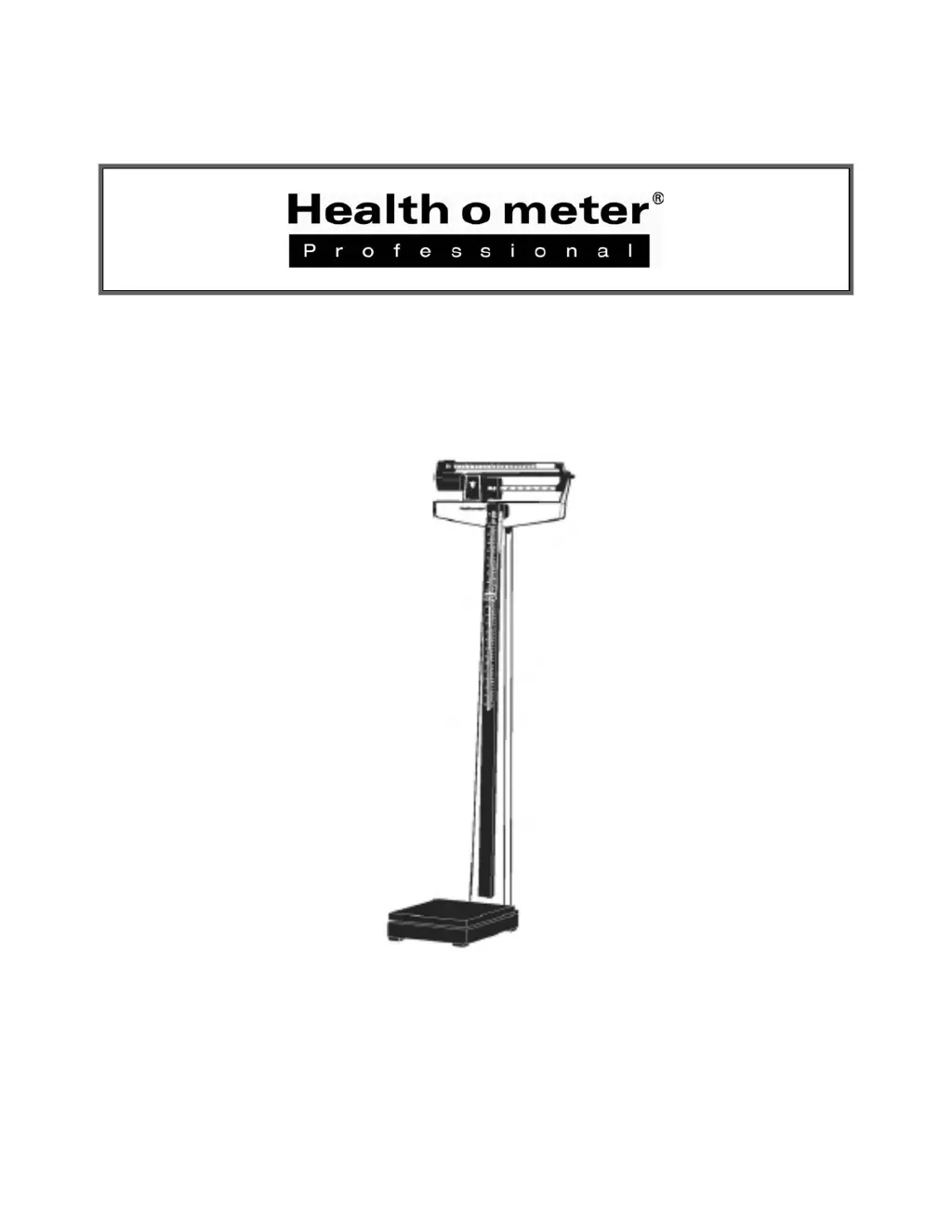
Health O Meter 402KL - User Manual

Health O Meter 402KL
25 pages
Print Icon
To Next Page IconTo Next Page
Loading...
Model 402KL
Physician Beam Scale
User Instructions
P/N UM402KL Rev 1-011513
1

Questions and Answers

  • K
    Kaylee CervantesJul 26, 2025
    How to calibrate Health O Meter Scales?
    • D
      Diane FitzgeraldJul 27, 2025
      If your Health O Meter Scales are not accurately measuring weight, it might be out of calibration. To recalibrate, loosen the lock screw at the end of the long lever in the base bottom using a ¾” hexagon socket wrench. Move it outward to decrease the indicated weight or inward to increase it. A one-sixteenth inch movement of the screw will change the indicated weight by approximately one-quarter pound per 100 pounds.
  • N
    Nicholas WangJul 30, 2025
    How to fix Health O Meter 402KL bar that doesn't move freely?
    • M
      Miguel NelsonJul 30, 2025
      If the bar doesn't move freely, it might be sticking or need adjustment. Check if the pointer is touching the side of the trig loop as it moves; if it is, the beam may need realignment. Also, make sure the large and small poise weights are firmly against the shoulder of the beam. Adjust the balance ball screw by turning the screw at the left end of the bar.
  • K
    Kathryn WalkerAug 4, 2025
    What to do if the beam does not move at all during weighing process in Health O Meter Scales?
    • T
      Tammy MooreAug 4, 2025
      If the beam on your Health O Meter Scales doesn't move during weighing, it could be due to an improper steel rod connection or the poise weight being set higher than the patient’s actual weight. Try resetting the weights to a lower value. Also, make sure the steel rod is properly connected, referring to the “Assembly Instructions” on page 5.
  • S
    santanadianeAug 8, 2025
    How to fix questionable weight on Health O Meter 402KL Scales?
    • J
      jennifer33Aug 9, 2025
      If the weight seems questionable, or the Health O Meter Scales don't center equally in the trig loop when the poise weight is at “0”, it might be because the bar isn't balanced at “0”. To fix this, balance the balance ball so the pointer rests in the center of the trig-loop when both poise weights are at “0”. Ensure both large and small poise weights are firmly against the beam's shoulder. Adjust the balance ball screw by turning the screw at the bar's left end until balanced.
  • K
    katherine98Aug 12, 2025
    Why bar does not move freely on Health O Meter 402KL Scales?
    • M
      Monica SantiagoAug 12, 2025
      If the bar on your Health O Meter Scales doesn't move freely, it might be sticking or need adjustment. Check if the pointer touches the side of the trig loop. If it does, realignment of the beam might be needed. Also, ensure the large and small poise weights are firmly against the shoulder of the beam. Adjust the balance ball screw by turning the screw at the left end of the bar.
  • D
    Diana MorrowAug 17, 2025
    Why doesn't the Health O Meter 402KL beam move during weighing?
    • J
      Jimmy ReyesAug 17, 2025
      The beam might not move during weighing for a couple of reasons. First, the poise weight may be set higher than the patient's actual weight, so try resetting the weights to a lower value. Second, the steel rod connection may be improper. Make sure the steel rod is connected properly; refer to the Assembly Instructions.
  • P
    prestoncoreyAug 21, 2025
    What to do if Health O Meter 402KL show questionable weight?
    • R
      ruizkimAug 21, 2025
      If you're getting a questionable weight, or the scale doesn't center equally in the trig loop when the poise weight is at “0”, it might be a balance issue. The balance ball must be adjusted so that the pointer rests in the center of the trig-loop when both poise weights are at “0”. Ensure the large and small poise weights are firmly against the shoulder of the beam. Turn the balance ball screw at the left end of the bar to adjust.

Summary

Caution and Warning

402 KL Assembly Instructions

Before Assembly

Guidance on inspecting the carton, unpacking parts, and handling components to prevent damage during assembly.

Assembling the 402 KL Scale

Step-by-step instructions for assembling the 402KL scale, recommended for two persons.

Operating Instructions

Zero Balance Adjustment

Instructions for checking and adjusting the scale's zero balance using a flat head screwdriver.

Weighing Instructions

Step-by-step guide on how to accurately weigh a patient using the poise weights and reading the scale.

Counterweight Instructions

Counterweight Instruction

Guidance on using the counterweight set (55090) to increase the scale's capacity to 490 lb / 210 kg.

Counterweight Instructions for Weighing in Pounds

How to use counterweights for patients weighing between 391-490 lbs.

Counterweight Instructions for Weighing in Kilograms

How to use counterweights for patients weighing between 171-210 kg.

Height Measurement Instructions

Troubleshooting

Troubleshooting Guide

Lists common symptoms, possible causes, and corrective actions for incorrect weight measurements.

Health O Meter 402KL Specifications

General IconGeneral
TypeDigital
Capacity400 lbs
Graduation0.2 lbs
DisplayLCD
Unitslbs/kg
Auto-On/Auto-OffYes
Low Battery IndicatorYes
PowerBatteries

Related product manuals