EasyManua.ls Logo

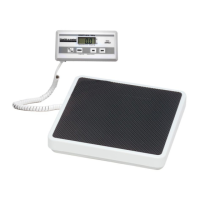
Health O Meter 499KL - User Manual

Health O Meter 499KL
77 pages
Print Icon
To Next Page IconTo Next Page
Loading...
1
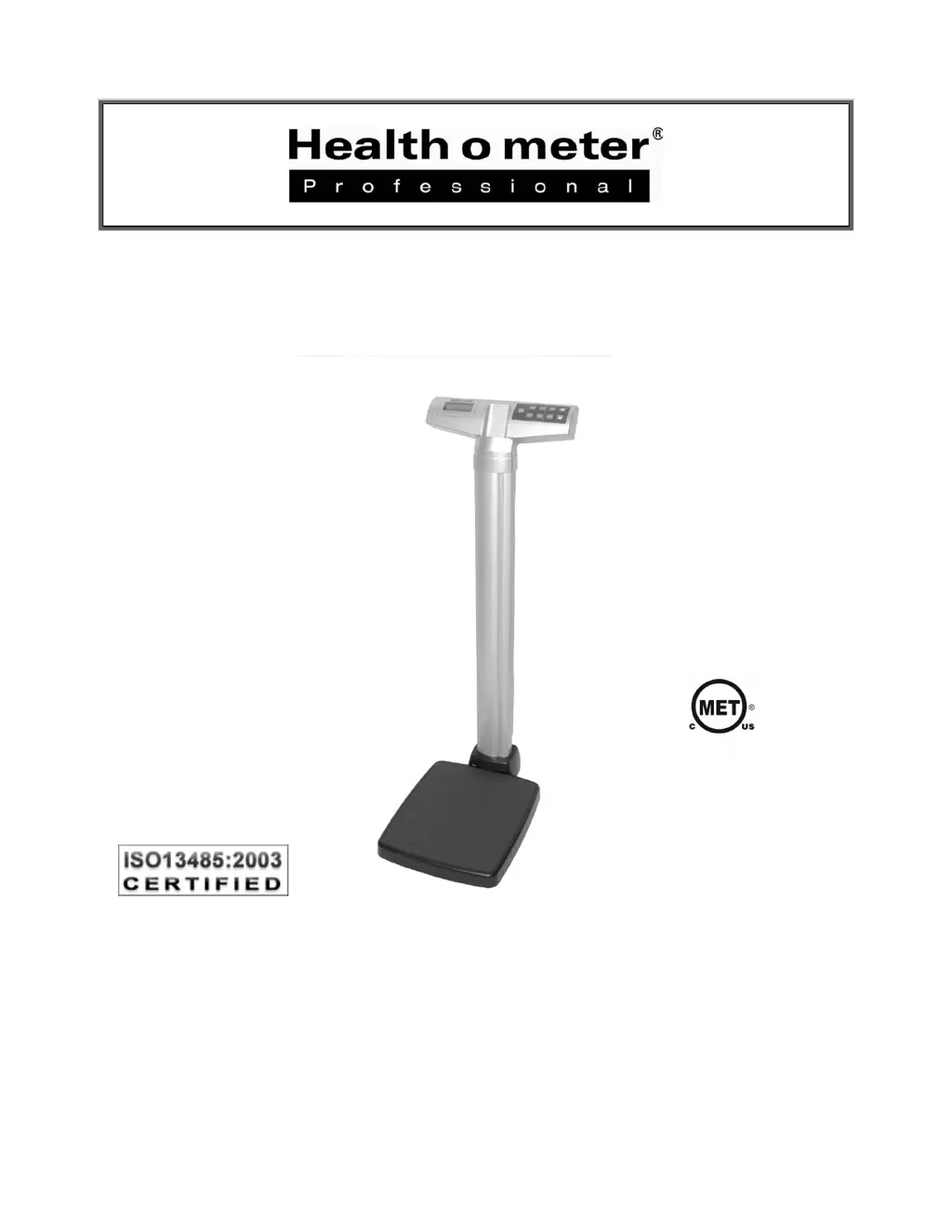
Model 499KL
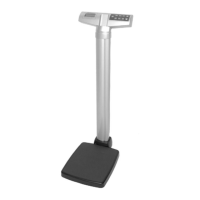
Waist High Digital Beam Scale
User Instructions
P/N UM499KL Rev 20150608-web
E112697
UL 60601-1
CSA C22.2 No. 601.1-M90

Other manuals for Health O Meter 499KL

Questions and Answers

  • A
    Amy WilsonAug 15, 2025
    How to fix Health O Meter Scales that does not turn on?
    • C
      ccortezAug 15, 2025
      If your Health O Meter Scales does not turn on, the possible causes are: * Dead battery: Replace the batteries. * Faulty electrical outlet: Try using a different outlet. * Bad power supply: Replace the AC adapter.
  • J
    James AndersonAug 18, 2025
    How to fix Health O Meter 499KL that do not turn on?
    • A
      Andrew FerrellAug 19, 2025
      If your Health O Meter Scales aren't turning on, here are a few things you can check: 1. **Battery problem:** Check or replace the batteries. 2. **Bad Power Supply:** Check or replace the power supply adapter. 3. **Electrical Outlet:** Try using a different outlet.
  • B
    Bobby ShepherdAug 21, 2025
    Why does my Health O Meter Scales display “Lo bAtt” message?
    • K
      Katie AndersonAug 21, 2025
      The “Lo bAtt” message appears when the batteries are discharged. Replace them following the provided instructions.
  • C
    Charles HansonAug 25, 2025
    What to do if Health O Meter Scales does not zero?
    • K
      Kelly HopkinsAug 25, 2025
      If you're getting questionable weight readings or the Health O Meter Scales isn't zeroing, consider these possibilities: * External object interfering with the scale: Remove any object from the scale. * The display did not show “0.0” before weighing: Ask the patient to get off the scale, zero it, and start the weighing process again. * Scale is not placed on a level floor: Ensure the scale is on a level surface and restart the weighing. * Scale is out of calibration: Check the weight using a known weight value.
  • L
    Linda SchmidtAug 27, 2025
    What to do if Health O Meter Scales show 'OVER' in display?
    • M
      Megan SmithAug 27, 2025
      If the Health O Meter Scales display shows 'OVER', it means the weight on the scale exceeds its capacity (500 lbs / 220 kg). Remove the weight, turn the scale off, turn it back on, and try again.
  • A
    Abigail RobertsAug 30, 2025
    Why Health O Meter Scales show questionable weight?
    • M
      Michele DelgadoAug 30, 2025
      If your Health O Meter Scales are showing questionable weight, there might be several reasons: * An external object may be interfering with the scale; remove it. * The display didn't show '0.0' before weighing; ask the patient to step off, zero the scale, and begin again. * The scale isn't on a level surface; place it on one. * The scale is out of calibration; check the weight with a known weight value.
  • D
    Darryl HillSep 2, 2025
    What to do if Health O Meter 499KL show 'UNDER'?
    • J
      Jessica HowellSep 2, 2025
      If the Health O Meter Scales display shows 'UNDER', it means there's a negative weight, indicating a tare was present, or the load on the scale is below the initial zero point. Clear any weight from the scale and re-zero it by pressing the ZERO button.
  • V
    vthompsonSep 5, 2025
    What to do if my Health O Meter Scales shows “Over” message?
    • J
      johnsontashaSep 5, 2025
      The “Over” message indicates that the load on the scale exceeds its maximum capacity of 500 lb / 220 kg. Remove the excess weight to ensure accurate readings and stay within the scale's limits.
  • H
    hickskennethSep 8, 2025
    Why Health O Meter Scales weighing process takes too long?
    • C
      Clinton MartinSep 8, 2025
      If the weighing process is taking too long and the weight isn't locking on the display, it might be because the patient is not standing still. Ask the patient to remain still during the weighing process.
  • L
    Laura JonesSep 12, 2025
    What to do if Health O Meter 499KL Scales show 'LobAt'?
    • S
      shelbyrichardsonSep 12, 2025
      If your Health O Meter Scales display 'LobAt', it indicates that the batteries are low. Replace the batteries according to the instructions.

Summary

Caution and Warning

General Operating Precautions

Instructions for safe operation to prevent injury and scale damage.

AC Adapter Safety Precautions

AC Adapter Operating Precautions

Safety guidelines for using the optional AC adapter with the scale.

Scale Specifications

499 KL Scale Specifications

Detailed technical specifications including capacity, power, and dimensions.

499 KL Assembly Instructions

499 KL Assembly Instructions (Continued)

Assembling the 499 KL Scale

Step-by-step guide for assembling the main scale components.

Setup and Batteries

Replacing; Inserting Batteries

Procedure for installing or replacing the AA batteries.

Quick Start and Operation (Continued)

Weighing a Patient

Step-by-step process for weighing a patient accurately.

Height Measurement Instructions

Height Measurements

Procedure for accurately measuring patient height using the rod.

Calibration

Scale Calibration

Step-by-step guide for calibrating the scale.

Troubleshooting

Health O Meter 499KL Specifications

General IconGeneral
BrandHealth O Meter
Model499KL
CategoryScales
LanguageEnglish

Related product manuals