EasyManua.ls Logo

Health O Meter 450KL - User Manual

Health O Meter 450KL
27 pages
Print Icon
To Next Page IconTo Next Page
Loading...
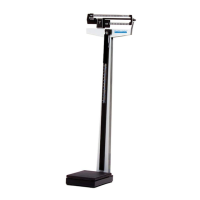
Model 450KL
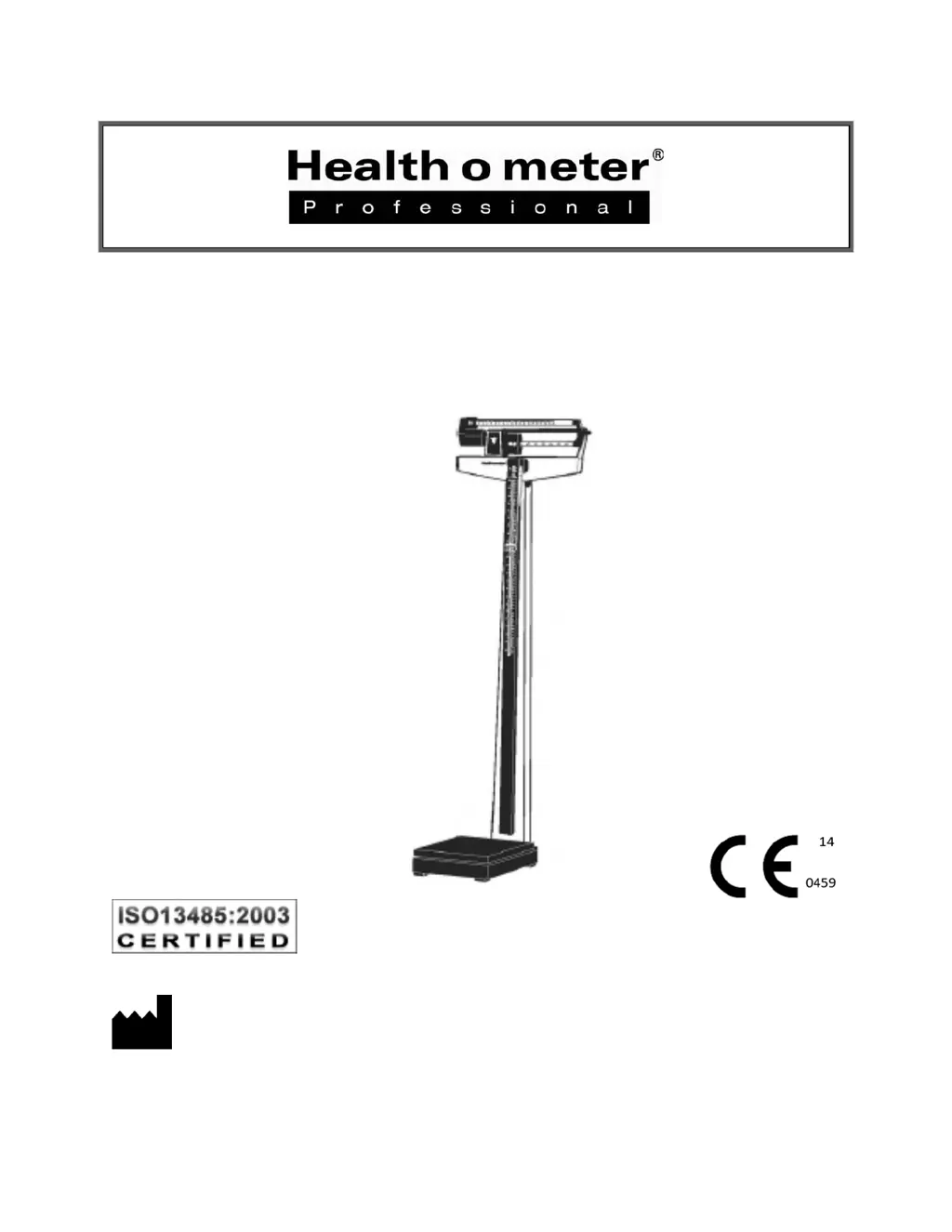
Physician Beam Scale
User Instructions
PELSTAR, LLC 9500 West 55
th
Street, McCoo , IL 60525 k
P/N UM450KL Rev 081914
1

Questions and Answers

  • D
    David ChandlerJul 26, 2025
    How to fix Health O Meter 450KL bar that doesn't move freely?
    • B
      Brian JoyceJul 26, 2025
      If the bar doesn't move freely, it might be sticking or need adjustment. Check if the pointer is touching the side of the trig loop as it moves; if it is, the beam may need realignment. Also, make sure the large and small poise weights are firmly against the shoulder of the beam. Adjust the balance ball screw by turning the screw at the left end of the bar.
  • J
    John ColeAug 5, 2025
    Why doesn't the Health O Meter 450KL Scales beam move during weighing?
    • P
      phillipfergusonAug 5, 2025
      The beam might not move during weighing for a couple of reasons. First, the poise weight may be set higher than the patient's actual weight, so try resetting the weights to a lower value. Second, the steel rod connection may be improper. Make sure the steel rod is connected properly; refer to the Assembly Instructions.
  • C
    Christina MeyerAug 16, 2025
    What to do if Health O Meter 450KL Scales show questionable weight?
    • S
      Shannon LoveAug 16, 2025
      If you're getting a questionable weight, or the scale doesn't center equally in the trig loop when the poise weight is at “0”, it might be a balance issue. The balance ball must be adjusted so that the pointer rests in the center of the trig-loop when both poise weights are at “0”. Ensure the large and small poise weights are firmly against the shoulder of the beam. Turn the balance ball screw at the left end of the bar to adjust.

Summary

Caution and Warning

450 KL Assembly Instructions

Assembling the 450 KL Scale

Step-by-step guide for assembling the scale pillar and platform.

Operating Instructions

Zero Balance Adjustment

Steps to ensure the scale pointer is centered at zero before weighing.

Weighing Instructions

Detailed steps for accurately weighing a patient using the poise bars.

Counterweight Instructions

Counterweight Instructions (lb) and Patient Weighing

Covers general counterweight use, weighing in pounds, and specific patient weight ranges.

Kilogram Weighing and Patient Weight Recording

Details weighing in kilograms, specific patient ranges, and recording weights.

Patient Weight Recording Details

Provides detailed methods for recording patient weights in pounds and kilograms.

Height Measurement Instructions

Height Measurements

Step-by-step guide on how to accurately measure patient height.

Troubleshooting

Troubleshooting

Common issues, possible causes, and corrective actions for scale malfunctions.

Health O Meter 450KL Specifications

General IconGeneral
TypeDigital
DisplayLCD
Unitslb/kg
Platform Size15.75" x 11.75"
Power Source4 AAA batteries
Weight Increments0.2 lb / 0.1 kg
Auto-On/Auto-OffYes
Low Battery IndicatorYes
Overload IndicatorYes
Capacity450 lb
Weight Capacity450 lb

Related product manuals