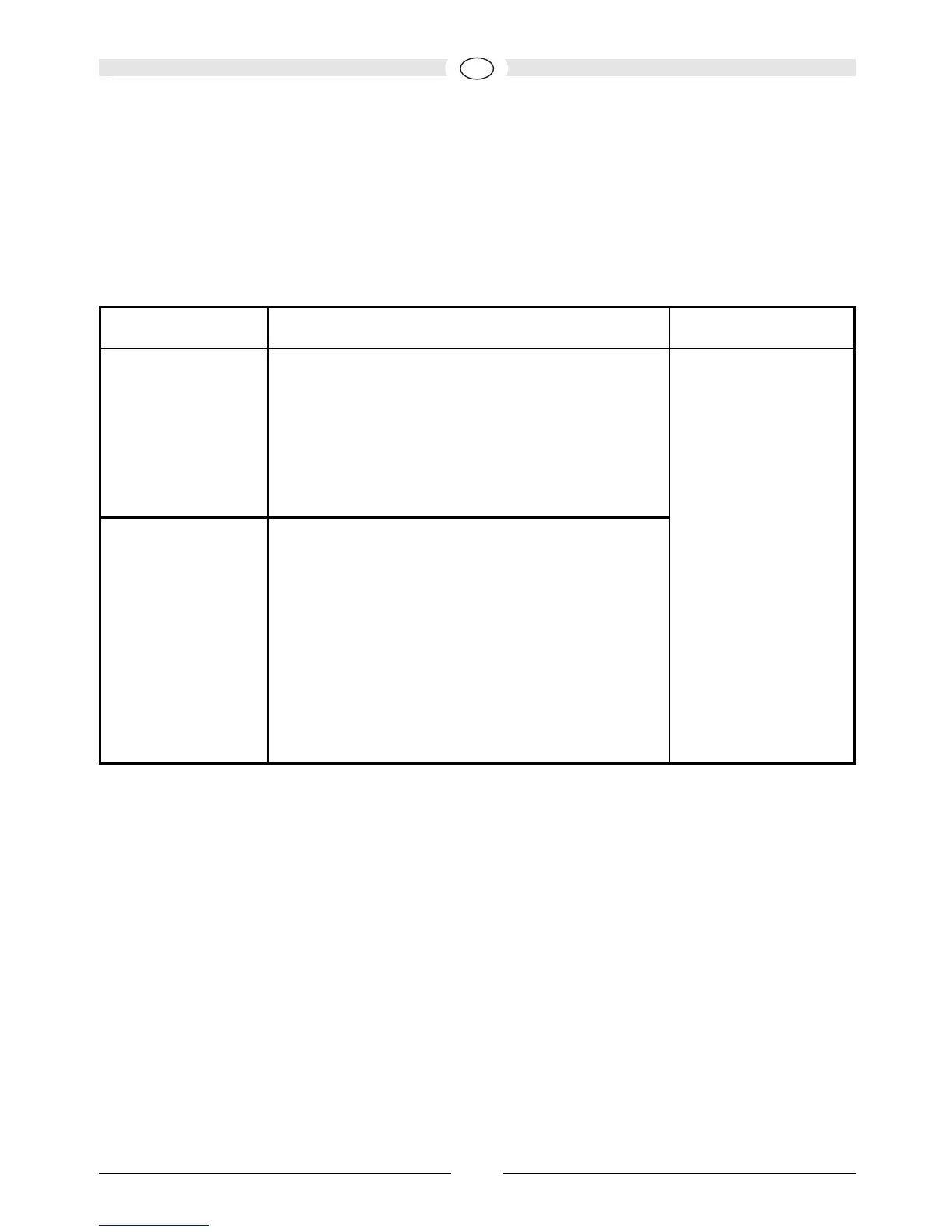
Warning: Connecting the subwoofer to a 230 V mains outlet while the voltage
selector is set to 115 V will lead to immediate destruction of the fitted
amplifier!
Mains switch (3), power LED (4), power switch (5)
Line inputs (6)
For connecting to level outputs on a receiver/amplifier (stereo mode), see Fig. 4.
For connecting to an AV receiver with low-level subwoofer output, see Fig. 5.
Line outputs (7)
For connecting to a receiver's/amplifier's low-level inputs (stereo mode), see Fig. 4,
or for connecting a second subwoofer.
Mains switch ON Mains switch OFF
Power switch ON Subwoofer is in permanent operation, the
power LED is green.
Favourable setting for the reproduction of
programmes with long quiet passages (this
prevents the subwoofer from switching off
unintention-ally).
Subwoofer
switched off,
Power LED off.
This is the setting
for when
subwoofer isn't
used over long
periods.
Power switch
AUTO
Subwoofer initially in standby mode, the
power LED is red.
The subwoofer switches on automatically
when it receives a signal from the re-
ceiver, the power LED turns green.
It automatically switches to standby after
receiving no signals for around 15 min-
utes, the power LED returns to red.
Recommended setting.




 To Next Page