EasyManua.ls Logo

HEDD BASS 08 - User Manual

HEDD BASS 08
23 pages
Print Icon
To Next Page IconTo Next Page
Loading...
© 2021 HEDD Audio GmbH | Heinz Electrodynamic Designs | www.hedd.audio
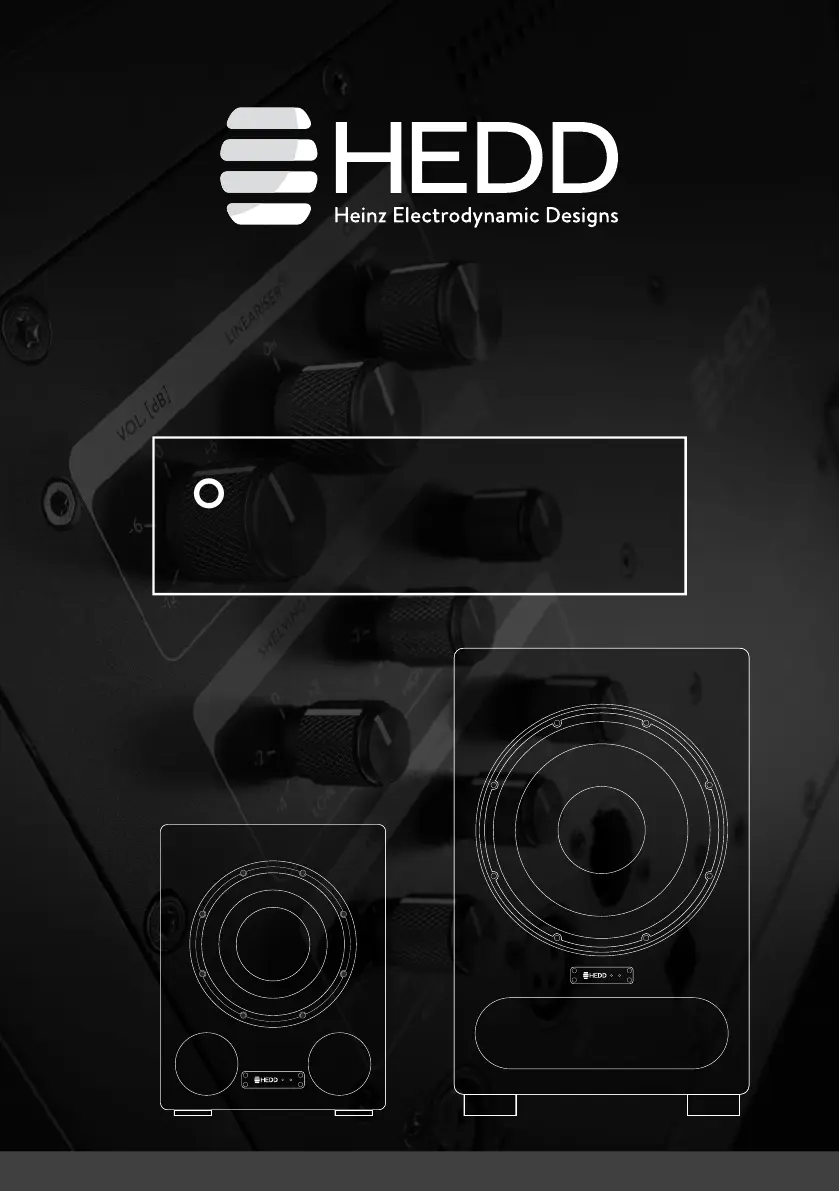
OPERATION MANUAL
HEDD BASS 08 HEDD BASS 12
Heinz Electrodynamic Designs
last updated: 2021-05-20

Questions and Answers

  • G
    gmiddletonAug 6, 2025
    What to do if HEDD BASS 08 Subwoofer has green power LED on but no audio output?
    • P
      perrylauraAug 6, 2025
      If the green power LED is on but there's no audio output from your HEDD Subwoofer, here are a few things to check: * First, ensure all cables are correctly connected. * Next, verify that you've selected the correct input using the ANALOG/AES switch on the back panel. * You can also swap the cables of both loud- speakers to check for a defective signal cable. * Try connecting an audio source directly to the speaker, paying attention to the volume. If you get audio output, the problem lies in your signal path. * Also, if the back panel of the speaker is very hot, the internal thermal protection might have shut down the audio output. In this case, turn the unit off, let it cool down, and then power it back on.
  • G
    Gary NobleAug 15, 2025
    Why is my HEDD BASS 08 Subwoofer making a hum or buzz noise?
    • S
      Stephanie SullivanAug 15, 2025
      A hum or buzz noise in your HEDD Subwoofer's output can be caused by several factors: * Faulty audio cables or equipment in your signal path. Try disconnecting all signal cables. If the noise disappears, inspect your audio cables and equipment. * If you're using the balanced XLR input, try activating Ground Lift on your signal source. * Interference from other electrical devices. Check for cellphones, switching power supplies, or radio equipment near your speakers and move them further away. * Sometimes, simply connecting the speakers to a different power socket can resolve the issue.
  • B
    Barbara HinesAug 25, 2025
    How to fix a constantly lit red overload LED on HEDD BASS 08 Subwoofer?
    • C
      cunninghammadisonAug 26, 2025
      If the red overload LED on your HEDD Subwoofer is constantly lit, reduce the input audio level either on the source or with the Inp. Sens. control and increase the Vol. instead.

Summary

Introduction and Unpacking

Quick Start Guide

Essential steps for initial setup and operation of the subwoofer.

Box Contents

Product Overview

Status LED Indicators

Explains the meaning of different LED light indicators on the subwoofer.

Subwoofer Placement Recommendations

Provides guidance for optimal positioning of the subwoofer for best performance.

CoP: Closed or Ported

Switching Between Closed and Ported Modes

Instructions for changing the subwoofer's operating mode from Ported to Closed.

Ported Mode Operation

Details the default mode where bass reflex ports are open for powerful low-end.

Closed Mode Operation

Explains the function when ports are sealed, acting as an infinite baffle speaker.

HEDD Lineariser Technology

Control Settings

Volume Adjustment

How to adjust the output level using the rotary switch.

Satellite Offset Configuration

Compensates for distance differences between satellites and subwoofers.

Crossover (X-Over) Frequency Selection

Selects crossover frequencies for satellite-sub systems.

Low Frequency Range Adjustment

Modifies the low frequency response extension for specific needs.

Analog;AES Input Selection

Chooses between analog and digital AES audio inputs.

Input Sensitivity Adjustment

Optimizes input signal level for the A/D converter.

Phase Control Setting

Adjusts phase for timely optimization in the crossover region.

Safety Instructions

Maintenance and Care

Shipping and Packaging Guidelines

Guidelines for sending speakers via postal service to ensure safe transit.

Environmental Information

Compliance with RoHS and WEEE standards for environmental impact.

Warranty Information

Warranty Limitations

Conditions under which the product warranty may be voided.

Troubleshooting Common Issues

Technical Specifications

A Brief History of Time

HEDD BASS 08 Specifications

General IconGeneral
HEDD SubwoofersBASS 08 BASS 12
Woofer (honeycomb diagram)8’’ (2’’ voice coil) 12’’ (2.5’’ voice coil)
Frequency response (-3 dB)24 - 80 Hz 20 - 80 Hz
Upper frequency limit (var.)40 - 120 Hz 40 - 120 Hz
LF range (-3 dB): normal / extended24 / 20 Hz 20 / 16 Hz
LFE function (LowPass filter +10 dB gain)LP 200 Hz / +10 dB LP 200 Hz / +10 dB
Sensitivity (Inp. Sens.: 0 dB, Vol.: +12 dB)90 dBSPL 1W/m 96 dBSPL 1W/m
Input gain± 12dB ± 12dB
Input sensitivity-10 / 4 / 0 / +4 dB -10 / 4 / 0 / +4 dB
HEDD Lineariser®, disengageable, delay30 ms 30 ms
Phase switch0 / 90 / 180 / 270° 0 / 90 / 180 / 270°
Maximum SPL at 1 m (half space)105 dB 115 dB
AD/DA Conversion96 kHz / 32 Bit 96 kHz / 32 Bit
Input 1: analog stereo (2ch) / impedance2x XLR / 22 kΩ 2x XLR / 22 kΩ
Input 2: AES “in”1x XLR 1x XLR
Output: AES “through”1x XLR 1x XLR
Output to satellites (2ch) highpass @80 Hz L/R 4th order 80 Hz L/R 4th order
Satellite offset @ANALOG OUT± 2m in .5m steps ± 2m in .5m steps
Power amplifier / universal mains 110 - 240 V300 W ICEpower 700W ICEpower
Cabinet with satin lacquer finishblack black
Warranty2 years 2 years
Weight and Dimensions IconWeight and Dimensions
Dimensions (H x W x D)392 x 290 x 400 mm 595 x 380 x 610 mm
Weight17 kg 32.1 kg

Related product manuals