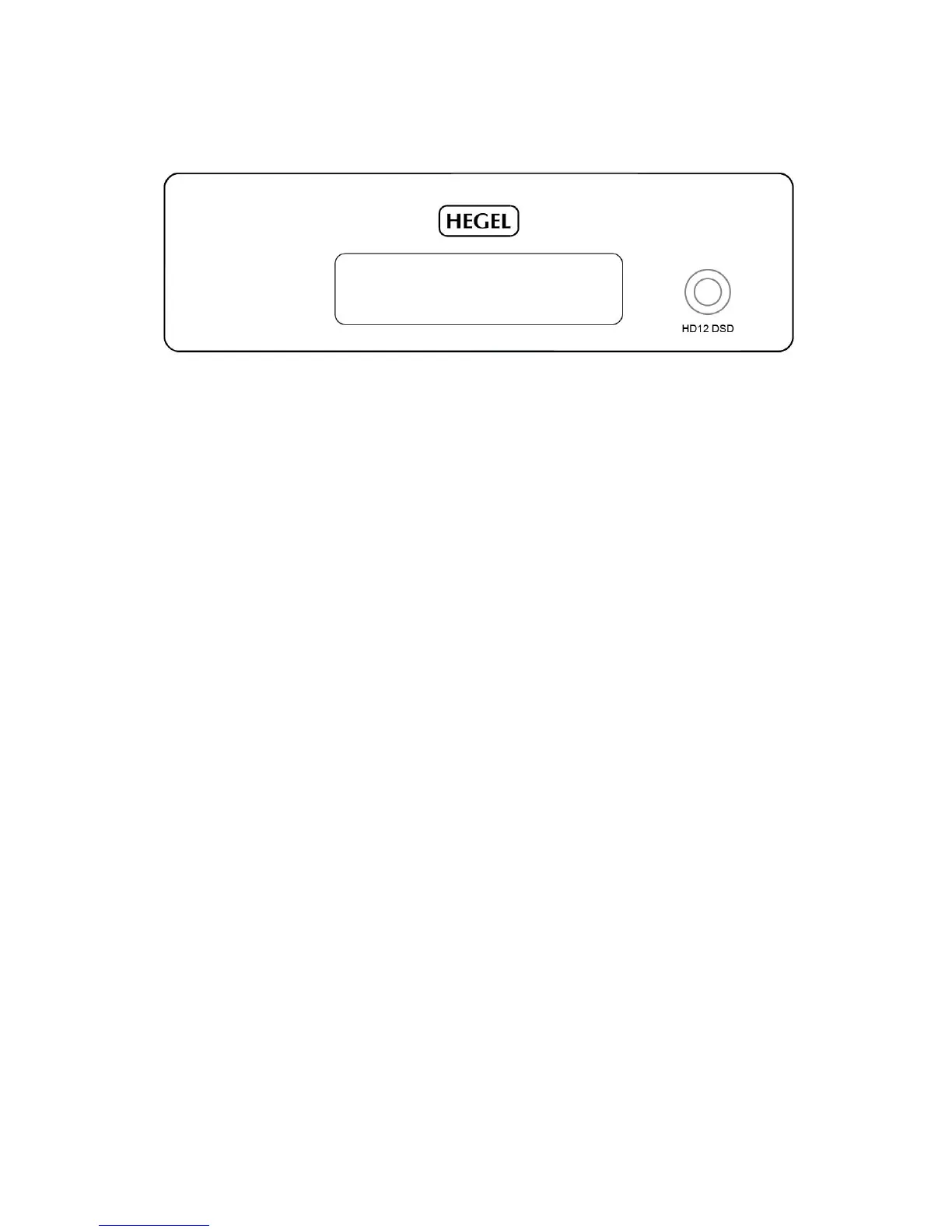
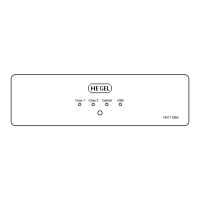
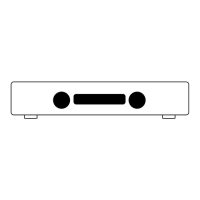
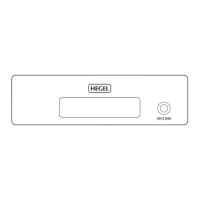
GENERAL USE – Front Panel
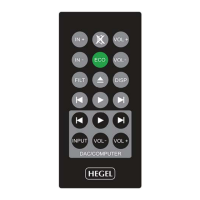
The HD12 DAC is controlled using the supplied Hegel system remote control
On/Off
The power switch is on the rear side of the D/A Converter, next to the mains input. When powered up,
the HD12will use a few seconds to calibrate. During this time, the outputs will be muted.
NOTE: When powered up the outputs will be muted and the display will flash for a few seconds. This
is normal, and is part of the start-up procedure.
Input Selection
The input selection can be changed by pressing the input selector button on the back of the right hand
side.
You can also use the INPUT button on the remote.


 To Next Page