GENERAL USE – Remote Control
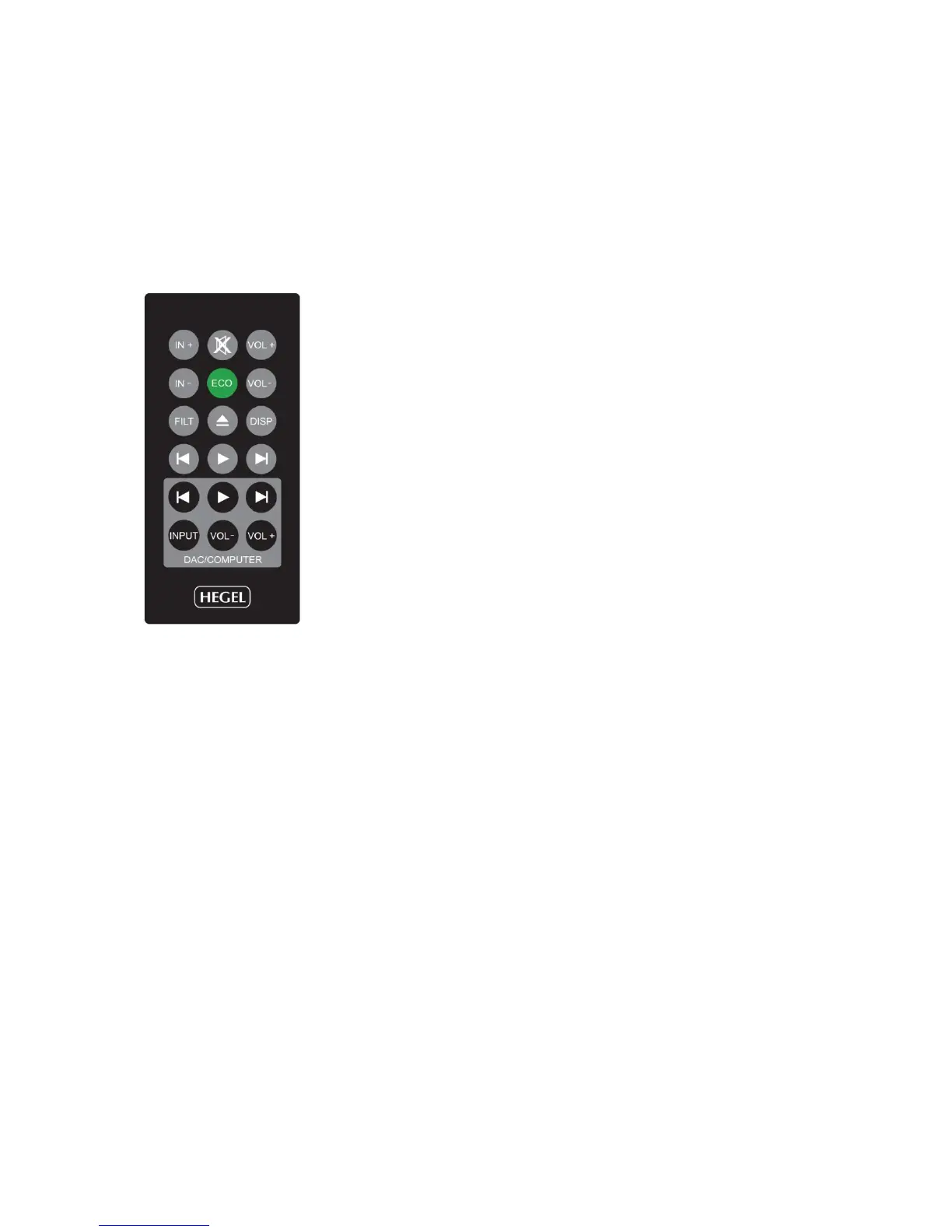
The top four rows of buttons are Hegel system remote control functions that can be used to control
most Hegel amplifiers and CD-players. Functionality may differ from model to model. The bottom two
rows are designated DAC and computer controls.
Remote control buttons (starting top left)
1. IN+ switches up to next input on your Hegel amplifier
2. Mute for Hegel amplifiers
3. VOL+ volume up for Hegel amplifiers
4. IN- switches down to previous input on your Hegel amplifier
5. ECO will put certain Hegel equipment in low power mode (sleep)
6. VOL- volume down for Hegel amplifiers
7. FILT filter selection button for HD12 and certain other Hegel products
8. Stop/Eject for Hegel CD-players
9. DISP display on/off for certain Hegel products
10. Skip. to previous track on Hegel CD-players
11. Play/Pause on Hegel CD-players
12. Skip to next track on Hegel CD-players
13. Skip to previous track on most computers/media players
14. Play/Pause on most computers/media players
15. Skip to next track on most computers/media players
16. INPUT source selector button for Hegel DAC’s
17. VOL- volume down for Hegel DAC’s
18. VOL+ volume up for Hegel DAC’s
Using the remote control to operate your HD12
The main buttons you will use to operate your HD12 are the buttons INPUT (16), VOL- (17) and
VOL+ (18).
Input:
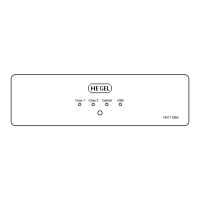
When you press the INPUT-button (16), or the input selector button on the back of the right hand side,
the HD12 will switch to the next source input in the following sequence: COAX1 – OPTICAL1 –
OPTICAL2 – USB – COAX1 and so on. On power up the HD12will remember the last used input.
Volume control:
The HD12 includes a built-in high quality digital volume control. This means that it can be used as a
preamplifier and may be directly connected to a power amplifier. The volume can be increased or
decreased by pressing and holding the VOL- (17) and VOL+ (18) buttons. The minimum output
volume setting is 0 (mute) and the maximum is 100.
When used together with a pre amplifier or integrated amplifier with its own volume control, the
volume setting on the HD12 should be 100. This is also the default setting.
REMEMBER: Factory volume setting is 100. However, if the volume setting is lower than 100 when
power is turned off, the unit will start at a low-level default setting on the next power up. When you
power up the unit the display will flash the volume setting for a few seconds.


 To Next Page