12
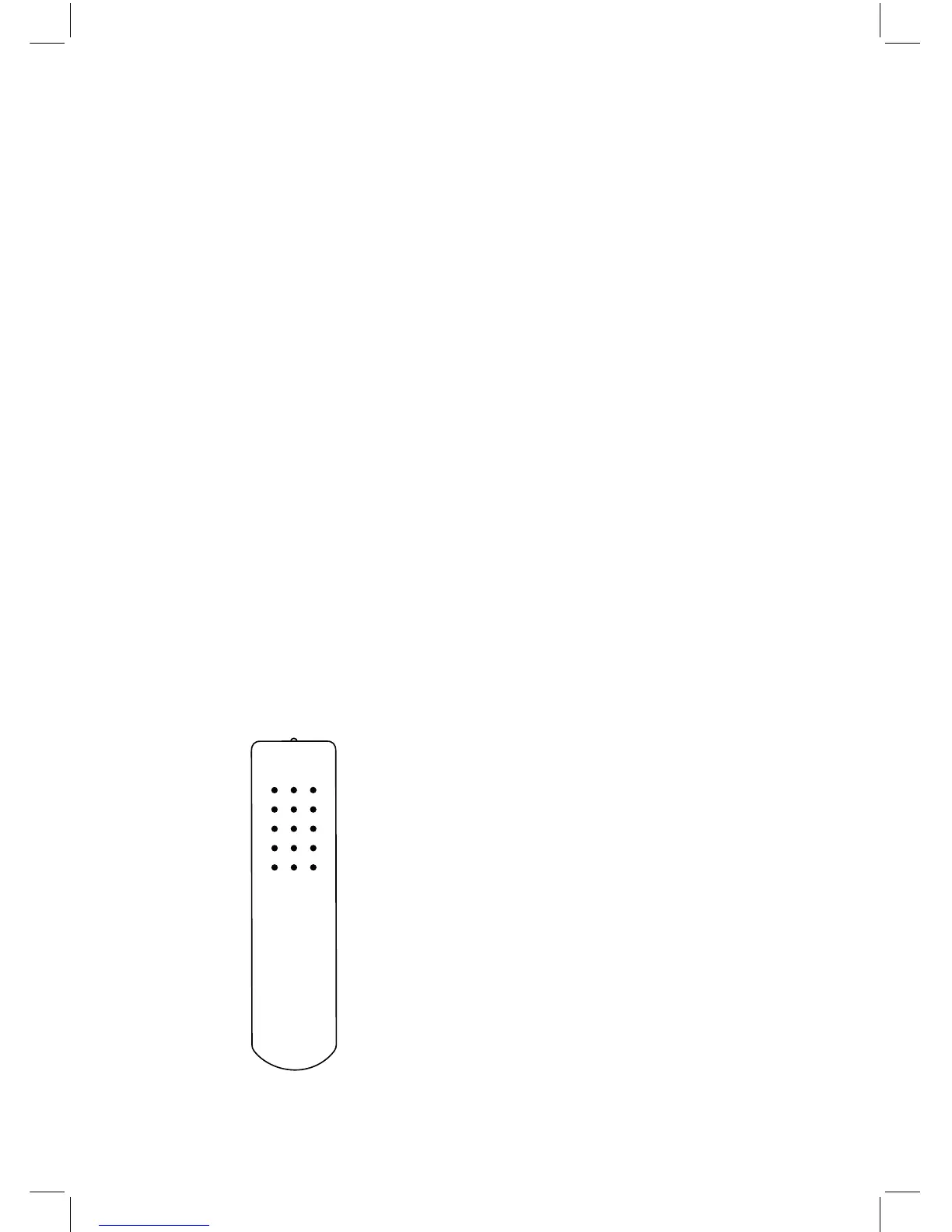
The Hegel HD30 can be operated from the
included Hegel system remote control RC8.
Like other Hegel products, the number of
buttons on the RC8 is kept to a minimum.
The Hegel system remote control will also
control other Hegel products like CD-
players, integrated amplifiers and preampli-
fiers, avoiding the need for several different
remote controls.
The remote control uses two standard 1.5-
volt LR03 / AAA batteries. To insert the bat-
teries please use a normal type cross head
screwdriver to gently remove the four screws
in the bottom of the remote control. Do not
use a “Pozidrive” cross head screwdriver, it
may damage the head of the screws.
Be sure to insert the batteries with the cor-
rect polarity with + sign and – sign as shown
inside the battery holder.
Be careful when inserting the screws after
fitting the batteries. Please turn the screws
gently by hand first to avoid damaging the
threads in the remote control body. Do not
tighten the screws to hard, as this may dam-
age the screws and the soft metal body of
the remote control.
Please do not drop the remote control down
on the floor or any hard surface, as this may
damage internal parts of the remote control.
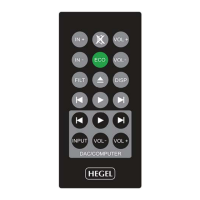
Remote Control - RC8
Remote control buttons (starting top left)
1. Skip to previous track on most computers/media players
2. Play/Pause on most computers/media players
3. Skip to next track on most computers/media players
4. Input source selector button for Hegel DACs
5. ECO will put certain Hegel equipment in low power mode
6. Display on/off (hold for off)
7. Skip to previous track on Hegel CD-players
8. Play/Pause for Hegel CD-players
9. Skip to next track on Hegel CD-players
10. Switches up to next input on your Hegel DAC
11. Stop/Eject for Hegel CD-players
12. Volume up for Hegel DAC
13. Switches down to previous input on your Hegel DAC
14. Mute for Hegel DAC
15. Volume down for Hegel DAC


 To Next Page