4
ADD A NEW IP CAMERA TO THE NVR SYSTEM
When you need to add a new IP Camera, please follow the steps below.
Step 1:
Plug the power adapter into the new camera and socket;
Step 2:
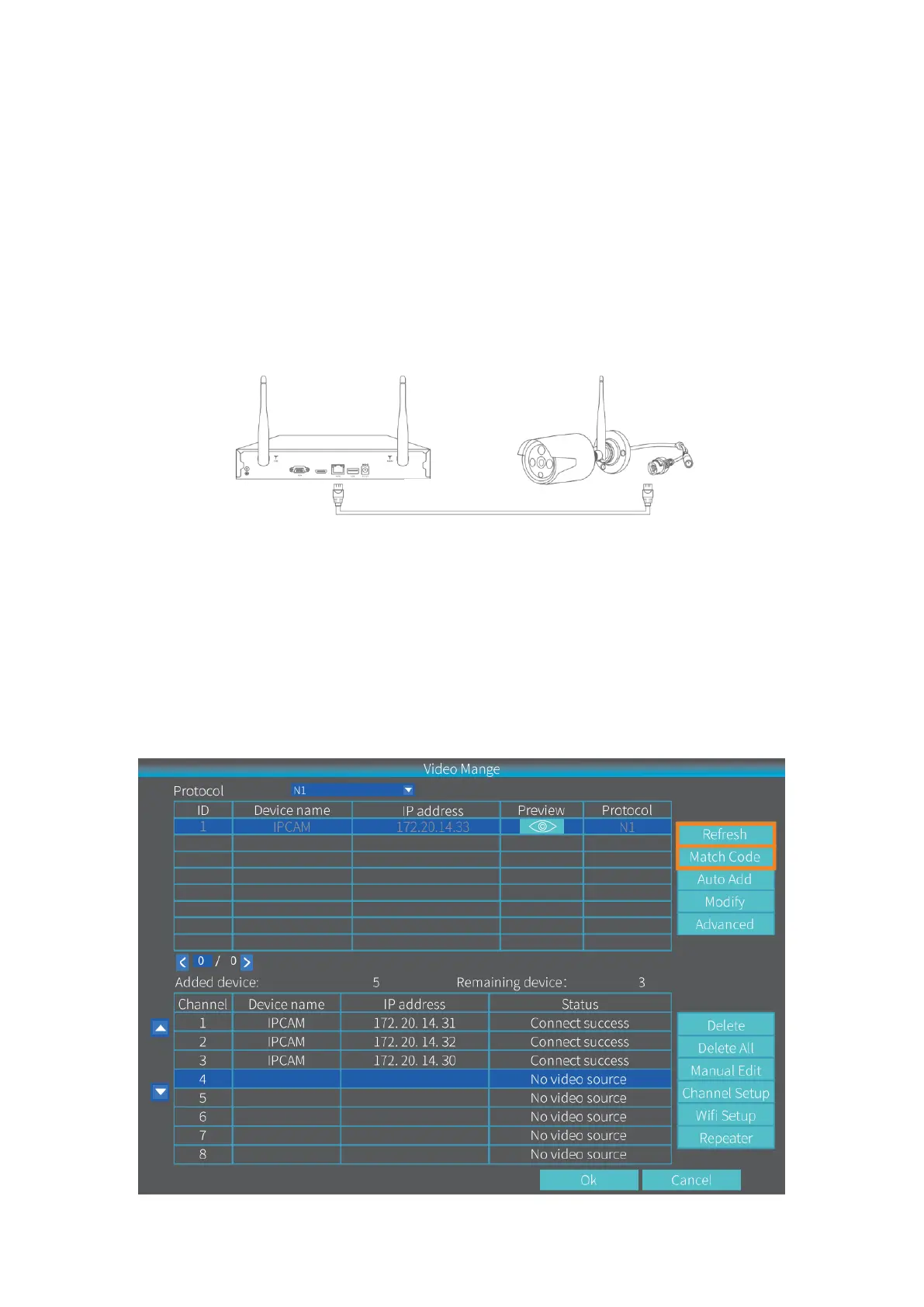
Plug the LAN cable into the NVR system and the camera;
Step 3:
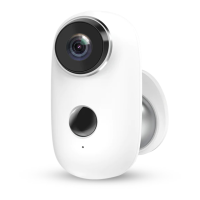
Right click on the main interface of NVR system to show the Menu bar, then select Video
Manage.
Step 4:
Click Refresh to show the new IP camera, select it, then click the Match Code to add the
new camera automatically. Then you can unplug the LAN cable.


 To Next Page