Need help?
Do you have a question about the HeimVision CA01 and is the answer not in the manual?
Lists all components included in the camera package, such as the IP camera and accessories.
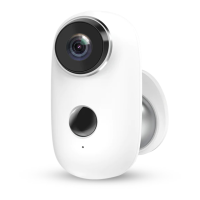
Visual guide identifying key physical components of the IP camera.
Step-by-step instructions for connecting a new IP camera to the NVR system wirelessly.
Methods to improve and extend the wireless signal range of the IP cameras.
Configuring a camera as a virtual repeater to extend network coverage.
Instructions for connecting the IP camera to the NVR system using a wired LAN connection.
Details technical parameters like operation frequency and maximum RF output power.
Information regarding product warranty coverage and conditions for claims.
Statement of product compliance with relevant EU directives and testing standards.
Guidelines for the environmentally sound disposal of the product according to WEEE regulations.
 General
| Video Resolution | 1080p |
|---|---|
| Lens | 3.6mm |
| Connectivity Technology | Wireless |
| Megapixels | 2 MP |
| Connectivity | Wi-Fi |
| Special Feature | Night vision |

 To Next Page