4
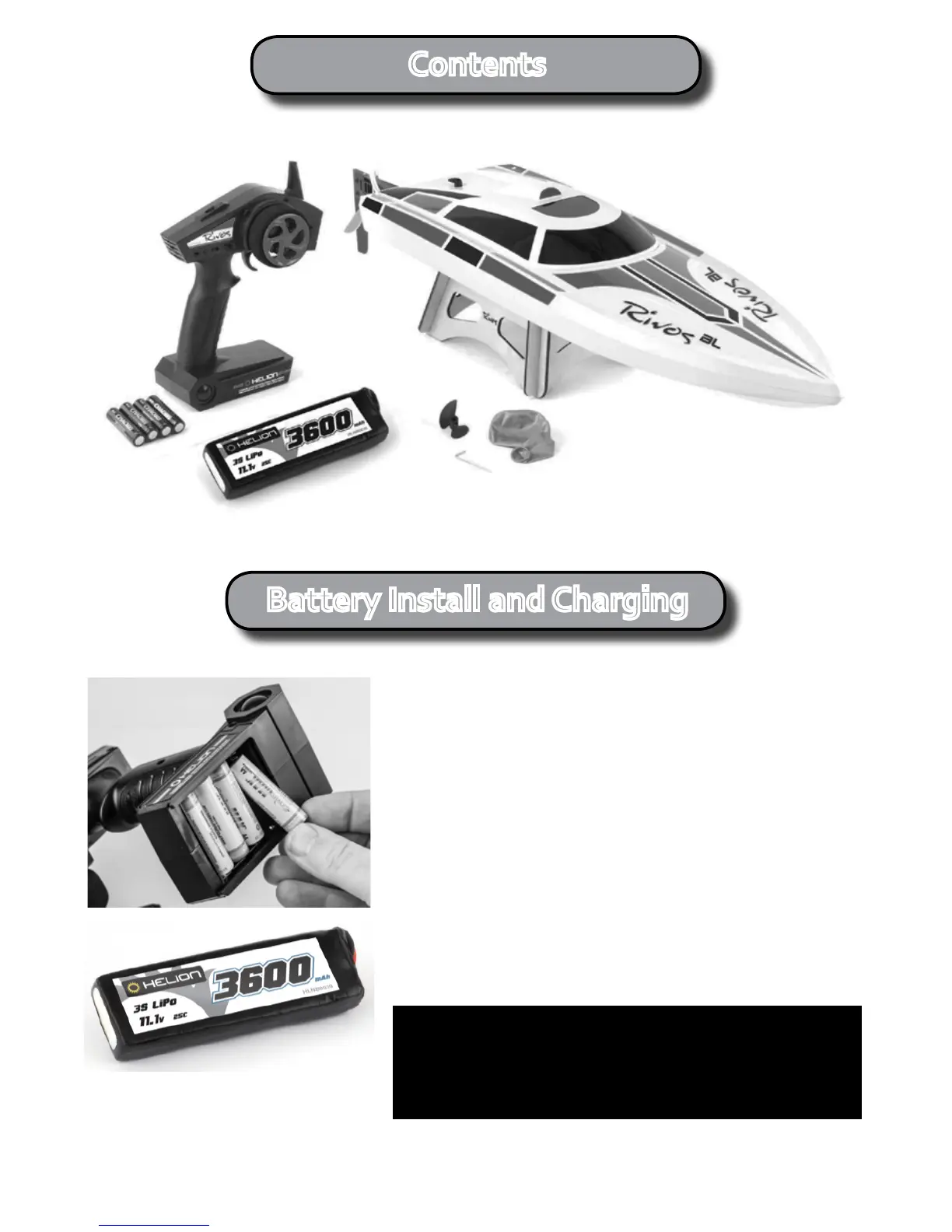
Contents
Battery Install and Charging
Install Baeries in Transmier
Slidethebaerydoorooftheboomofthetransmierand
install the4-AAbaeries.Makesuretochecktheorientaonof
thecells,nongthatthecorrectorientaonisindicatedinsidethe
baerybox.Slidethebaeryboxdoorbackinplace.
Charge 3-Cell Li-Po Drive Baery
TheincludedLiPobaerycomesshippedwithabouta50%
charge.YoumustchargethebaerywithaLithiumbaery
balance charger. If you do not have a suitable charger we
suggest purchasing a Radient charger - either the Primal Charger
(RDNA0041) or Ascend Charger (RDNA0044).
AvailableexclusivelyatyourlocalHobbyTownstoreintheUSA
and at Radient stockists in your region.
Never leave a charging LiPo baery unaended
Always use a dedicated LiPo balance charger
WARNING
For longest service life charge this 3-cell
LiPobaeryatnomorethan3.6amps.



 To Next Page