EasyManua.ls Logo

Helmac GP - PLU Entry and Management; PLU Price Modification; Print PLU List

Default Icon
68 pages
Print Icon
To Next Page IconTo Next Page
To Previous Page IconTo Previous Page
Loading...
Rev 1.1
8
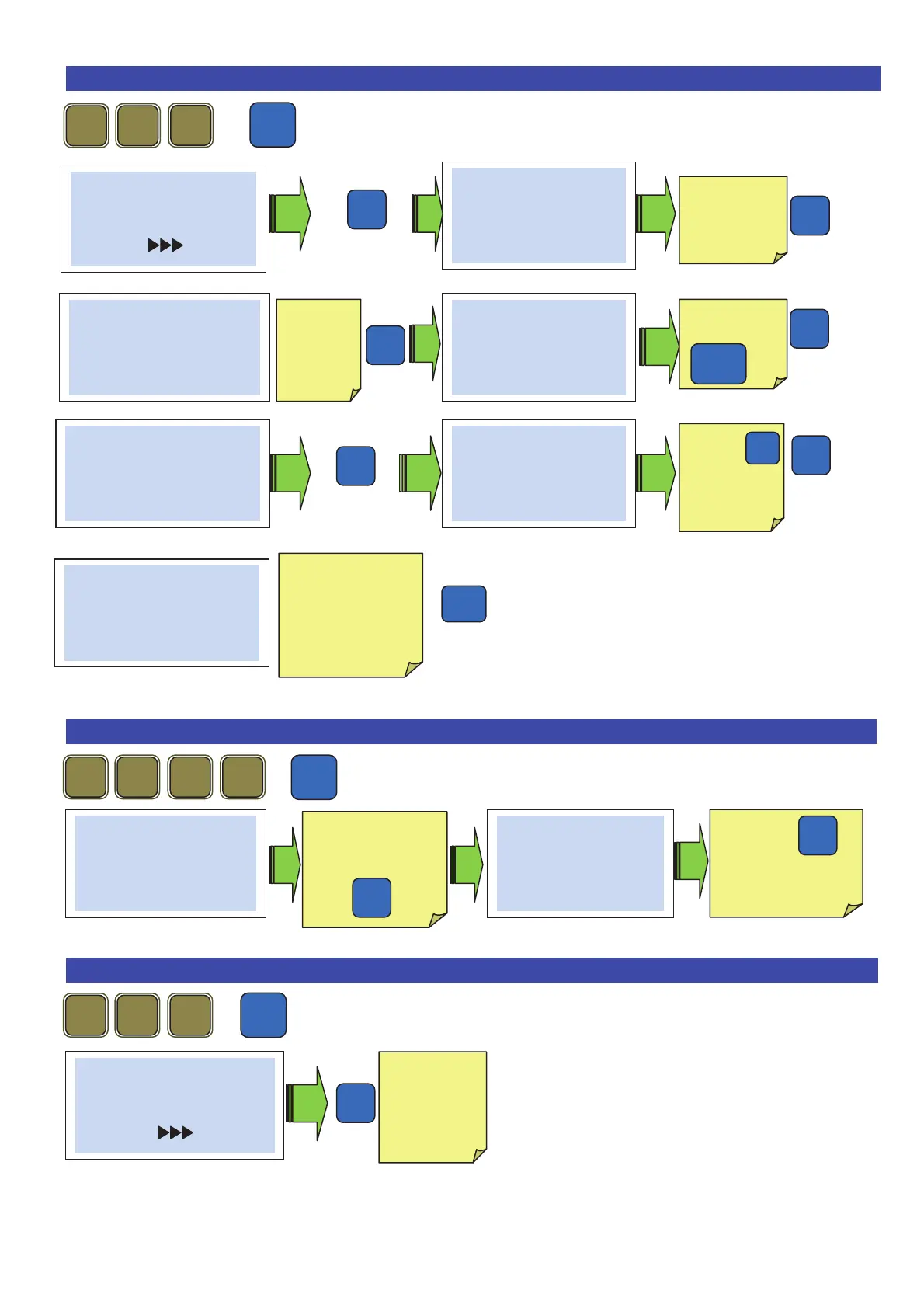
19. Entering a PLU .
+
Until when one exits programming
20. PLU price change .
+
21. Print the PLU list .
+
Pro
2
1
1
# PLU-Item #
Complete
----
(DBase)
# Complete #
0000 PLU Nr.
Choose the
PLU
number
# Complete #
0001 PLU-Text 1
Parma Ham
# Complete #
0001 PLU type
Weight
To choose the
type of PLU
0
/
# Complete #
0001 PLU- group
01
# Complete #
0001 Price
13,40
Press
to delete the
price per kg
C
Esc
2
1
1
2
Pro
# Price only #
0000 PLU Nr.
Enter the number
of the PLU to be
changed
then
# Price only #
0001 Price
13,40
Press
to delete.Enter the
price per kg
C
2
2
1
Pro
# PLU-Items #
Complete
(DBasic)
Print the
complete
PLU list
Enter the
text of the
PLU « C »
To delete
# Complete #
0001 Chg PLU Pri
no
Choose yes or no.
Allows to choose
whether one can
change the price
during the sale.