Rev 1.1
3
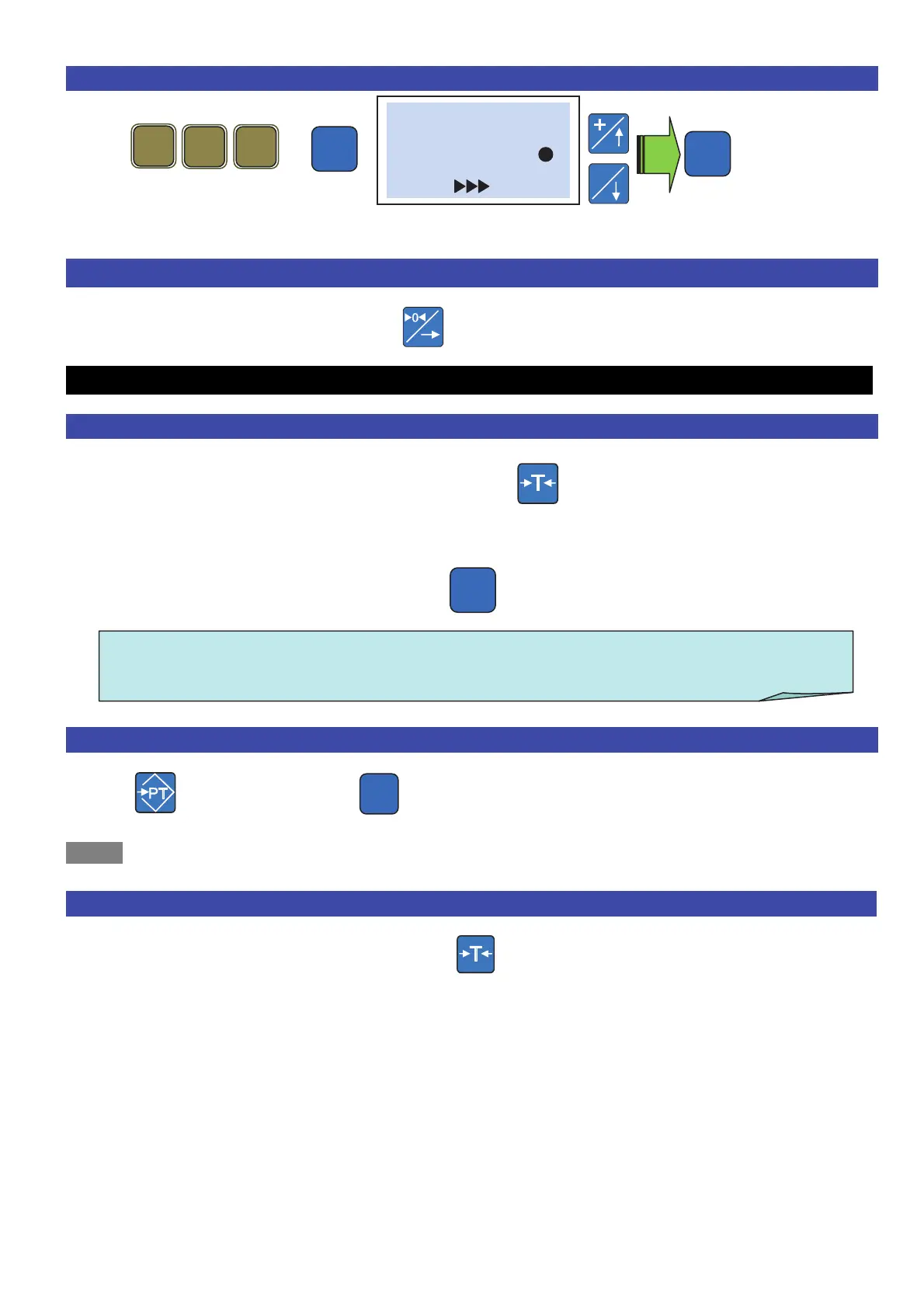
5. Language selection .
+
The scales restart automatically in the selected language
6. Scales reset .
Make sure the plate is empty, press the key and the weight value is reset.
Use ..
7. How to tare? .
Position an empty container on the plate, press , the NET icon switches on
The tare is reset when the plate is emptied.
One can store the tare by pressing the key. The TF icon switches on.
8. Pre-stored tare: (One knows the tare value) .
Enter the tare value to validate (the NET and PT icons switch on) .
NOTE: One cannot enter a tare manually if a Semi-automatic one is already active
9. Tare deletion .
To cancel the tare, empty the plate and press
If the tare value is not fixed, it is automatically removed after having stored the transaction
Pro
# Language #
Italian ( )
(Conf.)
ATTENTION!! when the tare is fixed, one can no longer access the
programming menu using the direct code.



 To Next Page